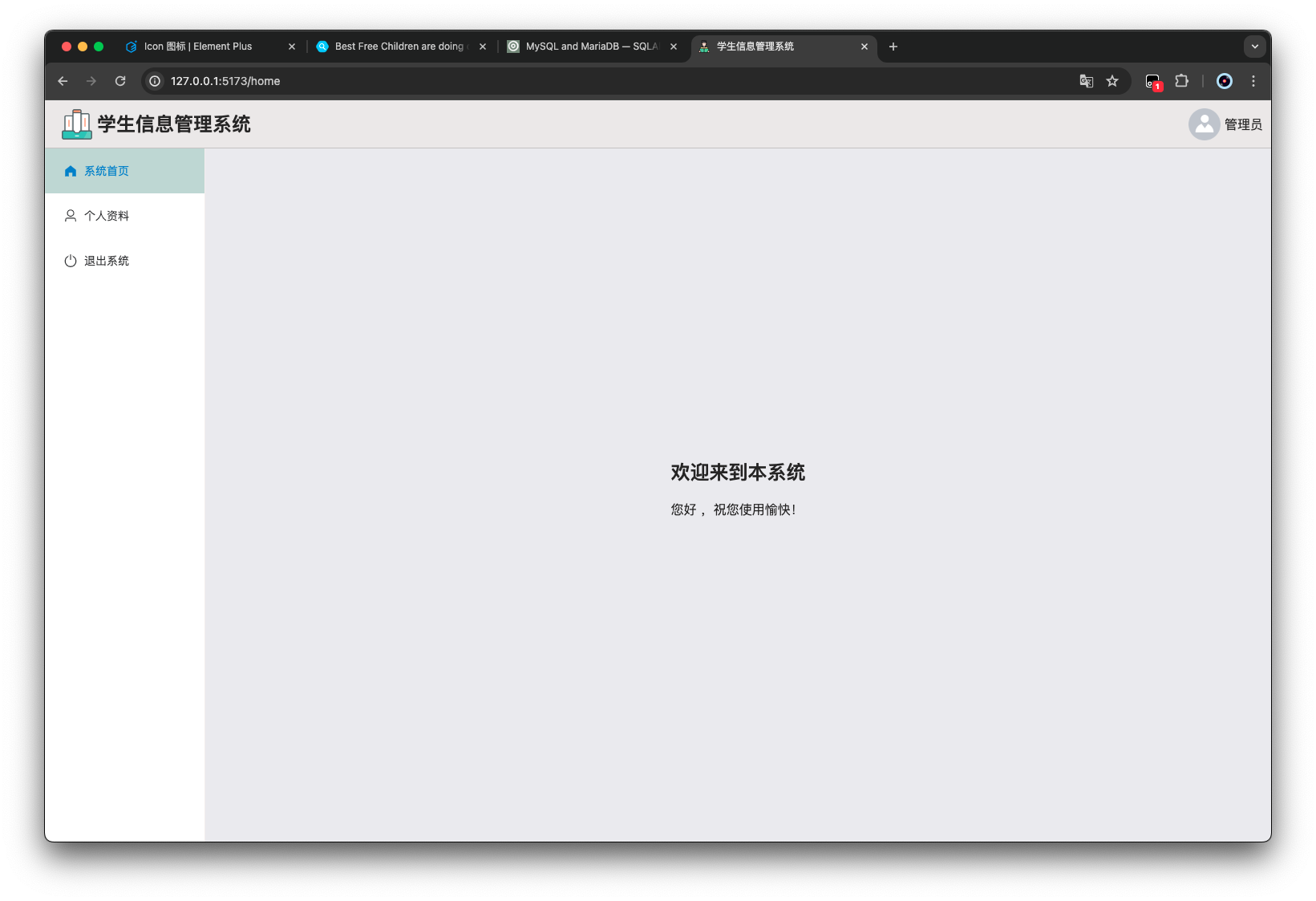
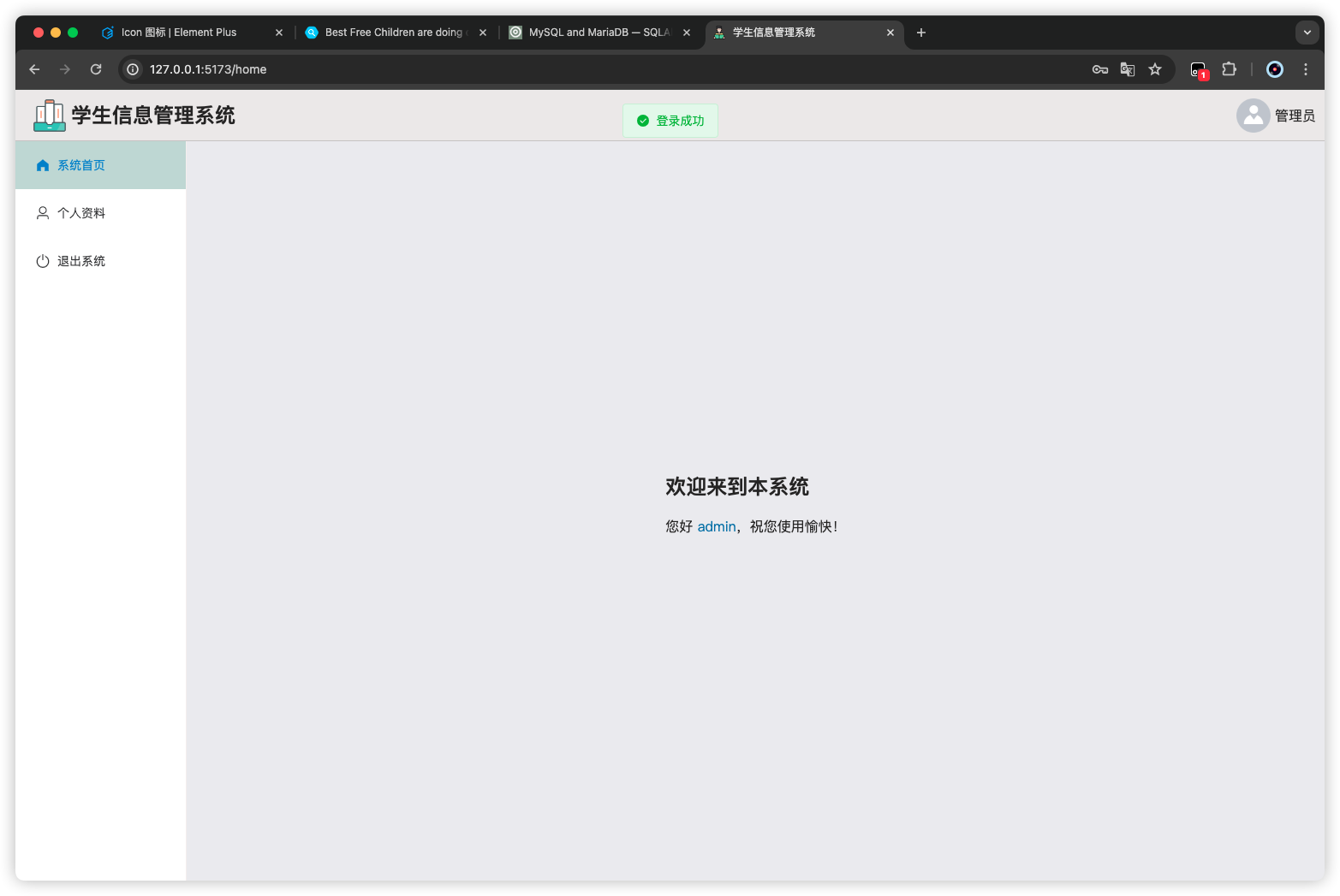
JWT 权限校验 在退出登录之后,依旧可以进入到主页面;同样后续其他 api 接口也需要在登录之后才能调用,需要加上 token,使用 JWT 实现。
前端 首先从前端这块处理,除了 login 和后续会增加的 register 页面不需要登录才能访问,其他页面,都需要登录用户之后才能访问,否则自动跳转回 login 页面
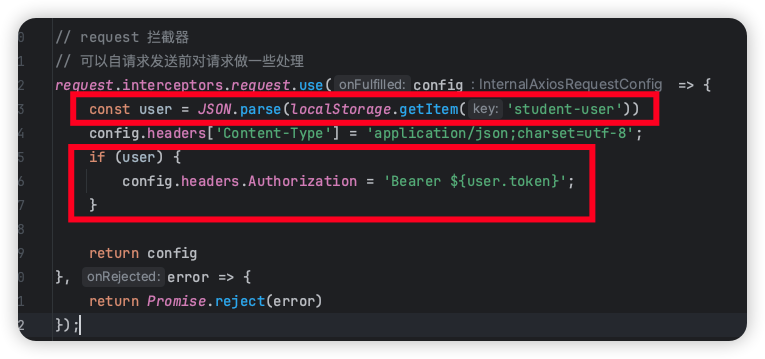
请求头 给请求头带上 token,提供给后端进行验证
1
2
3
4
5
6
7
8
9
10
11
12
13
14
15
16
17
18
19
20
21
22
23
24
25
26
27
28
29
30
31
32
33
34
35
36
37
38
39
40
41
42
43
44
45
46
47
48
49
50
51
52
53
import { ElMessage } from "element-plus" ;import router from "../router" ;import axios from "axios" ;const request = axios.create ({ baseURL : import .meta .env .VITE_BASE_URL , timeout : 30000 , }); request.interceptors .request .use ( (config ) => { const user = JSON .parse (localStorage .getItem ("student-user" )); config.headers ["Content-Type" ] = "application/json;charset=utf-8" ; if (user) { config.headers .Authorization = `Bearer ${user.token} ` ; } return config; }, (error ) => { return Promise .reject (error); } ); request.interceptors .response .use ( (response ) => { let res = response.data ; if (response.config .responseType === "blob" ) { return res; } if (typeof res === "string" ) { res = res ? JSON .parse (res) : res; } if (res.code === "401" ) { ElMessage .error (res.msg ); router.push ("/login" ); } return res; }, (error ) => { console .log ("err" + error); return Promise .reject (error); } ); export default request;
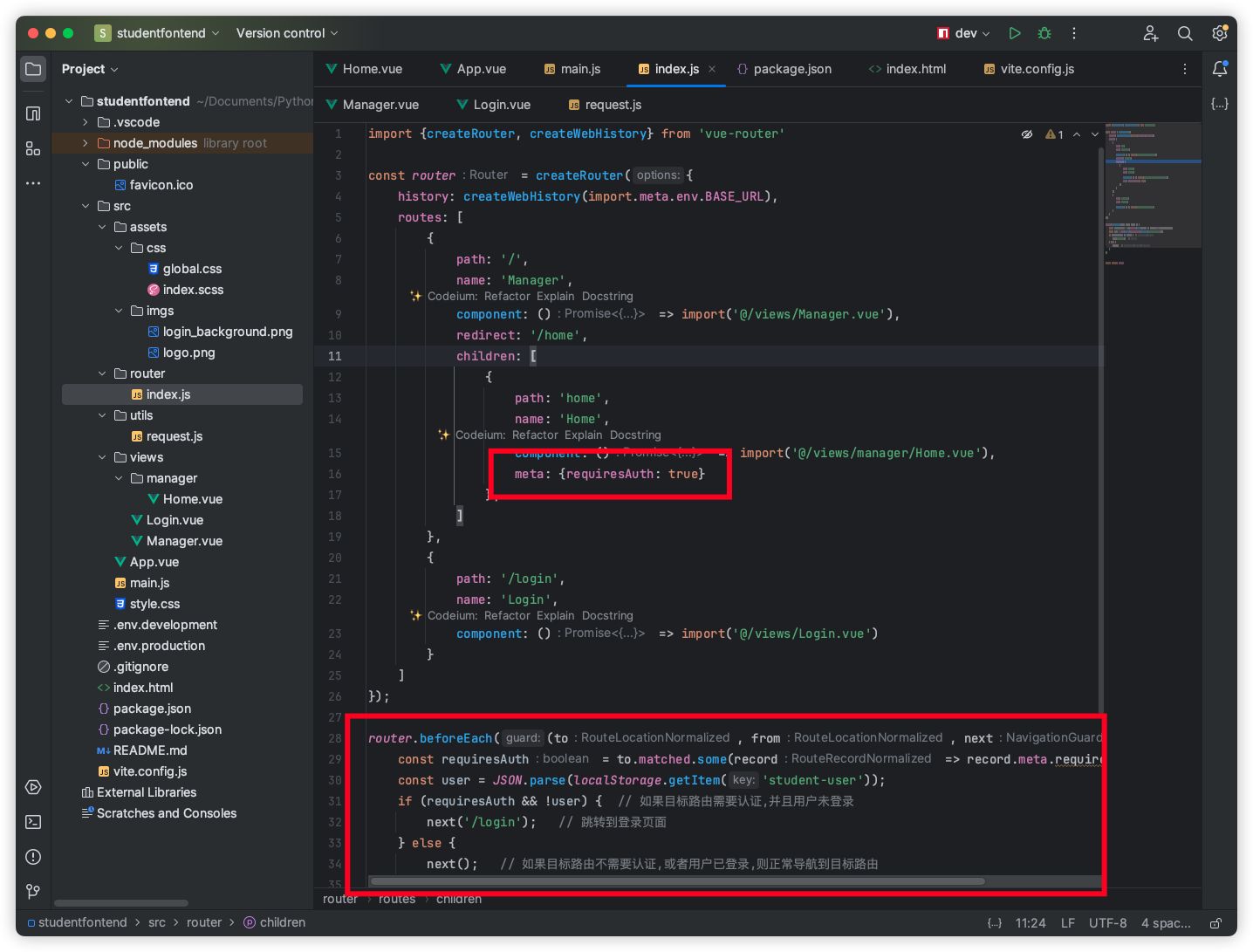
路由 实现在没有 token 的情况下无法进入主页而跳转到 login 页面,在路由守卫中进行判断和处理
1
2
3
4
5
6
7
8
9
10
11
12
13
14
15
16
17
18
19
20
21
22
23
24
25
26
27
28
29
30
31
32
33
34
35
36
37
38
39
import { createRouter, createWebHistory } from "vue-router" ;const router = createRouter ({ history : createWebHistory (import .meta .env .BASE_URL ), routes : [ { path : "/" , name : "Manager" , component : () => import ("@/views/Manager.vue" ), redirect : "/home" , children : [ { path : "home" , name : "Home" , component : () => import ("@/views/manager/Home.vue" ), meta : { requiresAuth : true }, }, ], }, { path : "/login" , name : "Login" , component : () => import ("@/views/Login.vue" ), }, ], }); router.beforeEach ((to, from , next ) => { const requiresAuth = to.matched .some ((record ) => record.meta .requiresAuth ); const user = JSON .parse (localStorage .getItem ("student-user" )); if (requiresAuth && !user) { next ("/login" ); } else { next (); } }); export default router;
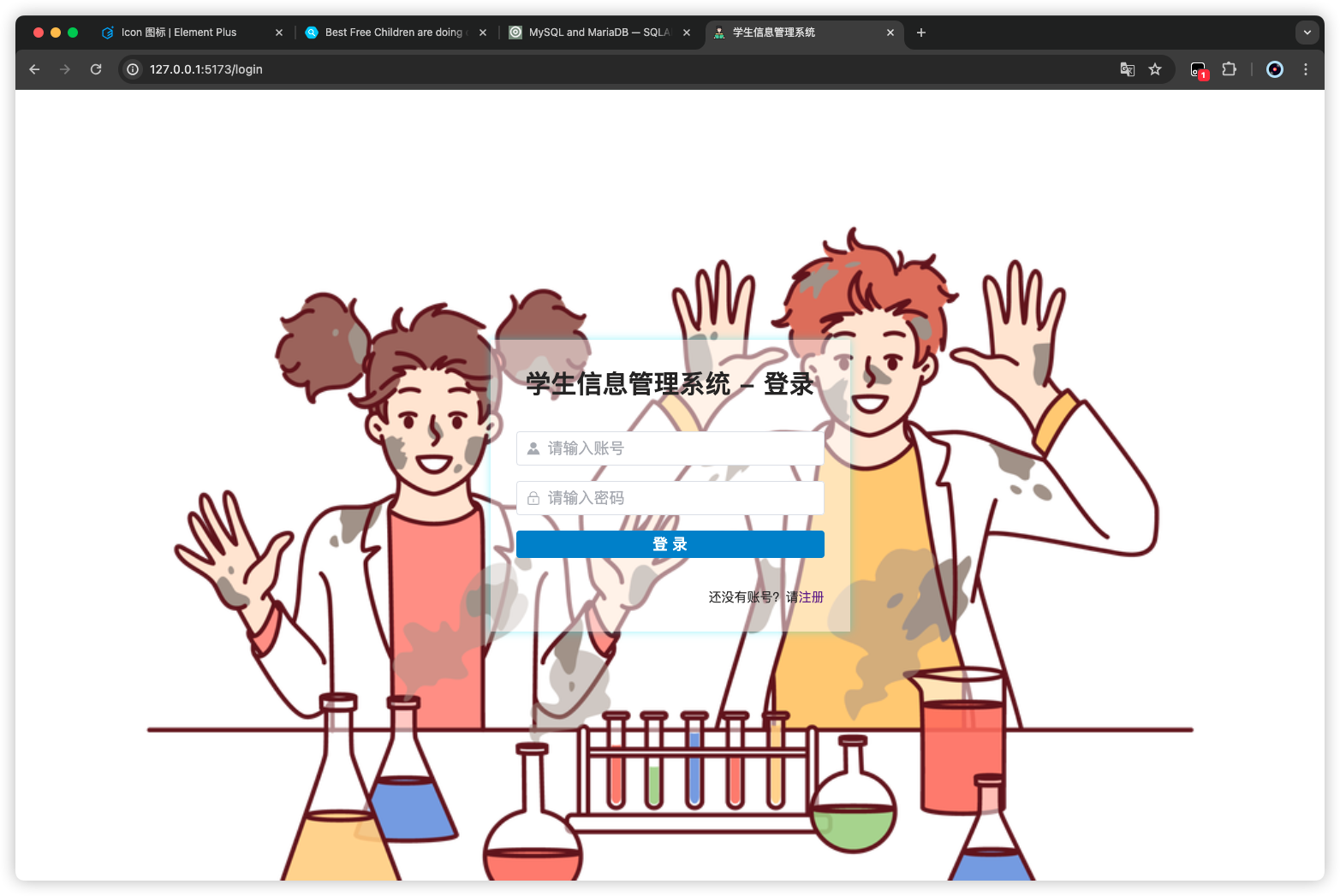
测试 不登录,无法进入 home 页面
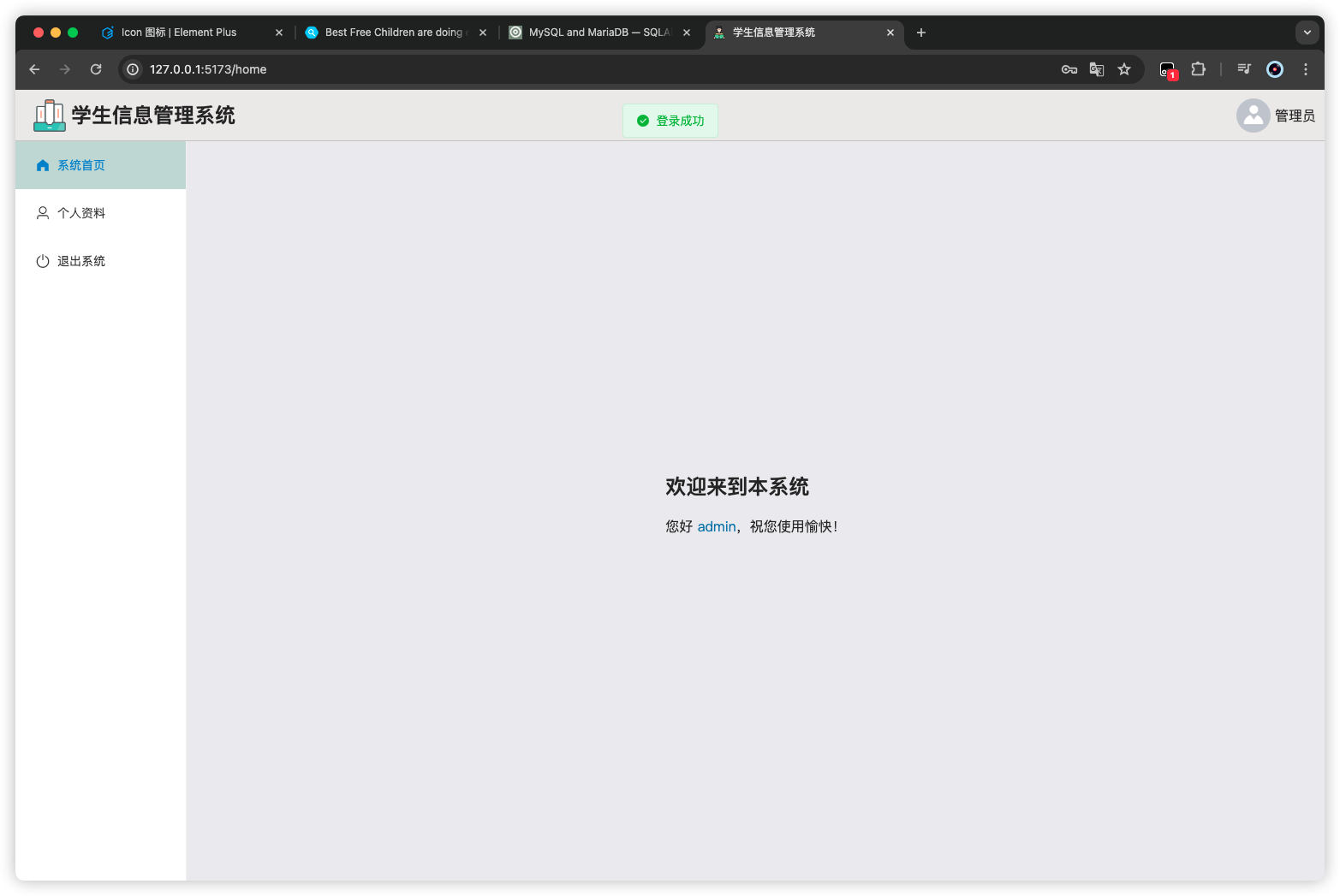
登录后,才可以进入 home 页面
后端 后端这块需要实现一下 jwt,包括密码的校验和生成,以及 token 的生成和校验;那么之前的密码校验就可以舍去了,写一个统一的 auth 验证
安装依赖 这里需要两个依赖:pyjwt、passlib[bcrypt]
1
2
3
4
5
fastapi[all] mysqlclient==2.1.1 SQLAlchemy==2.0.23 pyjwt passlib[bcrypt]
AuthHandler 密码生成与校验 接下先来编写 密码的生成和校验,在项目目录的/common下创建一个auth.py
1 2 3 4 5 6 7 8 9 10 11 12 13 14 15 16 17 18 19 20 21 22 from fastapi.security import HTTPBearerfrom passlib.context import CryptContextclass AuthHandler : security = HTTPBearer() pwd_context = CryptContext(schemes=["bcrypt" ], deprecated="auto" ) secret = "SECRET" def get_password_hash (self, password ): return self .pwd_context.hash (password) def verify_password (self, plain_password, hashed_password ): return self .pwd_context.verify(plain_password, hashed_password) if __name__ == '__main__' : auth = AuthHandler() print (auth.get_password_hash("admin" )) print (auth.verify_password("admin" , '$2b$12$ttbSmj8jD5rW/c0XdkBZyOZI5F7GP.kMuBMWgE2.yyzreJCWdwAum' )) print (auth.verify_password("123" , '$2b$12$ttbSmj8jD5rW/c0XdkBZyOZI5F7GP.kMuBMWgE2.yyzreJCWdwAum' ))
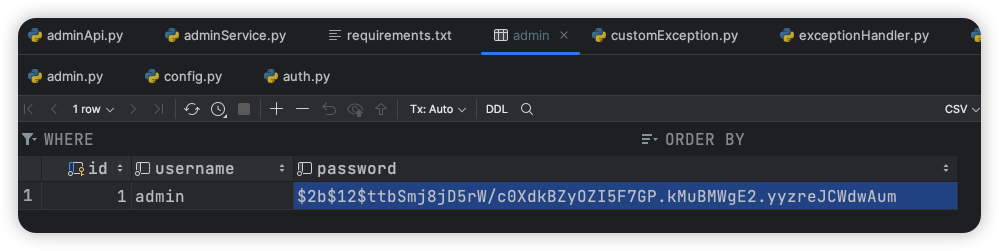
其中的$2b$12$ttbSmj8jD5rW/c0XdkBZyOZI5F7GP.kMuBMWgE2.yyzreJCWdwAum是数据库中存储的 admin 的密码
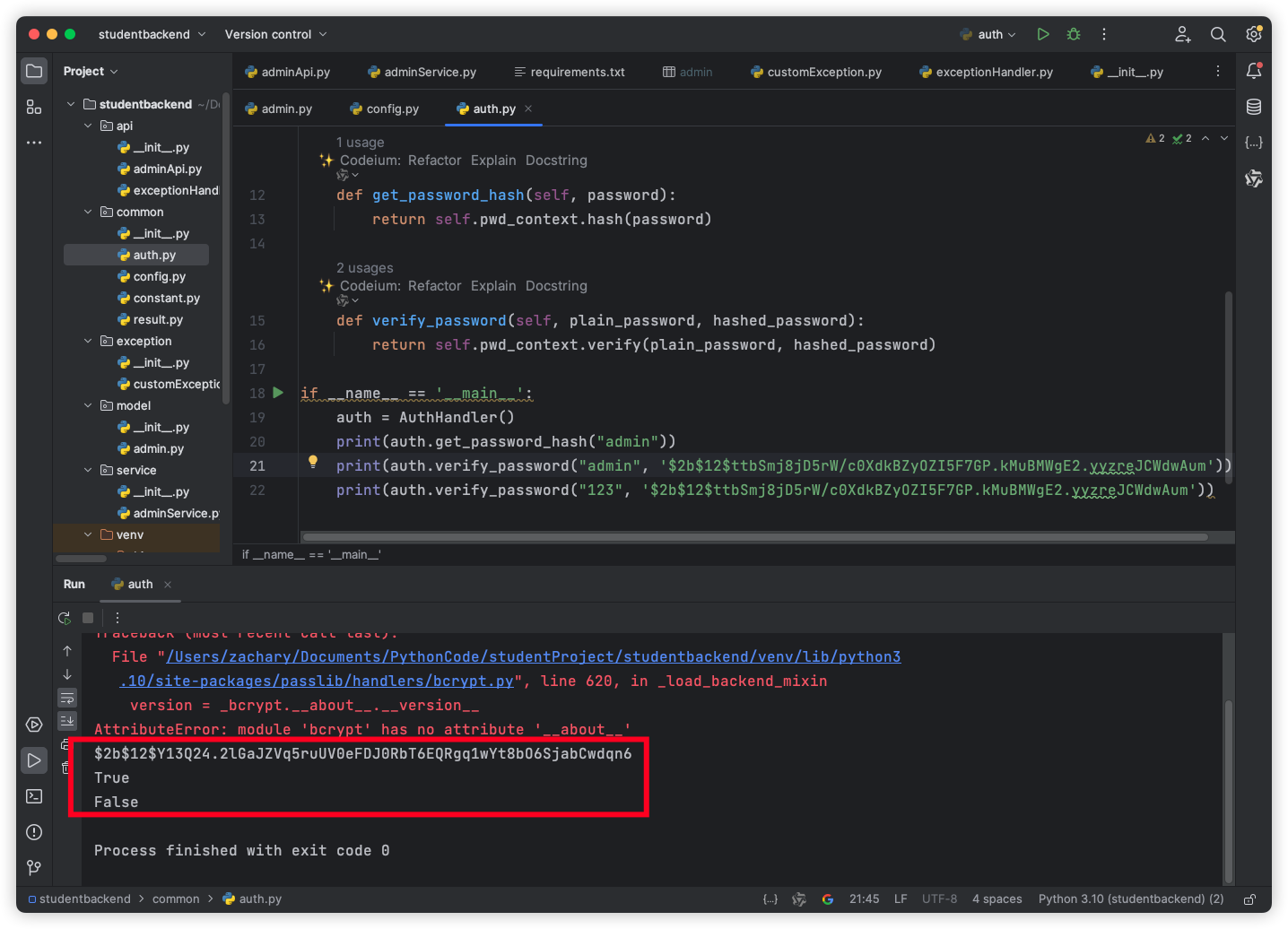
运行一下
可以看到,之前使用 bcrypt 直接生成的 hash 密码,虽然与现在生成的不一样,但是依旧可以用于验证
修改一下 adminService 的验证逻辑,尝试一下登录
1 2 3 4 5 6 7 8 9 10 11 12 13 14 15 16 17 18 19 from fastapi.security import HTTPBearerfrom passlib.context import CryptContextclass AuthHandler : security = HTTPBearer() pwd_context = CryptContext(schemes=["bcrypt" ], deprecated="auto" ) secret = "SECRET" def get_password_hash (self, password ): return self .pwd_context.hash (password) def verify_password (self, plain_password, hashed_password ): return self .pwd_context.verify(plain_password, hashed_password) auth_handler = AuthHandler()
1 2 3 4 5 6 7 8 9 10 11 12 13 14 15 16 17 18 19 20 from sqlalchemy import selectfrom common.auth import auth_handlerfrom exception.customException import UserNotFoundException, PasswordNotMatchExceptionfrom model import Sessionfrom model.admin import Admin, AdminModelclass AdminService : @staticmethod def login (admin: AdminModel, db_session: Session ) -> Admin: query = select(Admin).where(Admin.username == admin.username) result = db_session.execute(query).scalars().first() if not result: raise UserNotFoundException("用户不存在" ) if not auth_handler.verify_password(admin.password, result.password): raise PasswordNotMatchException("身份验证未通过" ) return result
token 的生成与校验 通过装饰器实现一个,登录验证
1 2 3 4 5 6 7 8 9 10 11 12 13 14 15 16 17 18 19 20 21 22 23 24 25 26 27 28 29 30 31 32 33 34 35 36 37 38 39 40 41 42 43 44 45 46 47 48 49 from datetime import datetime, timedeltaimport jwtfrom fastapi import Securityfrom fastapi.security import HTTPBearer, HTTPAuthorizationCredentialsfrom passlib.context import CryptContextfrom exception.customException import TokenExceptionclass AuthHandler : security = HTTPBearer() pwd_context = CryptContext(schemes=["bcrypt" ], deprecated="auto" ) secret = "SECRET" def get_password_hash (self, password ): return self .pwd_context.hash (password) def verify_password (self, plain_password, hashed_password ): return self .pwd_context.verify(plain_password, hashed_password) def encode_token (self, user_id ): payload = { 'exp' : datetime.utcnow() + timedelta(days=7 , minutes=0 , seconds=0 ), 'iat' : datetime.utcnow(), 'sub' : user_id } return jwt.encode( payload, self .secret, algorithm='HS256' ) def decode_token (self, token ): try : payload = jwt.decode(token, self .secret, algorithms=['HS256' ]) return payload['sub' ] except jwt.ExpiredSignatureError: raise TokenException("token过期" ) except jwt.InvalidTokenError: raise TokenException("无效token" ) def auth_required (self, auth: HTTPAuthorizationCredentials = Security(security ) ): return self .decode_token(auth.credentials) auth_handler = AuthHandler()
给customException.py添加一个自定义异常
1
2
3
class TokenException (Exception ): def __init__ (self, message: str ): self .message = message
给exceptionHandler.py添加一个异常处理
1 2 3 4 5 6 7 8 9 10 11 12 13 14 15 16 17 18 19 20 21 22 23 24 25 26 27 28 29 30 31 32 33 34 35 from fastapi.encoders import jsonable_encoderfrom starlette.responses import JSONResponsefrom api import appfrom fastapi import Requestfrom common.result import Resultfrom exception.customException import UserNotFoundException, PasswordNotMatchException, TokenException@app.exception_handler(Exception ) async def exception_handler (request: Request, exc: Exception ): result = Result.error(code="500" , msg=str (exc)) return JSONResponse(status_code=500 , content=jsonable_encoder(result)) @app.exception_handler(UserNotFoundException ) async def user_not_fount_exception_handler (request: Request, exc: UserNotFoundException ): result = Result.error(code="404" , msg=exc.message) return JSONResponse(status_code=404 , content=jsonable_encoder(result)) @app.exception_handler(PasswordNotMatchException ) async def password_not_fount_exception_handler (request: Request, exc: PasswordNotMatchException ): result = Result.error(code="401" , msg=exc.message) return JSONResponse(status_code=401 , content=jsonable_encoder(result)) @app.exception_handler(TokenException ) async def token_exception_handler (request: Request, exc: TokenException ): result = Result.error(code="401" , msg=exc.message) return JSONResponse(status_code=401 , content=jsonable_encoder(result))
这个先写到这,后面新增加 api 的时候进行一个验证
更新: 2024-07-30 17:40:29https://www.yuque.com/zacharyblock/iacda/pkecek3noxmavqwz
Author:
Zachary Block
Permalink:
http://blockzachary.cn/blog/1398871575/
License:
Copyright (c) 2019 CC-BY-NC-4.0 LICENSE