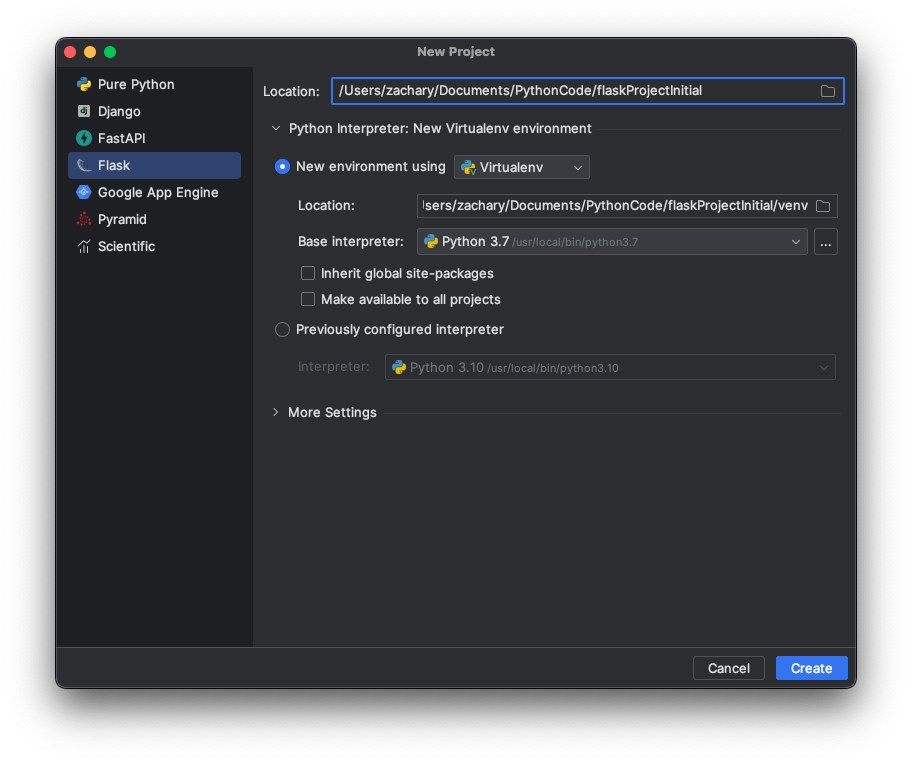
Flask 项目创建及安装 Flask 创建一个 Flask
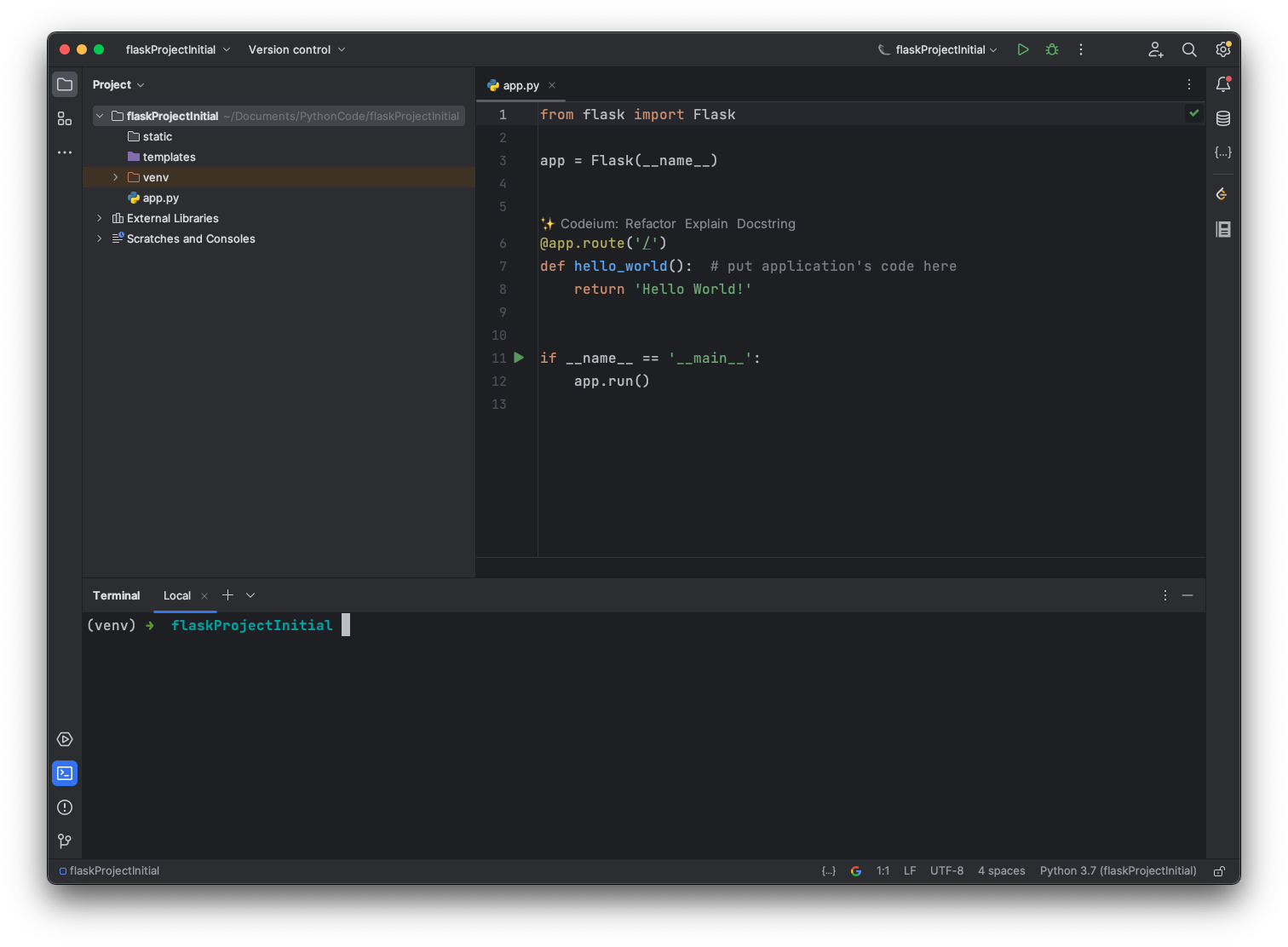
点击创建 Create 后,就得到 Flask 项目
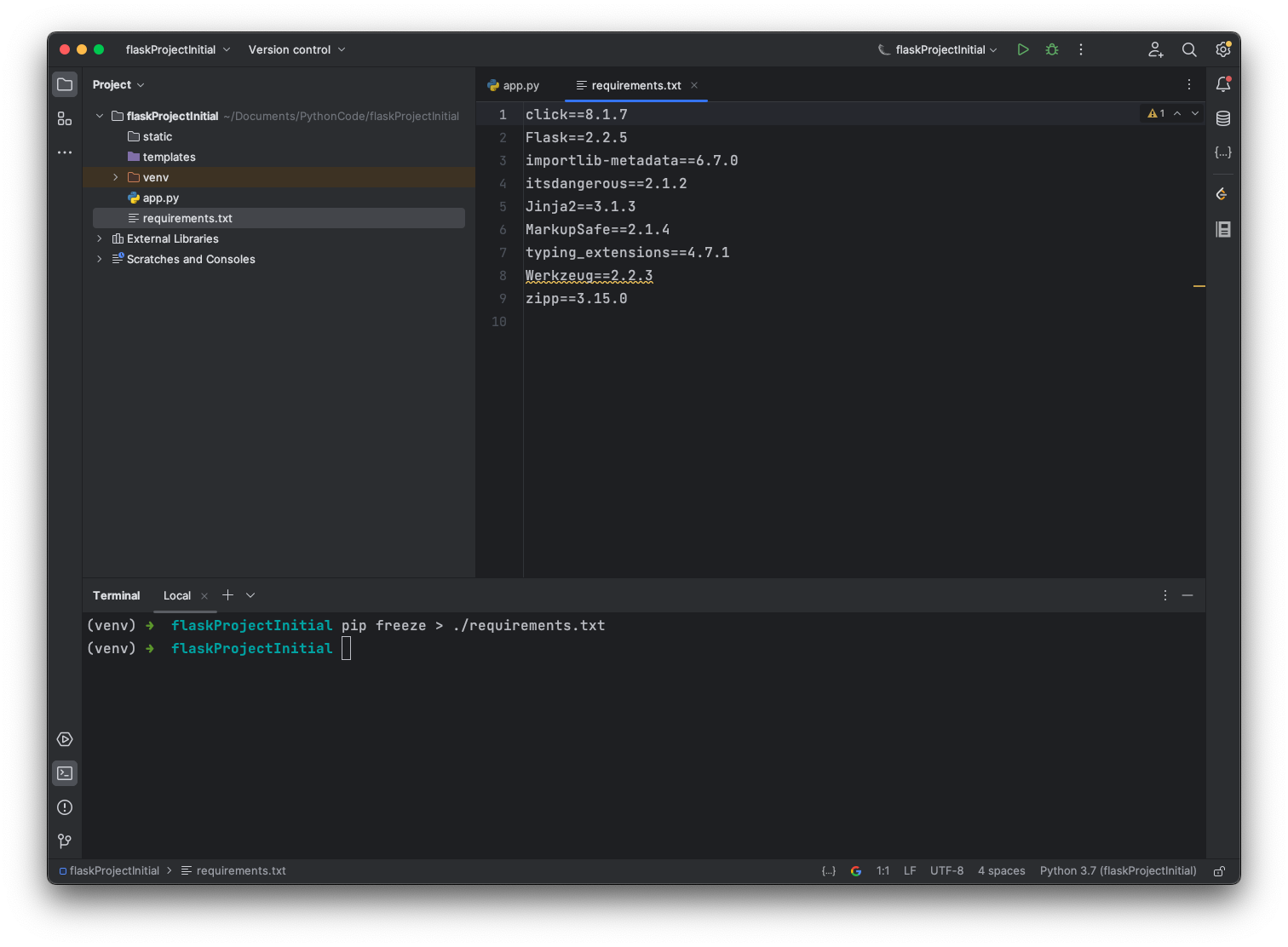
requirements 文件 由于集成开发环境帮我们已经安装好了 Flask 包,所以可以使用pip freeze > ./requirements.txt命令,直接生成一个 requirements.txt 文件
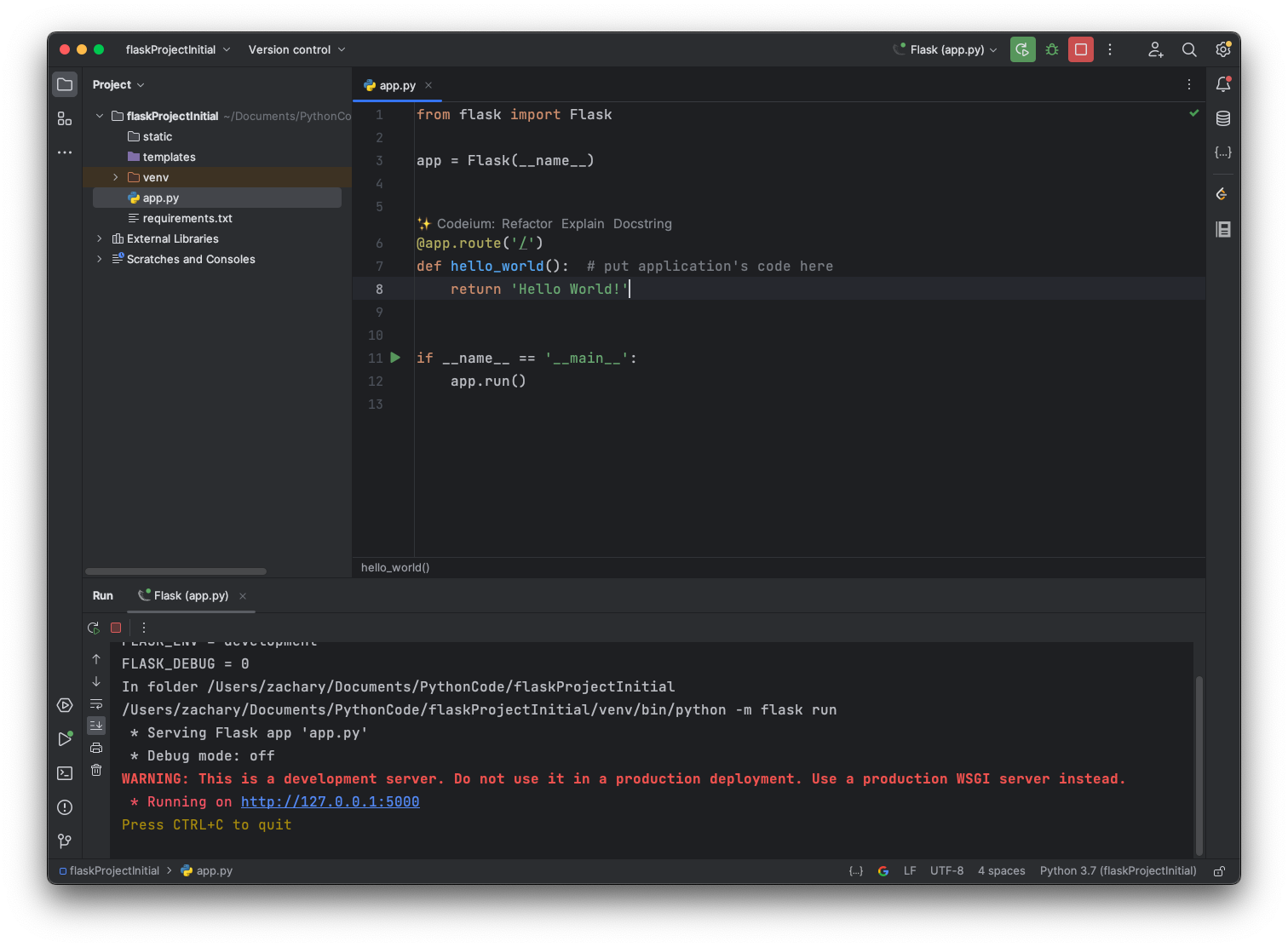
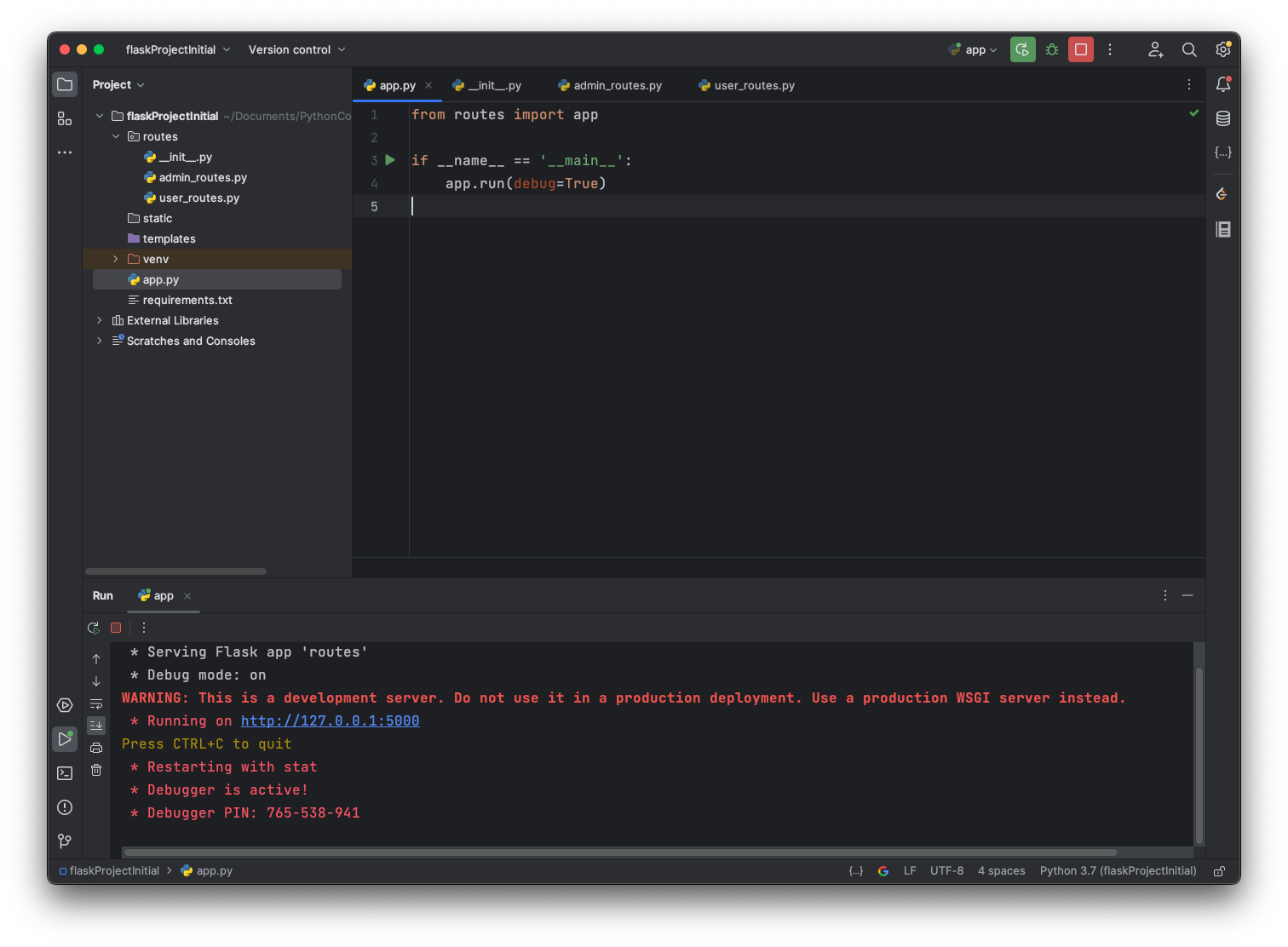
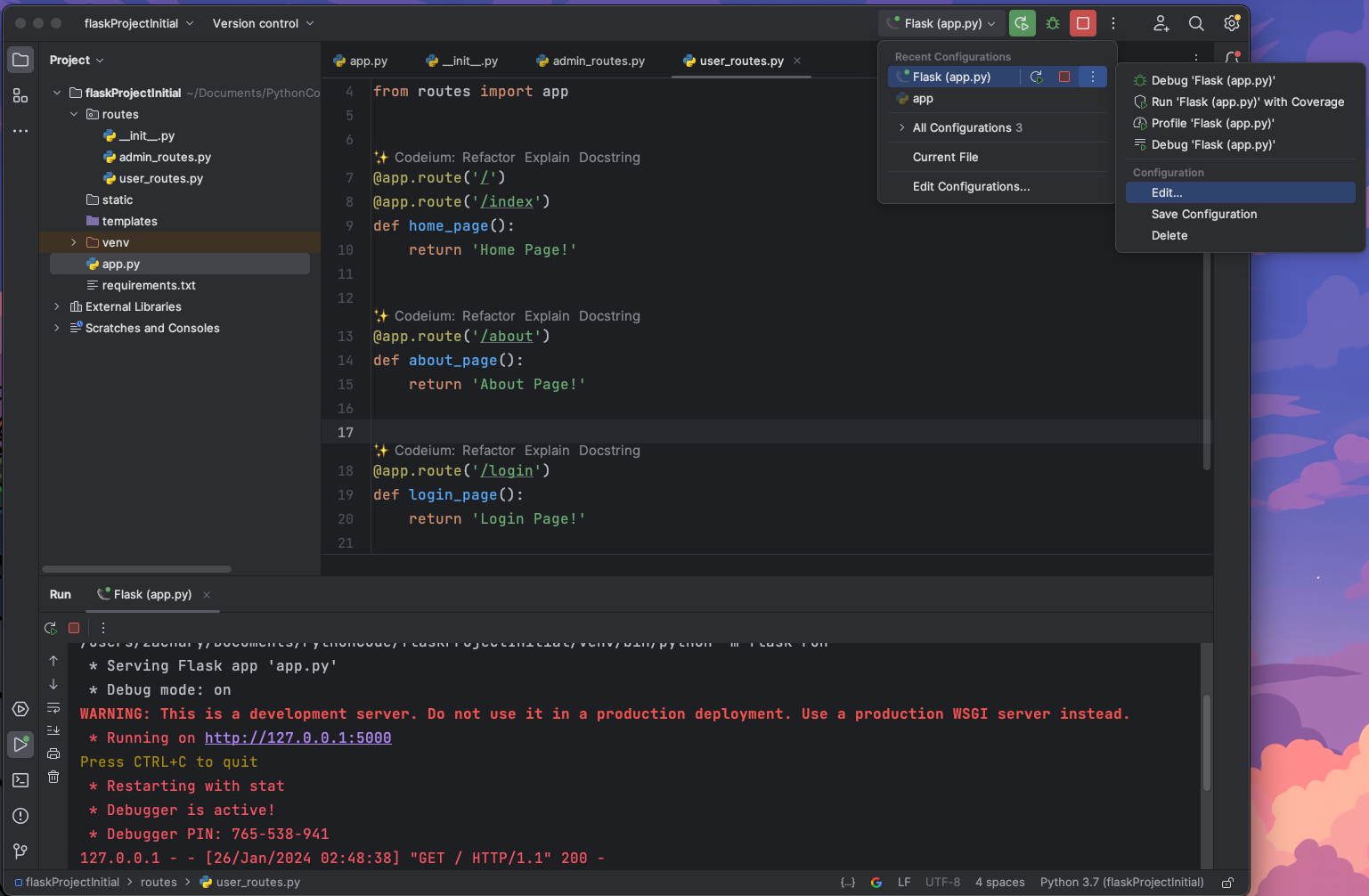
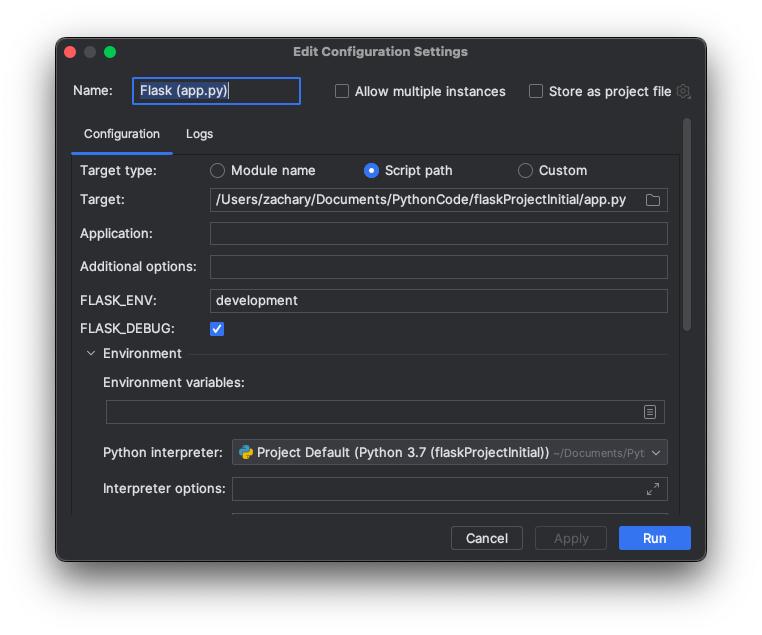
运行 尝试运行一下这个 app.py
通过浏览器访问一下 http://127.0.0.1:5000/
之后的项目扩展 就在这个项目文件夹的基础上进行开发
路由管理 项目为了区分角色:如用户、管理员的权限,需要区分一下不同权限用户的访问路由,为了方便管理路由,在项目文件夹中创建一个/routes的 package 进行路由管理,并将原先的代码进行一下整理
1
2
3
4
5
6
7
8
9
10
11
12
from routes import app@app.route('/' @app.route('/index' def home_page (): return 'Home Page!' @app.route('/about' def about_page (): return 'About Page!'
1
2
3
4
5
6
from routes import app@app.route('/create_article' def create_article (): return 'Create Article!'
1
2
3
4
5
6
from flask import Flaskapp = Flask(__name__) from routes import user_routesfrom routes import admin_routes
然后再修改一下 app.py 就可以运行啦
1
2
3
4
5
from routes import appif __name__ == '__main__' : app.run()
Debug 模式 如果给user_routes新增一个路由,但是不重启项目
1
2
3
4
5
6
7
8
9
10
11
12
13
14
15
16
17
from routes import app@app.route('/' @app.route('/index' def home_page (): return 'Home Page!' @app.route('/about' def about_page (): return 'About Page!' @app.route('/login' def login_page (): return 'Login Page!'
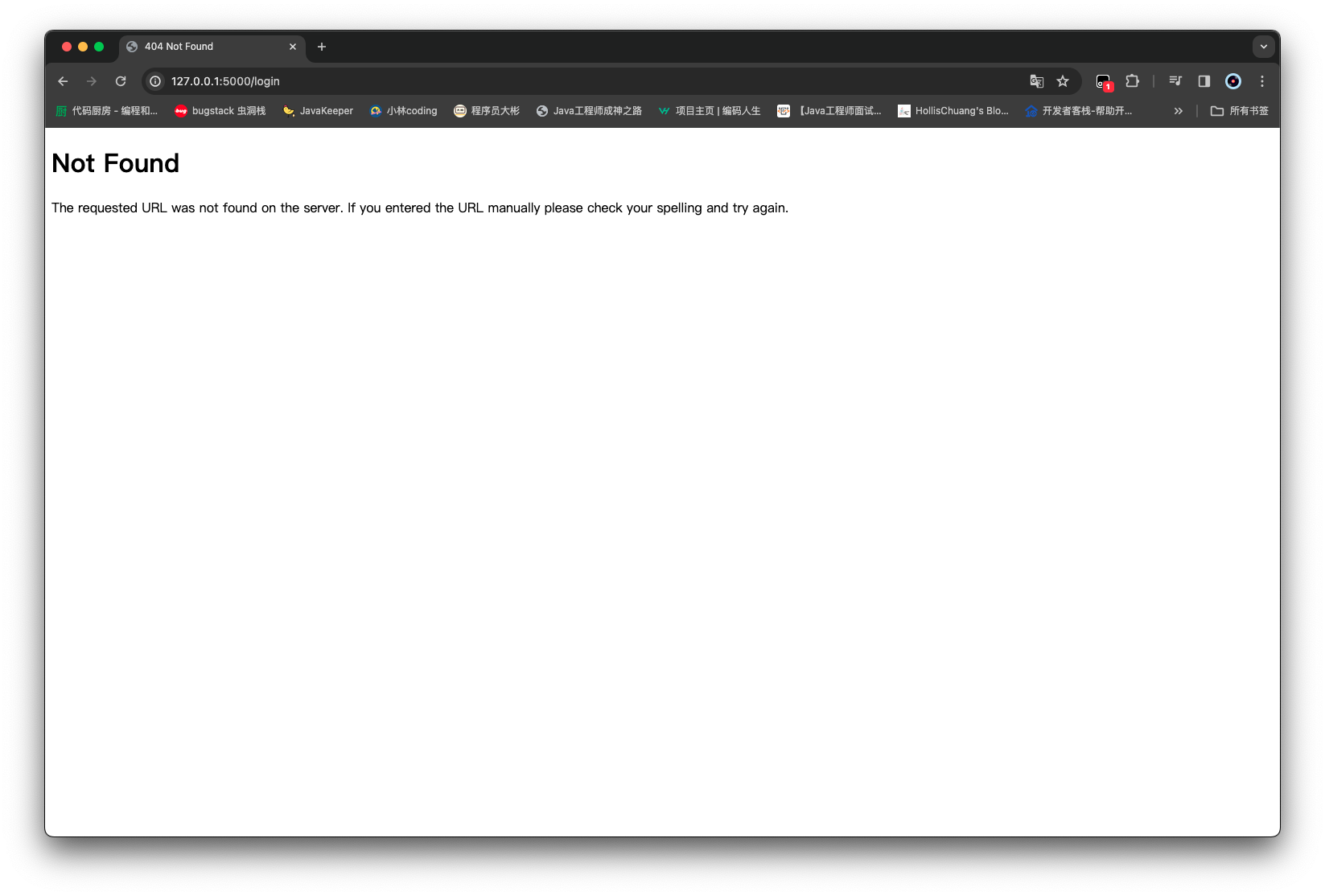
这时候在浏览器上访问,无法找到
为了解决这个问题,可以重新启动一下项目;但是在开发过程中,需要逐次修改、增加和验证功能,总是频繁重启项目会显得很繁琐,那么 debug 模式就可以很方便地帮我们做到修改的同时,动态地根据代码是否修改来重启项目
1
2
3
4
from routes import appif __name__ == '__main__' : app.run(debug=True )
这时候如果,对代码进行调整 无需重启项目就可以看到效果
模板 templates render_template 前一节我们通过浏览器访问路由 可以获得一些简单的文字页面
而模板可以给我们提供更多便捷的页面内容展示和继承使用
结合 flask 的render_template()以及html文件进行页面内容的渲染
在/templates目录下创建 index.html
1
2
3
4
5
6
7
8
9
10
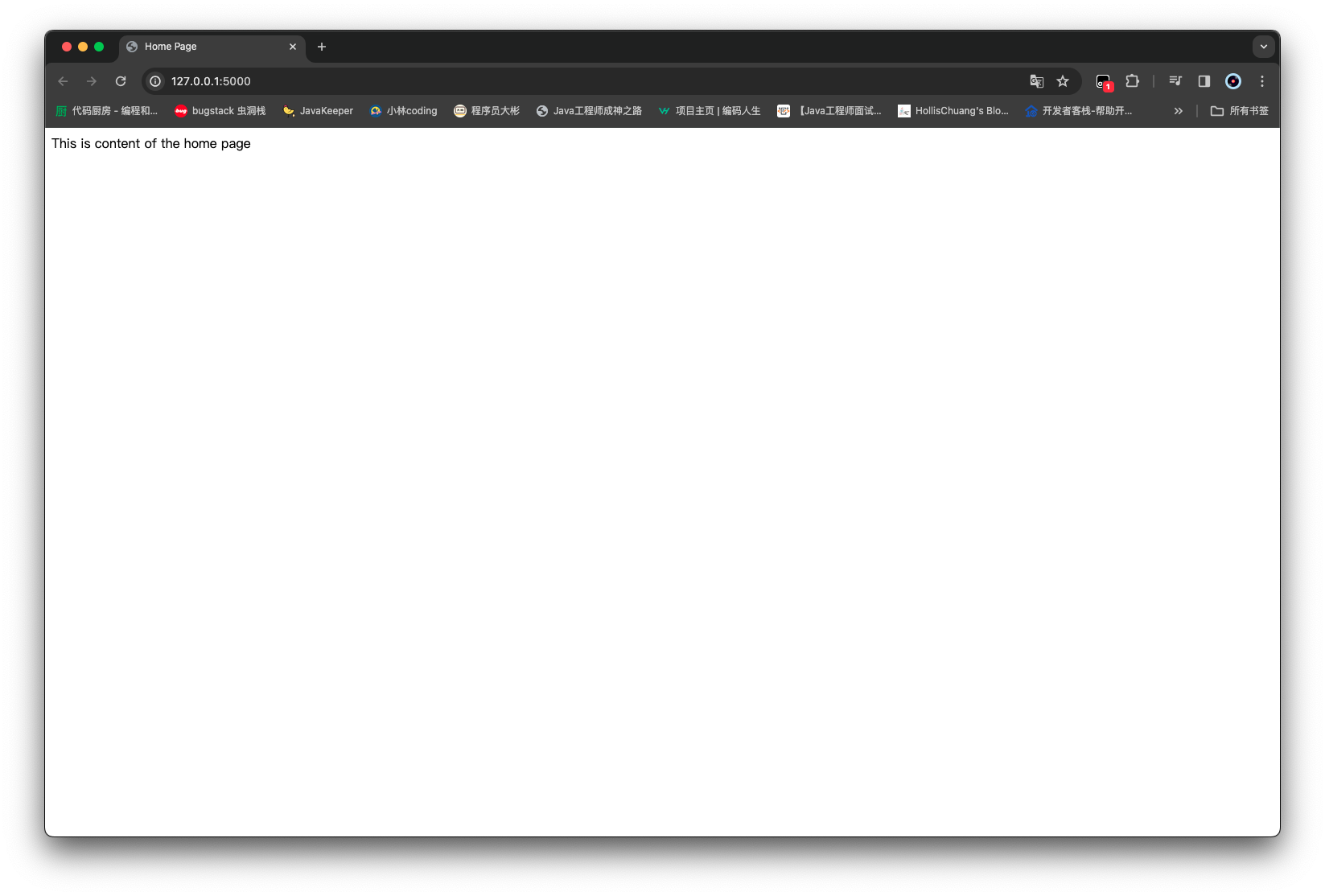
<!DOCTYPE html > <html lang ="en" > <head > <meta charset ="UTF-8" /> <title > Home Page</title > </head > <body > This is content of the home page </body > </html >
1 2 3 4 5 6 7 8 9 10 11 12 13 14 15 16 17 18 19 20 21 from flask import render_templatefrom routes import app@app.route('/' @app.route('/index' def home_page (): return render_template('index.html' ) @app.route('/about' def about_page (): return 'About Page!' @app.route('/login' def login_page (): return 'Login Page!'
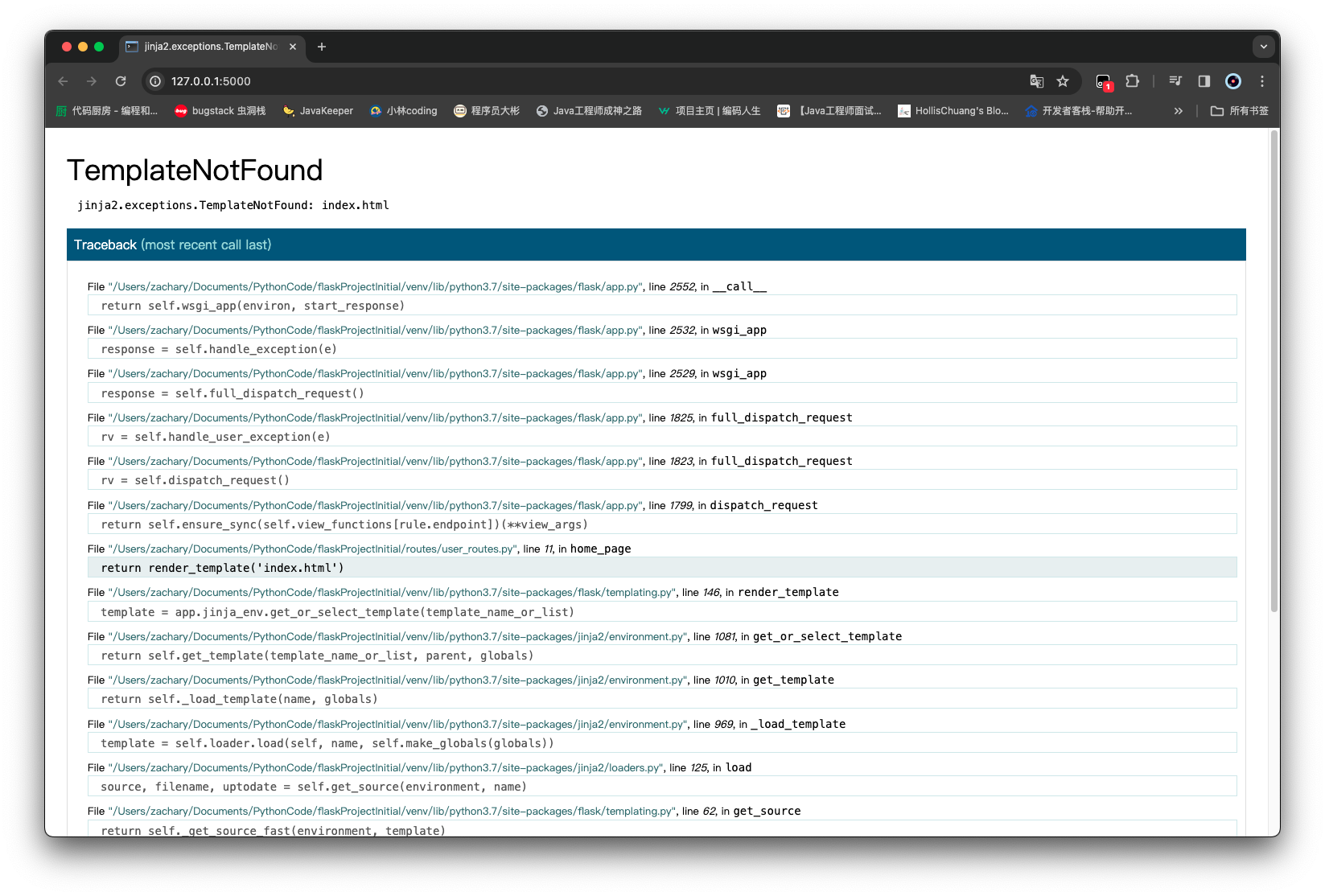
编写完这两个代码还不够,由于对 app 对象来说,它并不知道 index.html 的位置,所以这时候直接运行会报找不到模板
给/routes/__init__.py添加template_folder='../templates
1
2
3
4
5
6
from flask import Flaskapp = Flask(__name__, template_folder='../templates' ) from routes import user_routesfrom routes import admin_routes
刷新项目后可以看到
渲染传参 如果希望前端展示的内容,可以通过后端来传递的这时候就需要用到 render_template 的参数渲染
使用一对花括号 {{ }}将其抱起来的内容作为一个变量/参数,其具体的值,通过后端的 render_template 方法来传递
1
2
3
4
5
6
7
8
9
10
<!DOCTYPE html > <html lang ="en" > <head > <meta charset ="UTF-8" /> <title > {{ my_title }}</title > </head > <body > This is content of the home page </body > </html >
1
2
3
4
5
6
7
8
9
10
11
12
13
14
15
16
17
18
19
20
from flask import render_templatefrom routes import app@app.route('/' @app.route('/index' def home_page (): return render_template('index.html' , my_title='Home Page' ) @app.route('/about' def about_page (): return 'About Page!' @app.route('/login' def login_page (): return 'Login Page!'
运行后就会通过my_title='Home Page'将内容传递给前端模板上的对应参数
base 模板 随着开发的持续,html 页面也会随之越来越多
不少页面之间肯定存在着相同内容,如标题,导航栏等;如果每个页面都重复编写这些相同的内容,后期若出现功能的修改或者内容的增加,将会是一项巨大的工程,因此引入base.html作为所有 html 模板的基础模板,并通过继承(extends){% extends 'base.html' %}来对 base 模板的内容进行共享
1
2
3
4
5
6
7
8
9
10
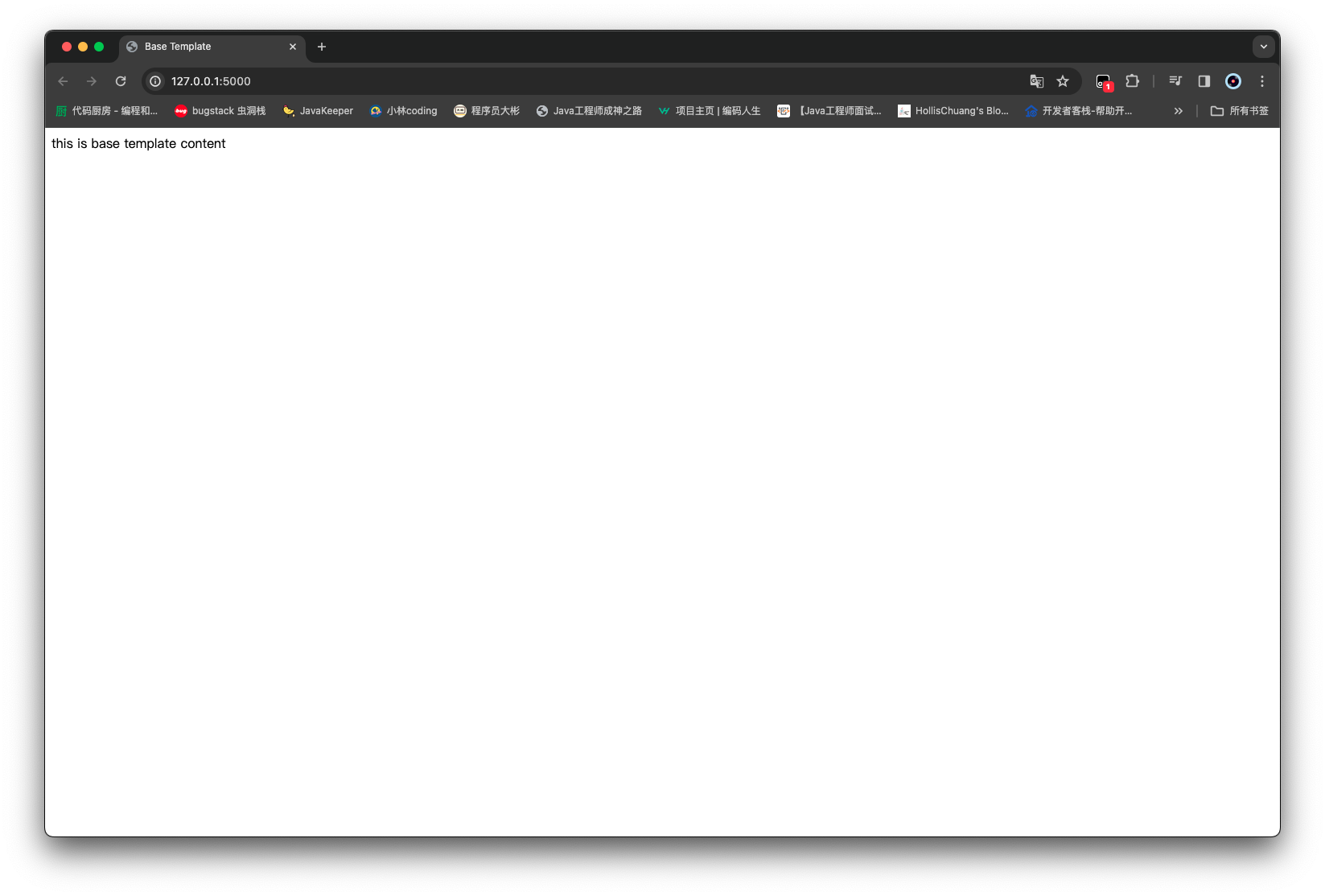
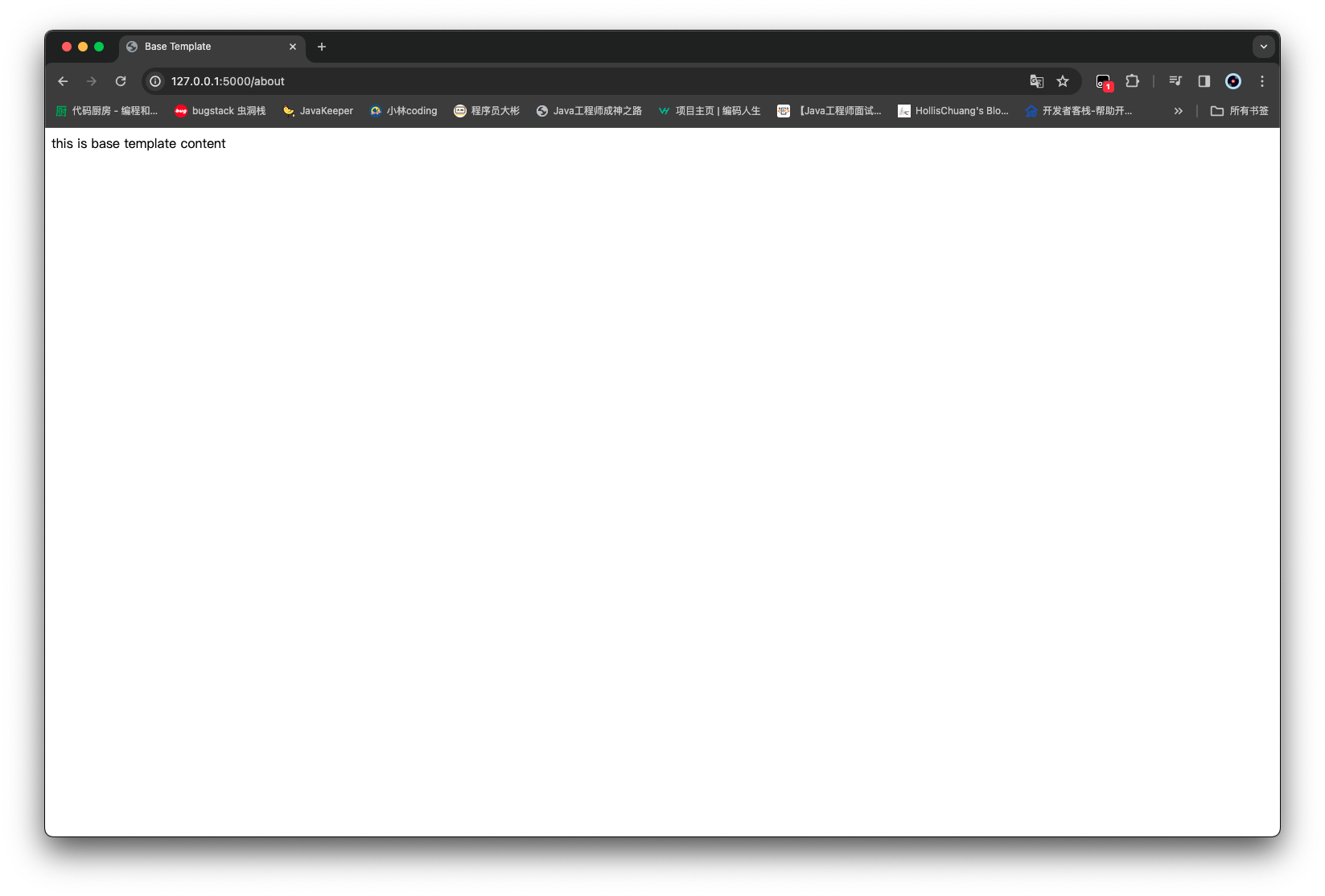
<!DOCTYPE html > <html lang ="en" > <head > <meta charset ="UTF-8" /> <title > Base Template</title > </head > <body > this is base template content </body > </html >
创建两个 html 文件 index 和 about
1 {% extends 'base.html' %}
然后修改一下 user_routes
1
2
3
4
5
6
7
8
9
10
11
12
13
14
15
16
17
18
19
20
from flask import render_templatefrom routes import app@app.route('/' @app.route('/index' def home_page (): return render_template('index.html' ) @app.route('/about' def about_page (): return render_template('about.html' ) @app.route('/login' def login_page (): return 'Login Page!'
通过两个路由 都可以访问到 base 模板
block 标签 但是有时候并不是全都需要一样的模板,有可能需要对 base 的模板内容进行修改
可以使用 block 标签,起到一个占位符的作用
% block 标签名 %标签起始% endblock %标签结束
1
2
3
4
5
6
7
8
9
10
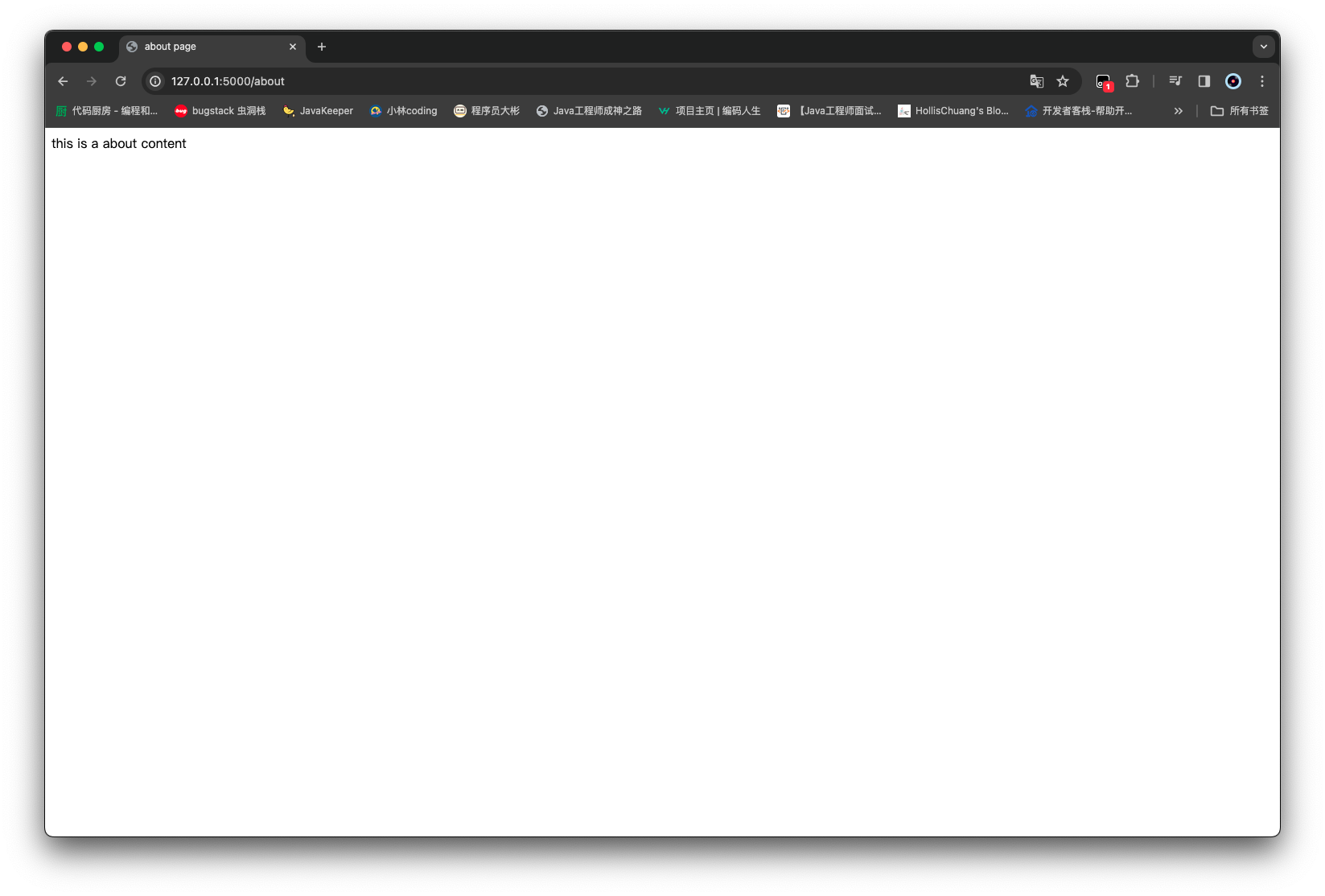
<!DOCTYPE html > <html lang ="en" > <head > <meta charset ="UTF-8" /> <title > {% block title %} {% endblock %}</title > </head > <body > {% block content %} {% endblock %} </body > </html >
1
2
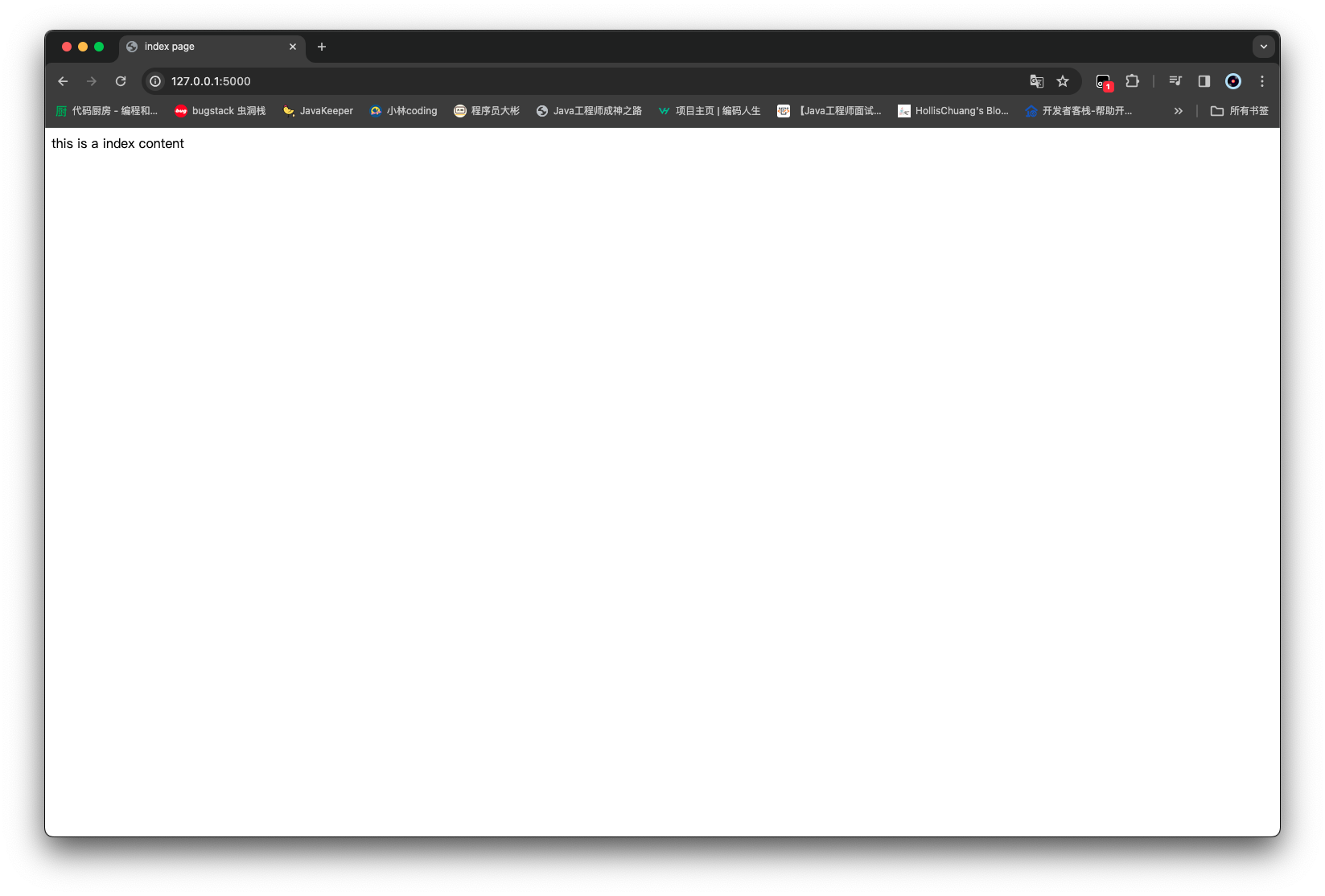
{% extends 'base.html' %} {% block title %} index page {% endblock %} {% block content %} this is a index content {% endblock %}
1
2
{% extends 'base.html' %} {% block title %} about page {% endblock %} {% block content %} this is a about content {% endblock %}
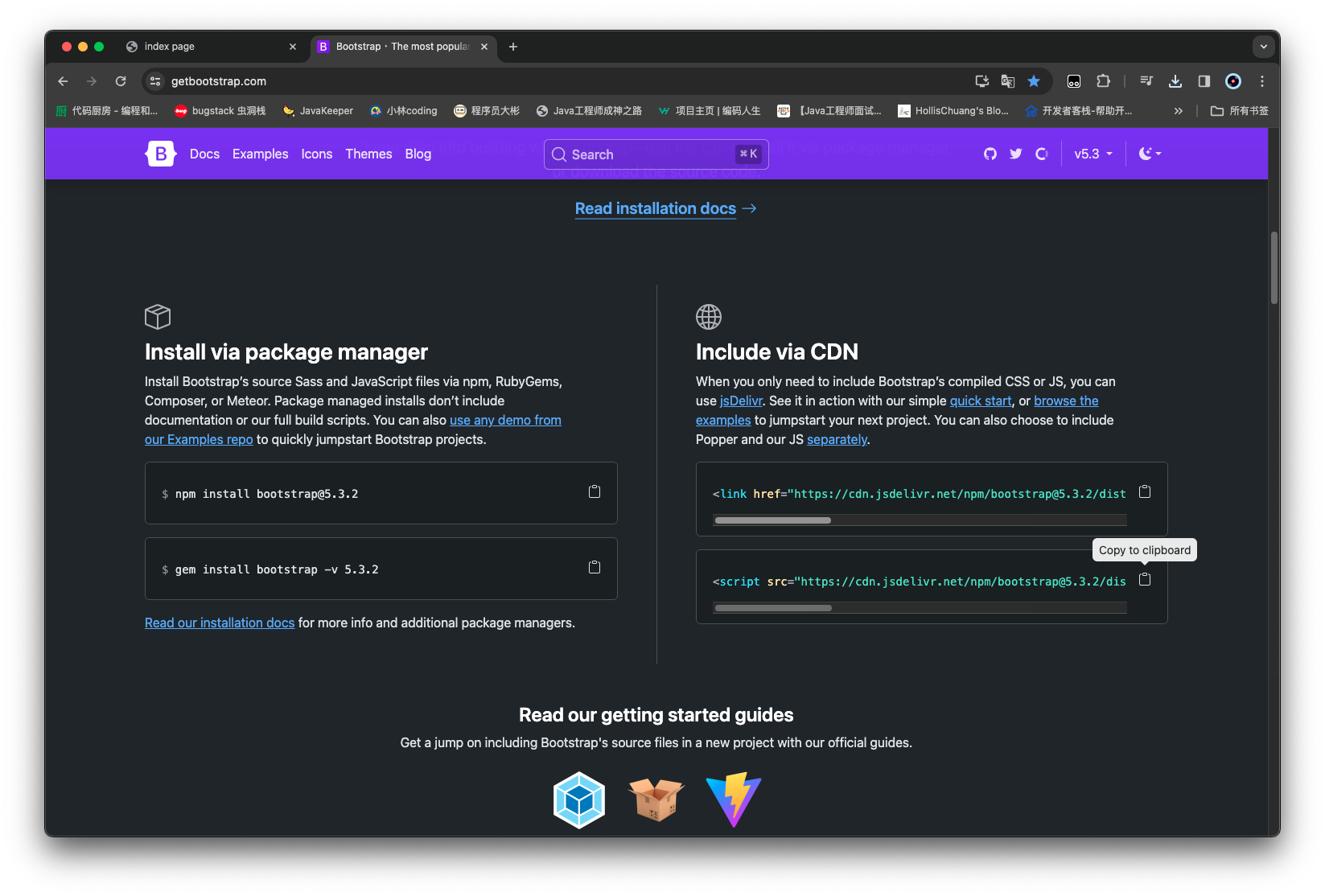
Bootstrap&jQuery https://getbootstrap.com/
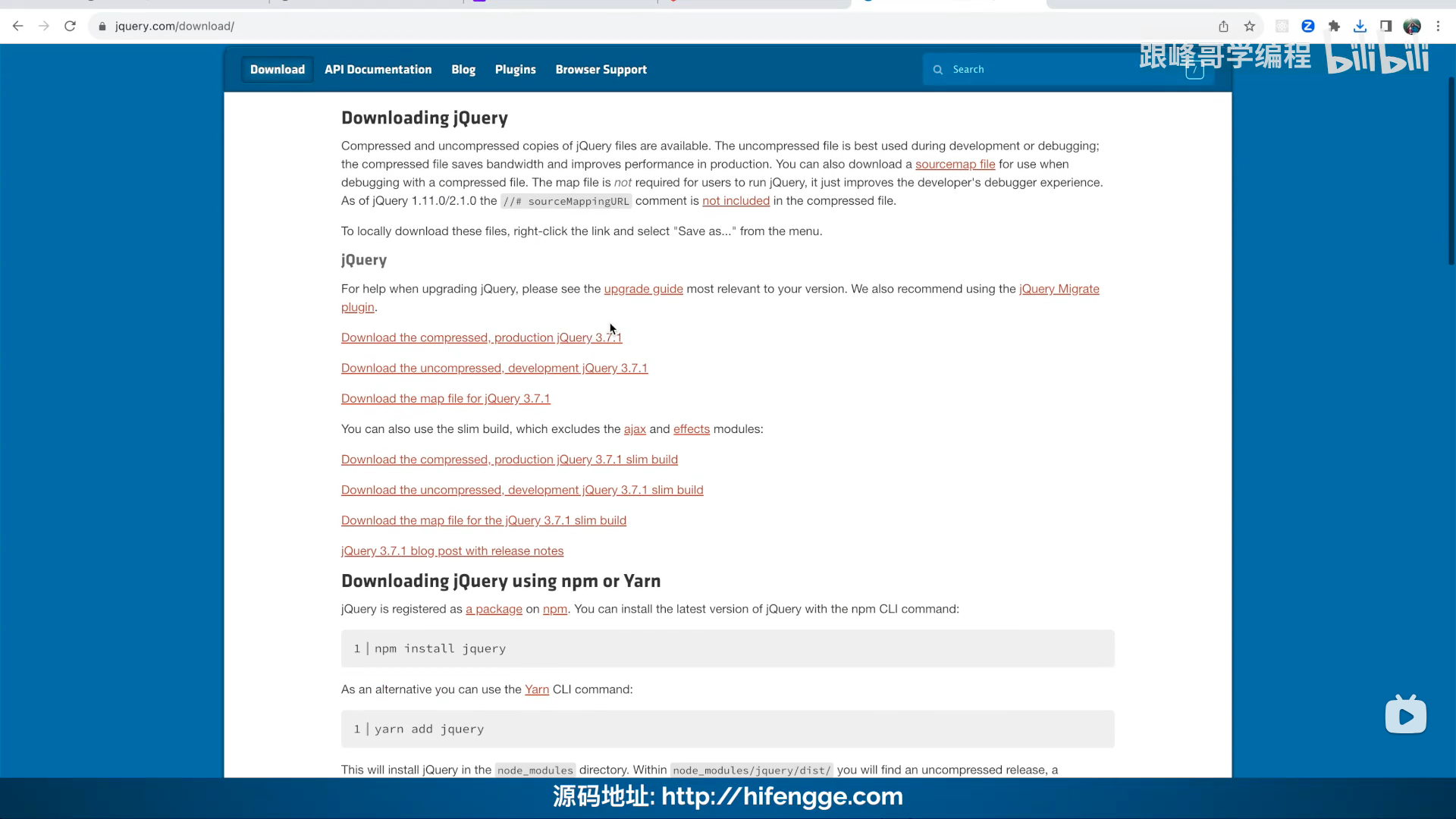
https://jquery.com/download/
下载 Bootstrap 和 jQuery 提供了一系列好用的前端渲染效果,可以做出比较美观的页面内容
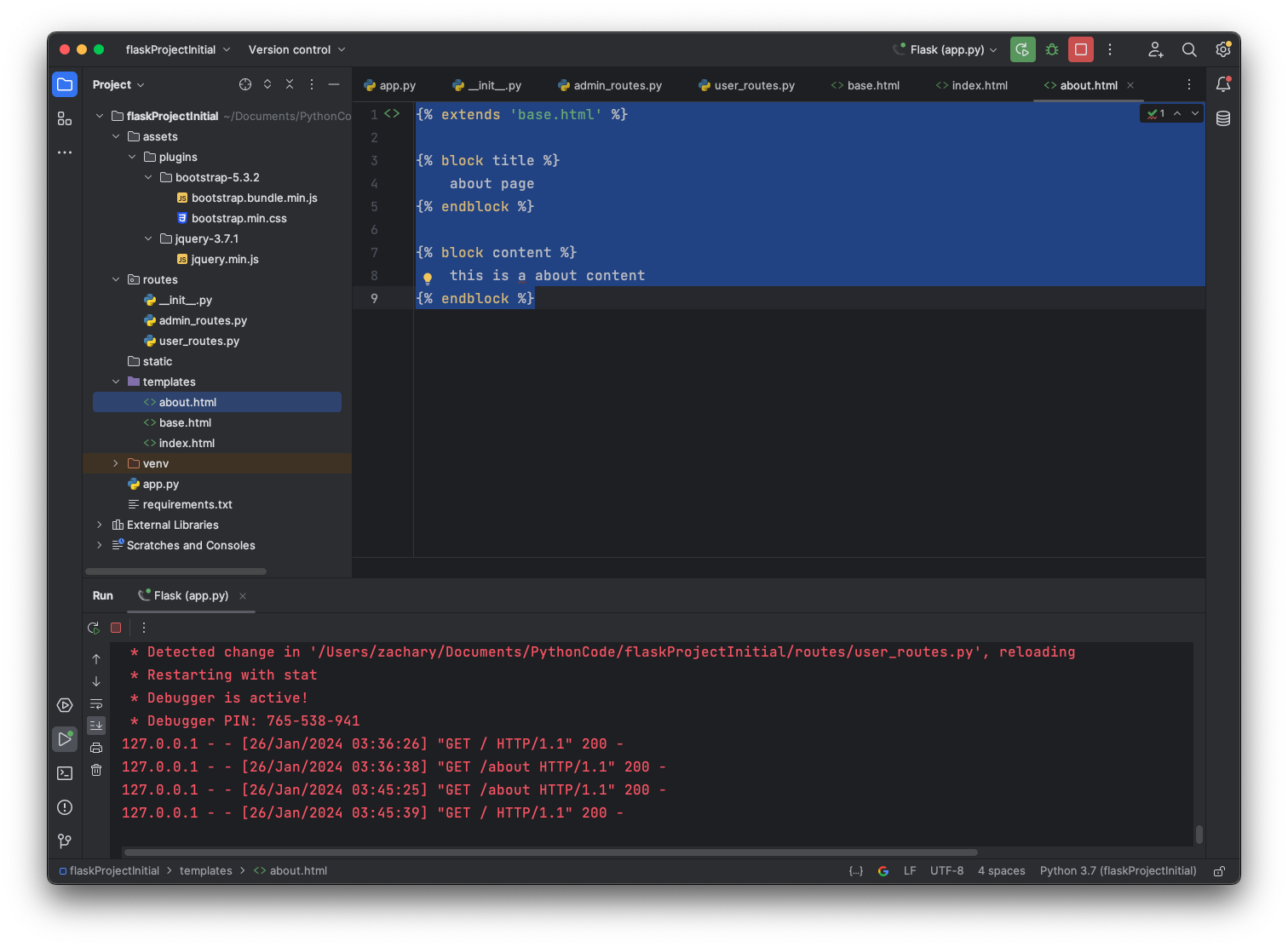
下载好后的整体项目目录结构
使用 前面有讲到 base 模板,所以可以很方便地用在 base 上 其他模板仅需 extends 就可以使用同样效果
1
2
3
4
5
6
7
8
9
10
11
12
13
14
15
16
17
18
19
20
21
22
23
24
25
26
27
28
29
30
31
32
33
34
35
36
37
38
39
40
41
42
43
44
45
46
47
48
49
50
51
52
53
54
55
56
57
58
59
60
61
62
63
64
65
66
67
68
69
70
71
72
73
74
75
76
77
78
<!DOCTYPE html > <html lang ="en" > <head > <meta charset ="UTF-8" /> <meta name ="viewport" content ="width=device-width, initial-scale=1, shrink-to-fit=no" /> <link rel ="stylesheet" href ="/static/plugins/bootstrap-5.3.2/bootstrap.min.css" /> <script src ="/static/plugins/bootstrap-5.3.2/bootstrap.bundle.min.js" > </script > <script src ="/static/plugins/jquery-3.7.1/jquery.min.js" > </script > <title > {% block title %} {% endblock %}</title > </head > <body > <nav class ="navbar navbar-expand-md navbar-dark bg-dark" style ="background-color: #1976d2; color: #ffffff;" > <a class ="navbar-brand" href ="#" style ="font-size: 20px; padding: 10px;" > Zachary的记事本</a > <button class ="navbar-toggler" type ="button" data-toggle ="collapse" data-target ="#navbarNav" style ="border: none; background-color: transparent; padding: 5px 10px;" > <span class ="navbar-toggler-icon" style ="background-color: #1976d2;" > </span > </button > <div class ="collapse navbar-collapse" id ="navbarNav" style ="width: 80%; margin: auto; border-radius: 10px;" > <ul class ="navbar-nav me-auto" style ="margin-top: 20px;" > <li class ="nav-item active" style ="border-bottom: 2px solid #4caf50;" > <a class ="nav-link" href ="{{ url_for('home_page') }}" style ="color: #ffffff; padding: 10px;" > 主页</a > </li > <li class ="nav-item" style ="border-bottom: 2px solid #4caf50;" > <a class ="nav-link" href ="{{ url_for('about_page') }}" style ="color: #ffffff; padding: 10px;" > 关于</a > </li > </ul > <ul class ="navbar-nav" > <li class ="nav-item" > <a class ="nav-link" href ="{{ url_for('login_page') }}" style ="color: #ffffff; padding: 10px;" > 登录</a > </li > </ul > </div > </nav > {% block content %} {% endblock %} </body > </html >
1
2
3
4
5
6
7
8
9
from flask import Flaskapp = Flask(__name__, template_folder='../templates' , static_folder='../static' , static_url_path='/static' ) from routes import user_routesfrom routes import admin_routes
1
2
{% extends 'base.html' %} {% block title %} login page {% endblock %} {% block content %} this is a login content {% endblock %}
1 2 3 4 5 6 7 8 9 10 11 12 13 14 15 16 17 18 19 20 21 22 from flask import render_templatefrom routes import app@app.route('/' @app.route('/index' def home_page (): return render_template('index.html' ) @app.route('/about' def about_page (): return render_template('about.html' ) @app.route('/login' def login_page (): return render_template('login.html' )
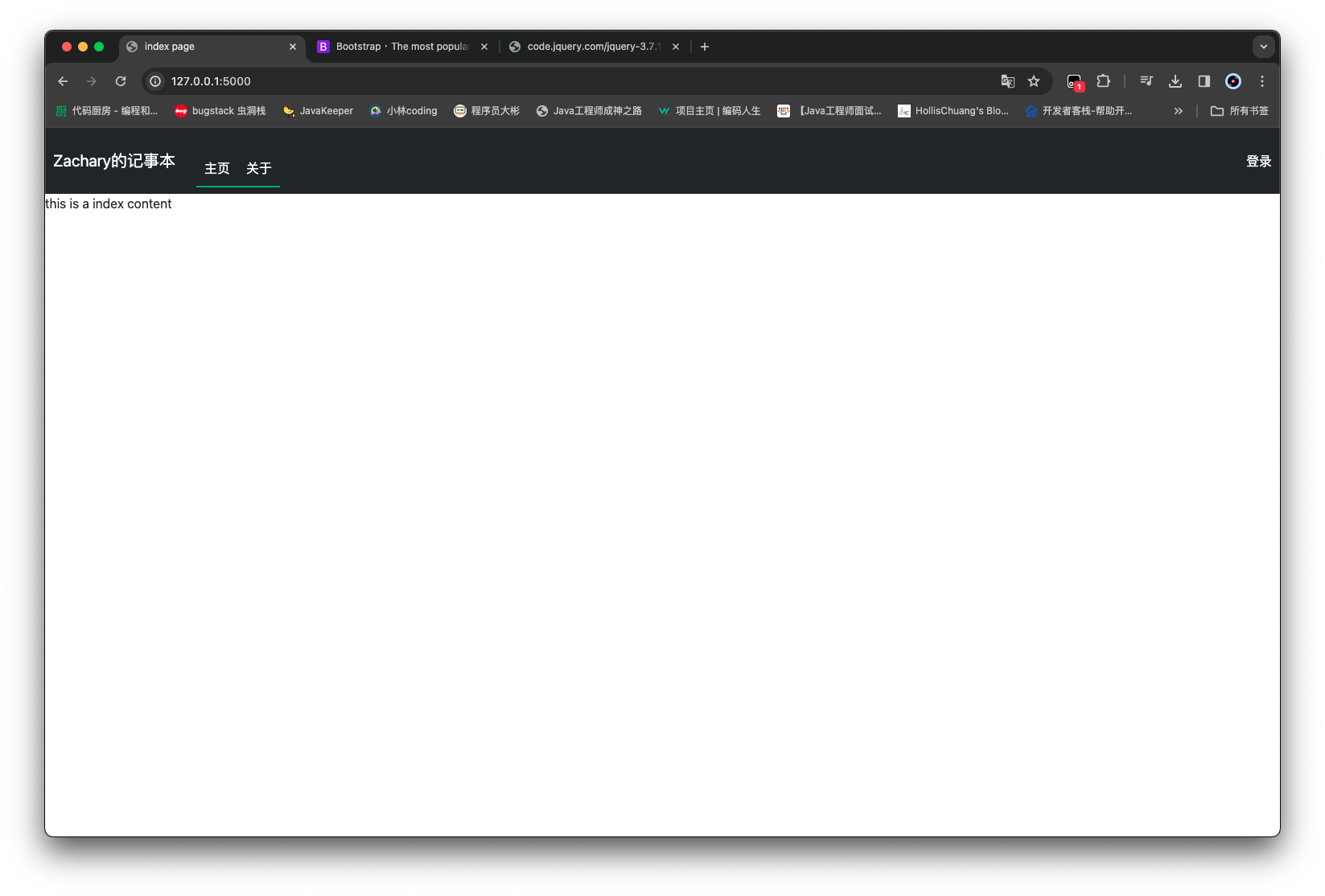
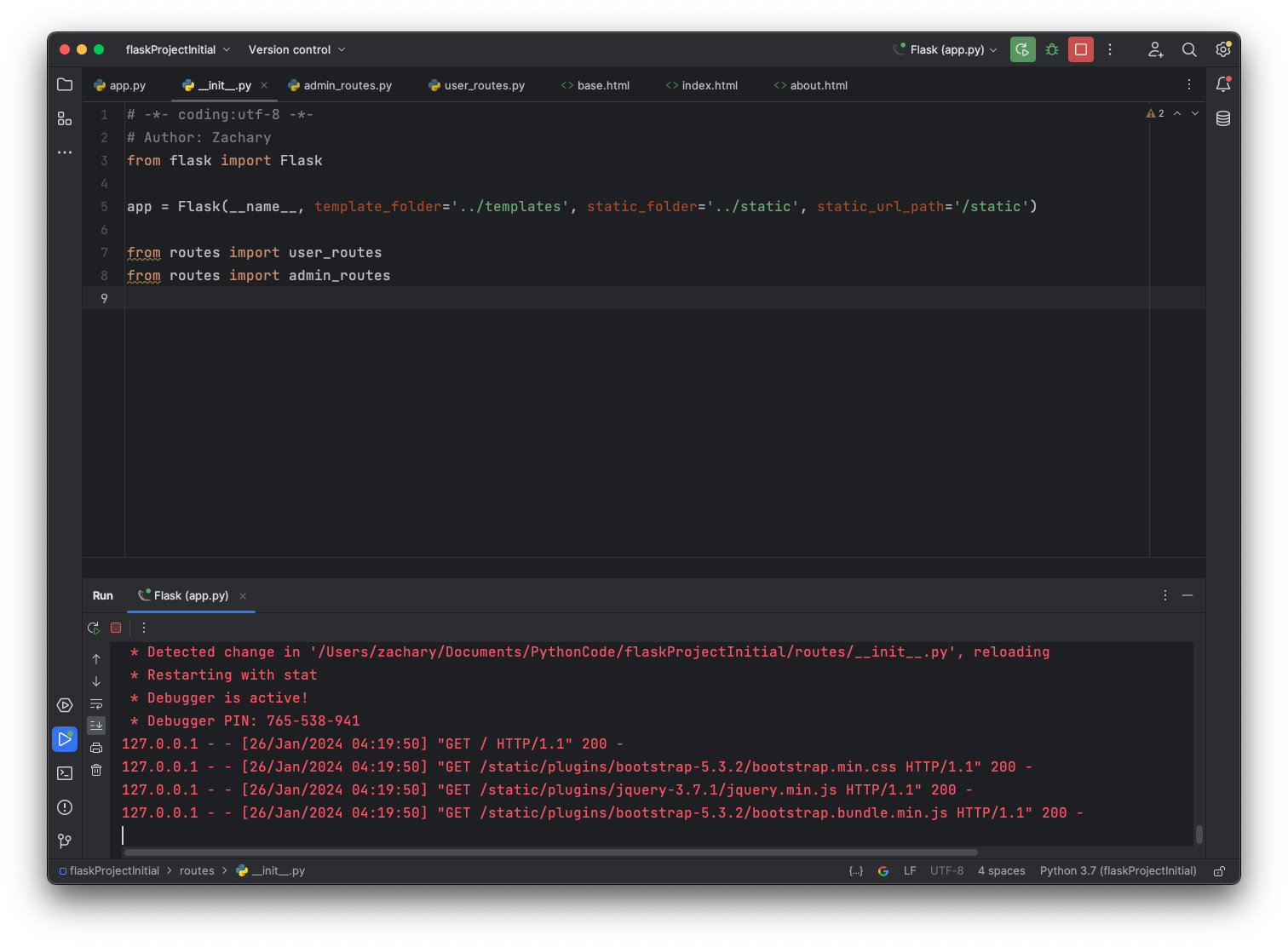
可以看到页面文字和内容些许不同了,同时在控制台上可以看到资源加载到了,上面的按钮也可以试着点按
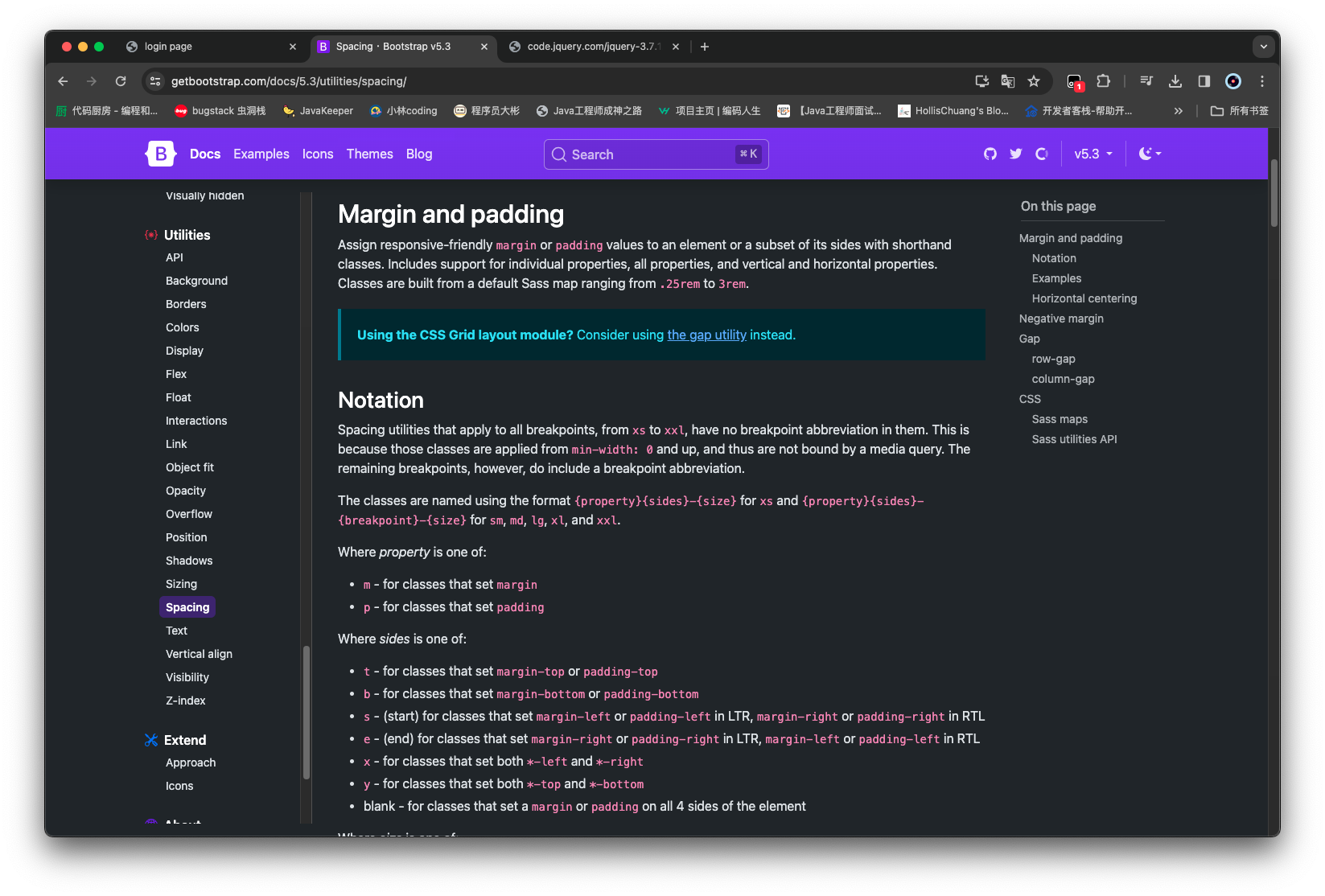
调整 可以根据文档来进行一些间距的调整,比如 https://getbootstrap.com/docs/5.3/utilities/spacing/
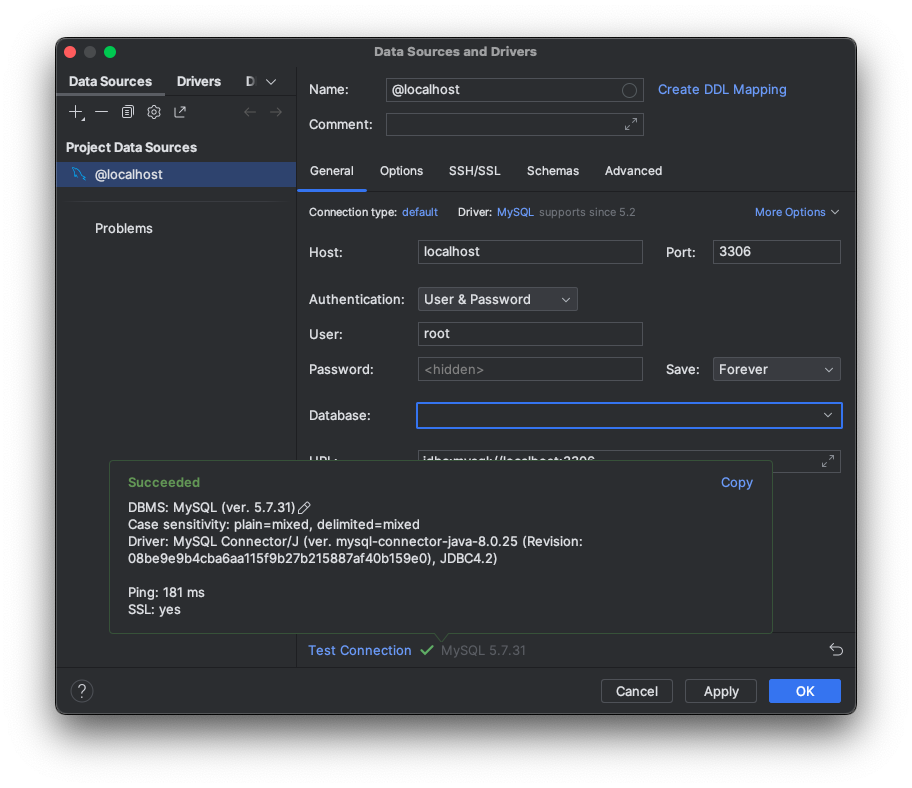
连接 MySQL 安装包 之前已经有了 SQLAlchemy 的基础,那么这块可以通过对 Flask 与 SQLAlchemy 进行结合进行数据库的操作
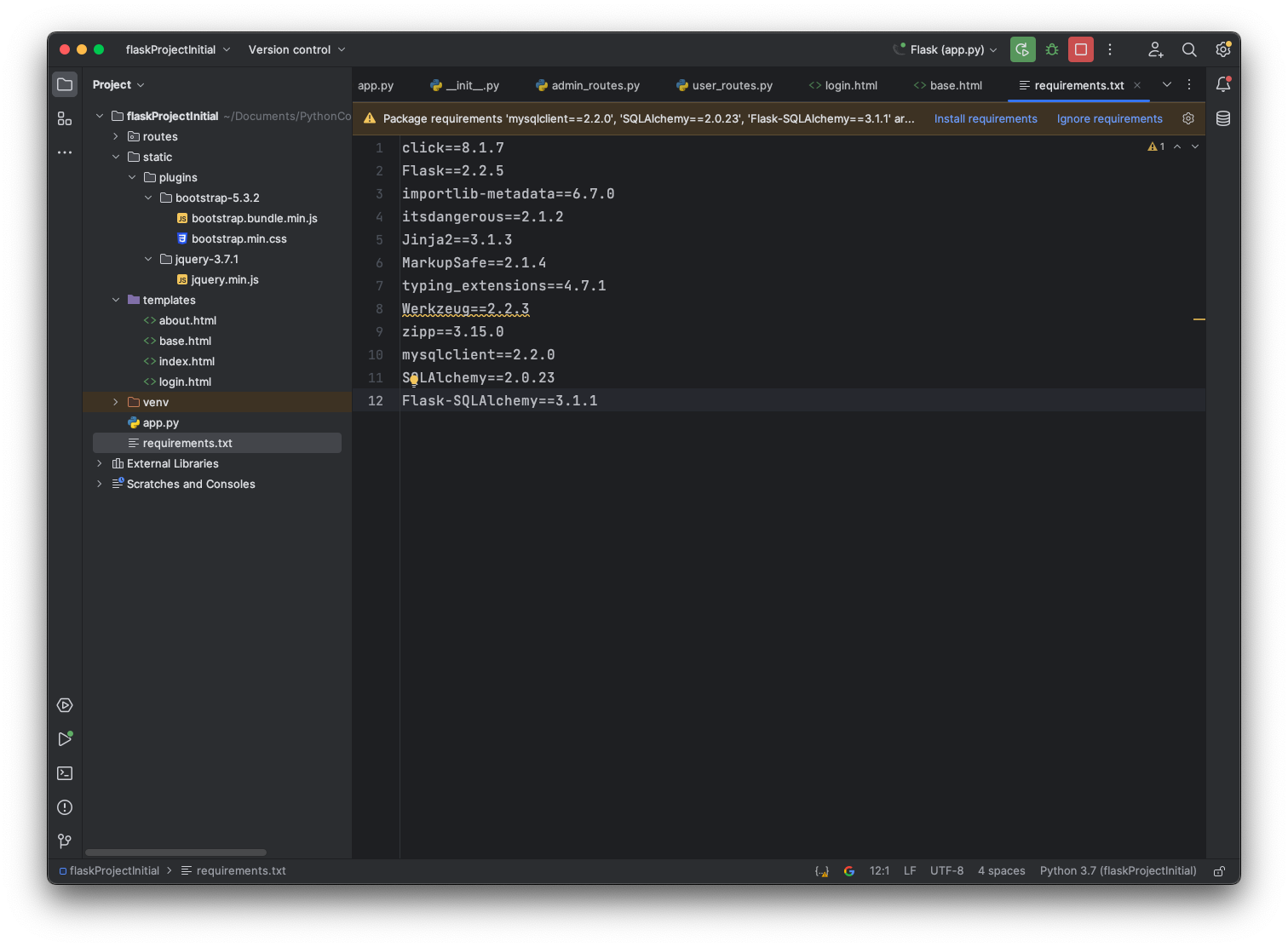
需要的包有:
mysqlclient==2.1.1SQLAlchemy==2.0.25Flask-SQLAlchemy==3.0.0
可以直接添加到requirements.txt,点击一键安装
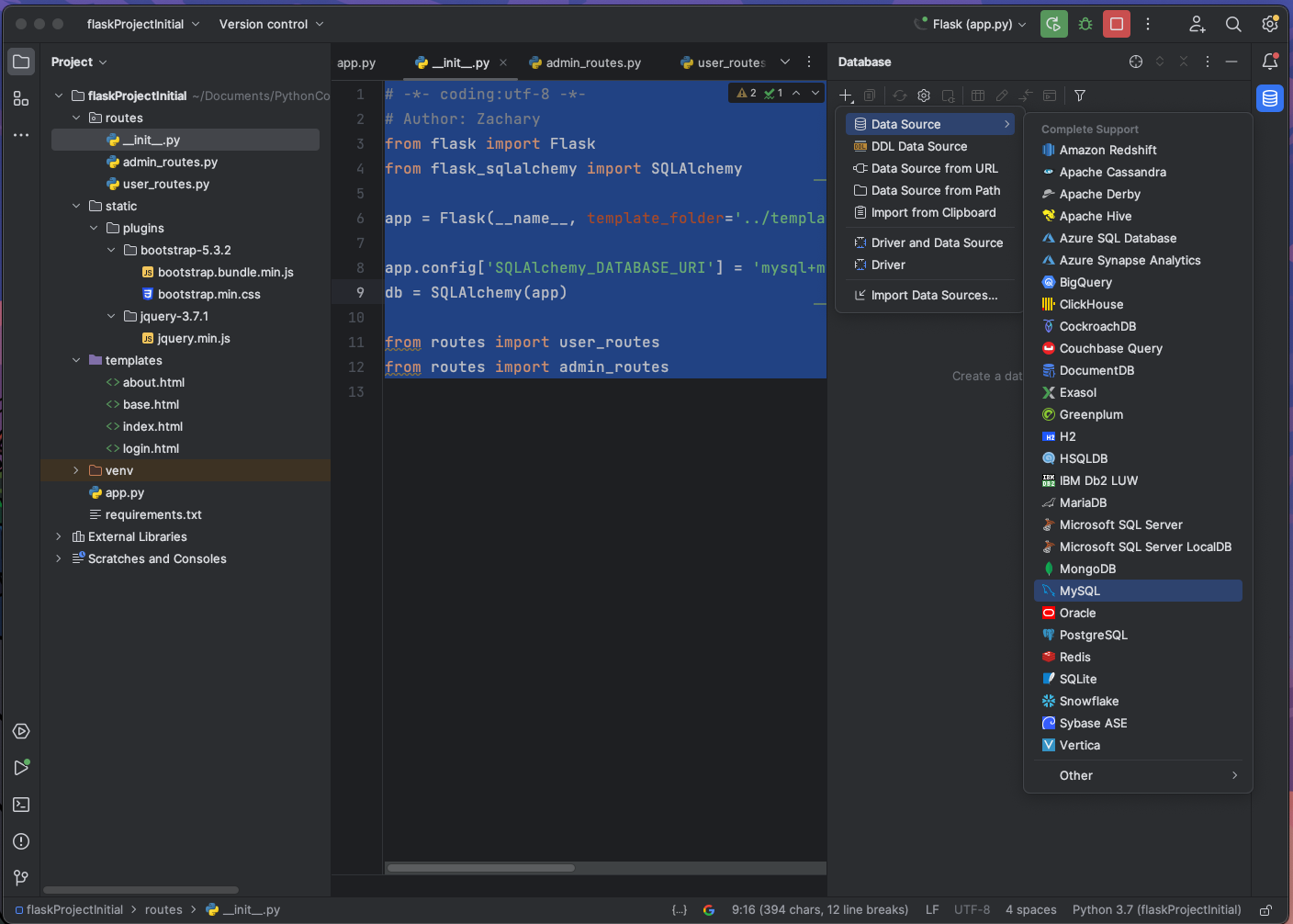
配置连接 需要给 app 添加一个
app.config['SQLAlchemy_DATABASE_URI'] = 'mysql+mysqldb://<user>:<password>@<host>[:<port>]/<dbname>'
1 2 3 4 5 6 7 8 9 10 11 12 13 from flask import Flaskfrom flask_sqlalchemy import SQLAlchemyapp = Flask(__name__, template_folder='../templates' , static_folder='../static' , static_url_path='/static' ) app.config['SQLALCHEMY_DATABASE_URI' ] = 'mysql+mysqldb://root:980226@localhost/mynotebook_db' db = SQLAlchemy(app) from routes import user_routesfrom routes import admin_routes
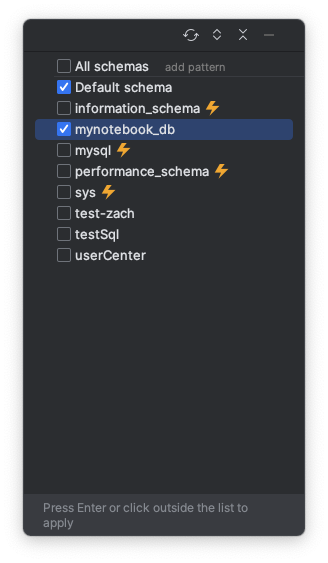
定义数据库表对应映射类 初始化数据库 现在 MySQL 中准备一个数据库mynotebook_db
1
2
3
4
5
6
7
8
9
10
11
12
13
14
15
16
17
mysql> create database mynotebook_db; Query OK, 1 row affected (0.01 sec) mysql> show databases; +--------------------+ | Database | +--------------------+ | information_schema | | mynotebook_db | | mysql | | performance_schema | | sys | | test-zach | | testSql | | userCenter | +--------------------+ 8 rows in set (0.00 sec)
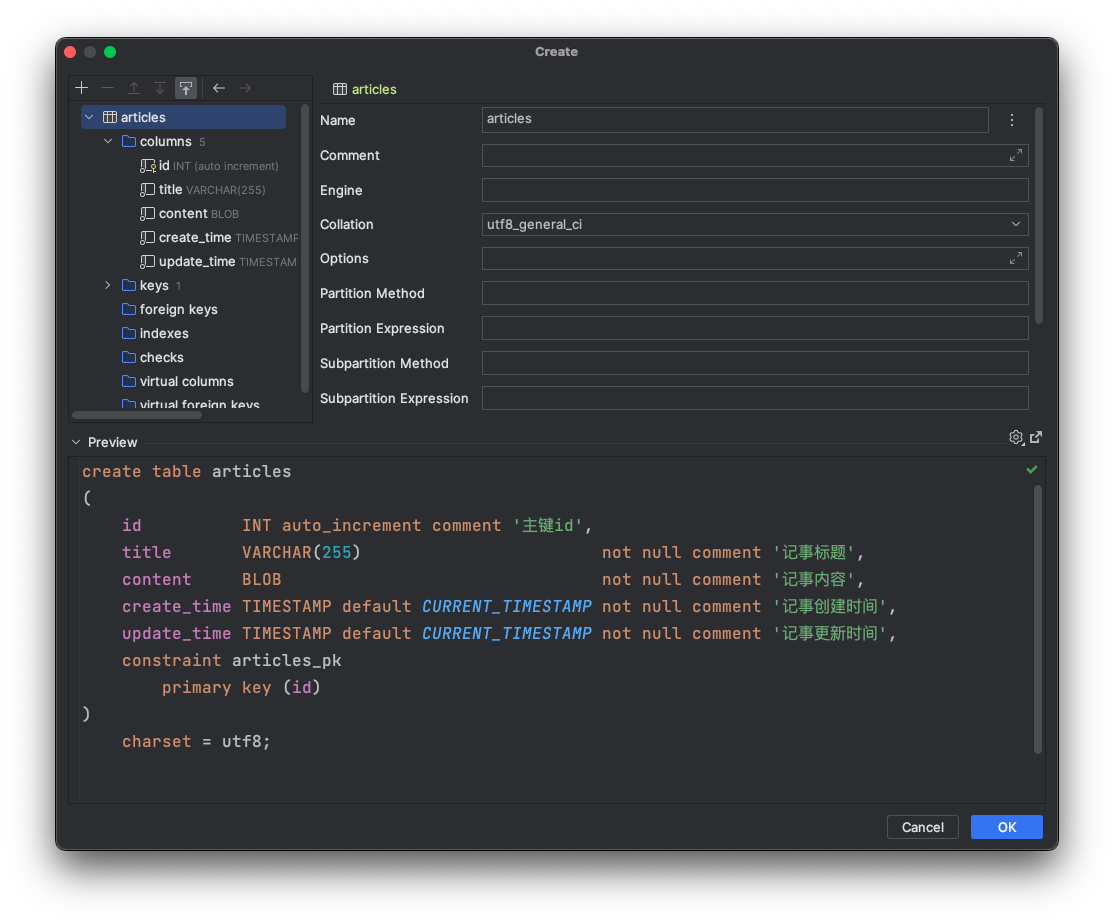
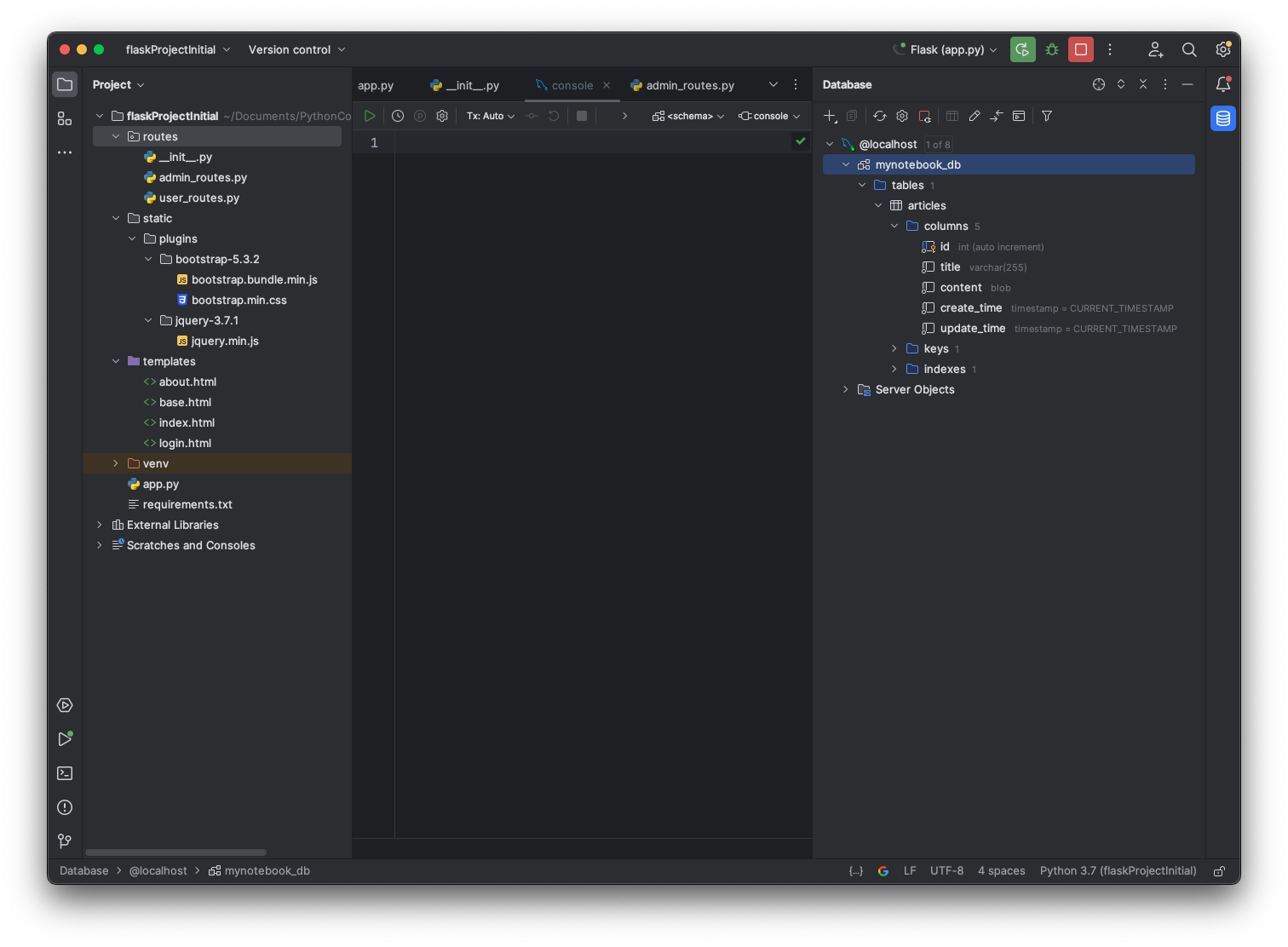
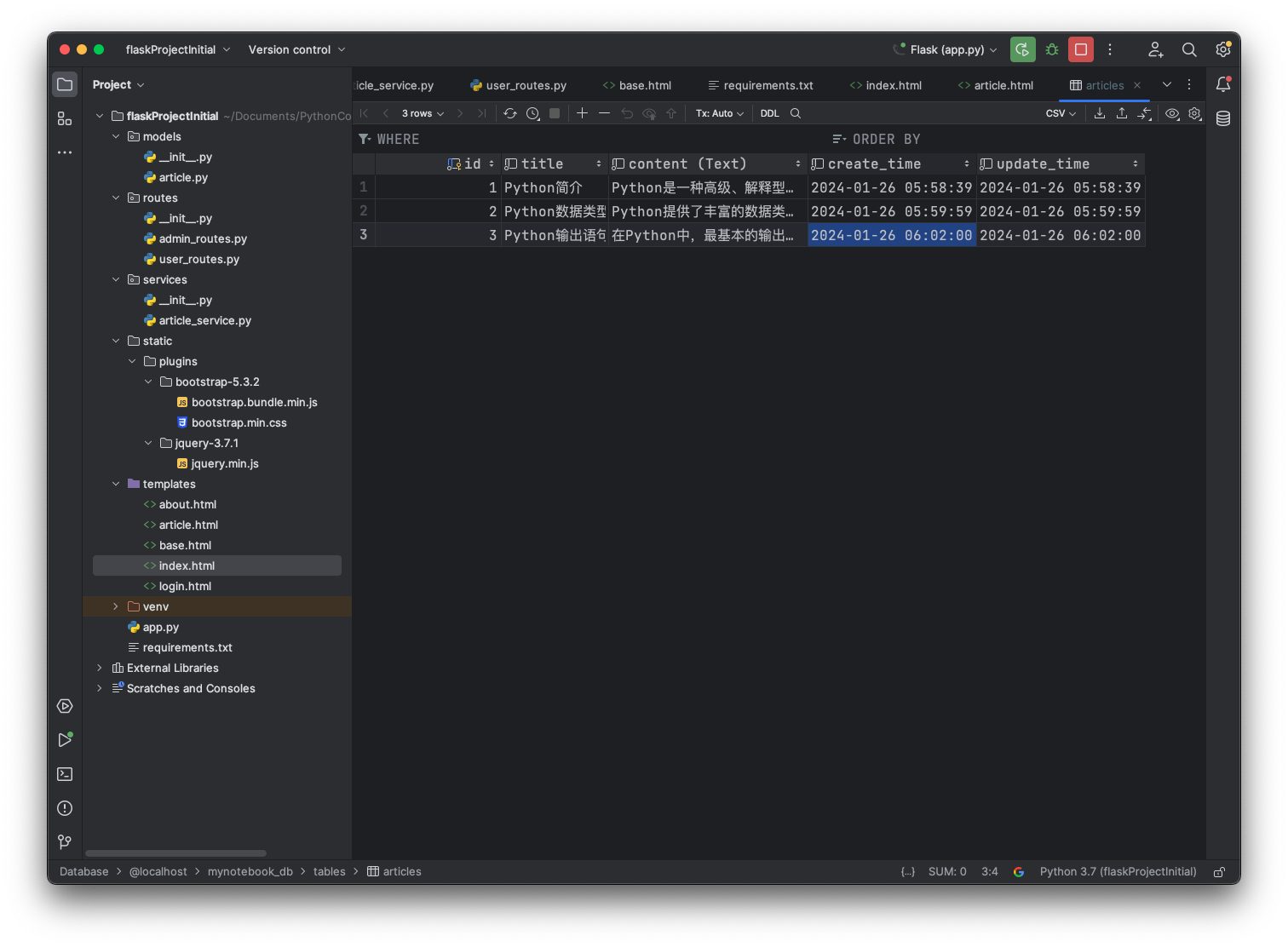
初始化数据表 先在数据库里面准备一张 article 表
这块 title 记得做唯一性约束 上面图忘记了
然后准备一些数据插入进去
创建 models 在项目下创建一个/models的包,然后创建一个article.py
1 2 3 4 5 6 7 8 9 10 11 12 13 14 15 16 17 18 19 20 21 22 from datetime import datetimefrom sqlalchemy import Integer, String, BLOB, TIMESTAMPfrom sqlalchemy.orm import Mapped, mapped_columnfrom routes import dbclass Article (db.Model): __tablename__ = 'articles' id : Mapped[int ] = mapped_column(Integer, primary_key=True ) title: Mapped[str ] = mapped_column(String(255 ), unique=True , nullable=False ) __content: Mapped[bytes ] = mapped_column(BLOB, name='content' , nullable=False ) create_time: Mapped[datetime] = mapped_column(TIMESTAMP, nullable=False ) update_time: Mapped[datetime] = mapped_column(TIMESTAMP, nullable=True ) @property def content (self ): return self .__content.decode('utf-8' )
创建 services 在项目下创建一个/services的包,然后创建一个article_service.py
1 2 3 4 5 6 7 8 9 10 from models.article import Articlefrom routes import dbclass ArticleService : def get_article_by_id (self, article_id ): return db.session.get(Article, article_id)
然后定义一个查询文章的路由
1 2 3 4 5 6 7 8 9 10 11 12 13 14 15 16 17 18 19 20 21 22 23 24 25 26 27 28 29 30 31 from flask import render_template, abortfrom routes import appfrom services.article_service import ArticleService@app.route('/' @app.route('/index' def home_page (): return render_template('index.html' ) @app.route('/article/<article_id>' def article_page (article_id ): article = ArticleService().get_article_by_id(article_id) if article: return render_template('article.html' , article=article) abort(404 ) @app.route('/about' def about_page (): return render_template('about.html' ) @app.route('/login' def login_page (): return render_template('login.html' )
还需要新增一个article.html
1
2
3
4
5
6
{% extends 'base.html' %} {% block title %} zachary的记事本 - {{ article.title }} {% endblock %} {% block content %} <h1 > {{ article.title }}</h1 > <p > 发布于:{{ article.create_time }}</p > <p > {{ article.content }}</p > {% endblock %}
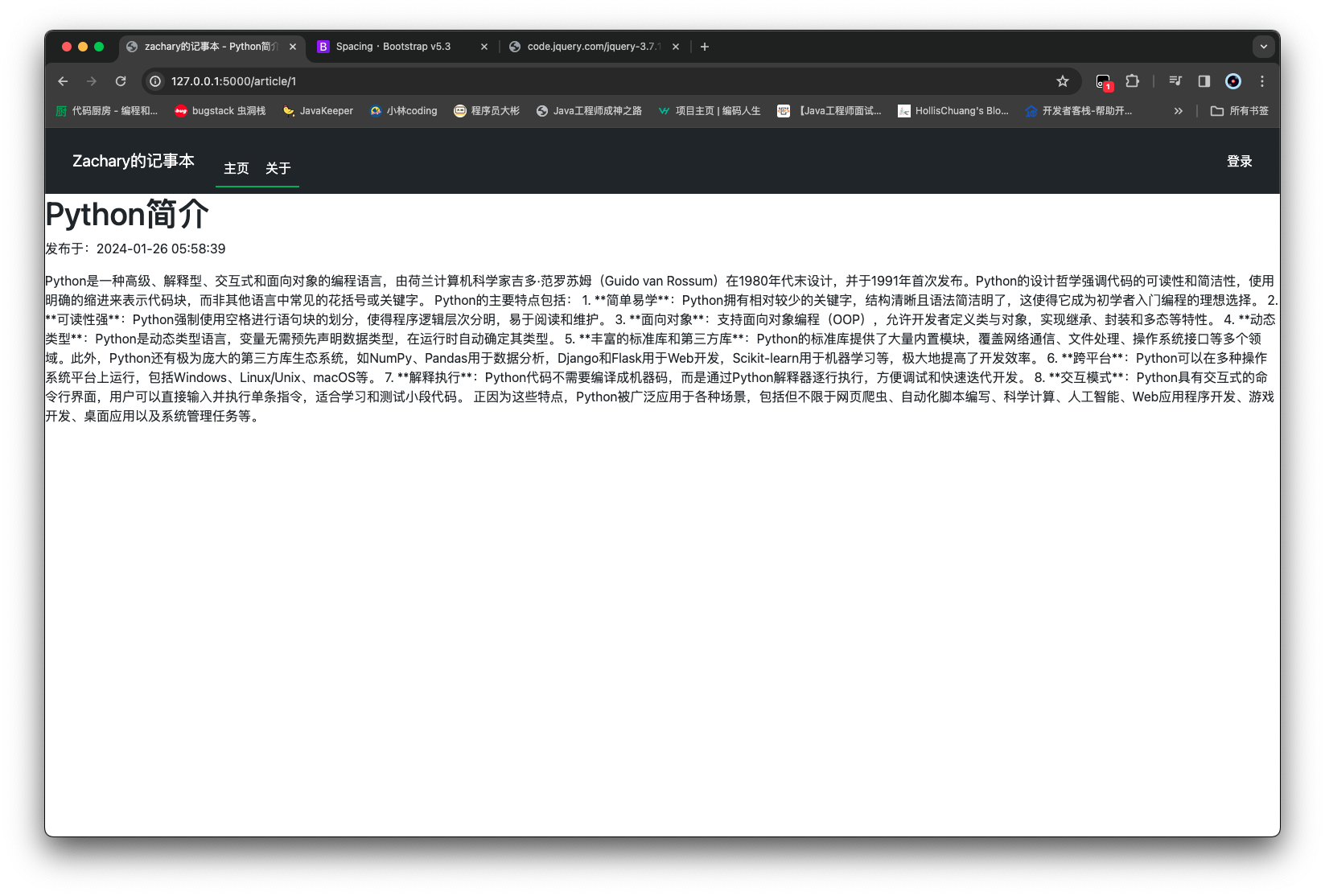
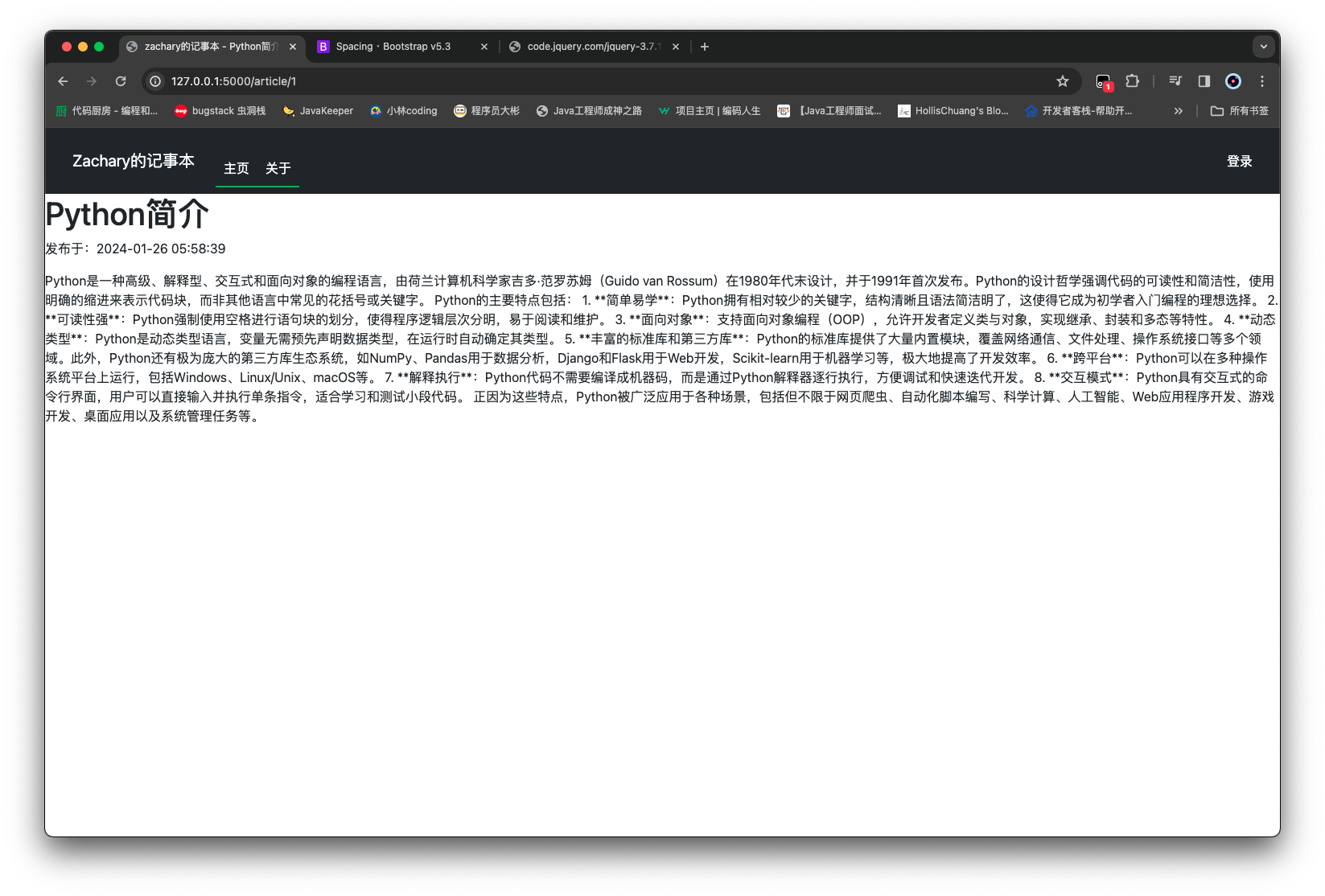
尝试通过浏览器通过 url 去获取一条数据
实现多结果查询 添加一个 service 查询
1 2 3 4 5 6 7 8 9 10 11 12 13 14 15 16 from sqlalchemy import Selectfrom models.article import Articlefrom routes import dbclass ArticleService : def get_article_by_id (self, article_id ): return db.session.get(Article, article_id) def get_articles (self ): query = Select(Article) return db.session.scalars(query).all ()
1 2 3 4 5 6 7 8 9 10 11 12 13 14 15 16 17 18 19 20 21 22 23 24 25 26 27 28 29 30 31 32 from flask import render_template, abortfrom routes import appfrom services.article_service import ArticleService@app.route('/' @app.route('/index' def home_page (): articles = ArticleService().get_articles() return render_template('index.html' , articles=articles) @app.route('/article/<article_id>' def article_page (article_id ): article = ArticleService().get_article_by_id(article_id) if article: return render_template('article.html' , article=article) abort(404 ) @app.route('/about' def about_page (): return render_template('about.html' ) @app.route('/login' def login_page (): return render_template('login.html' )
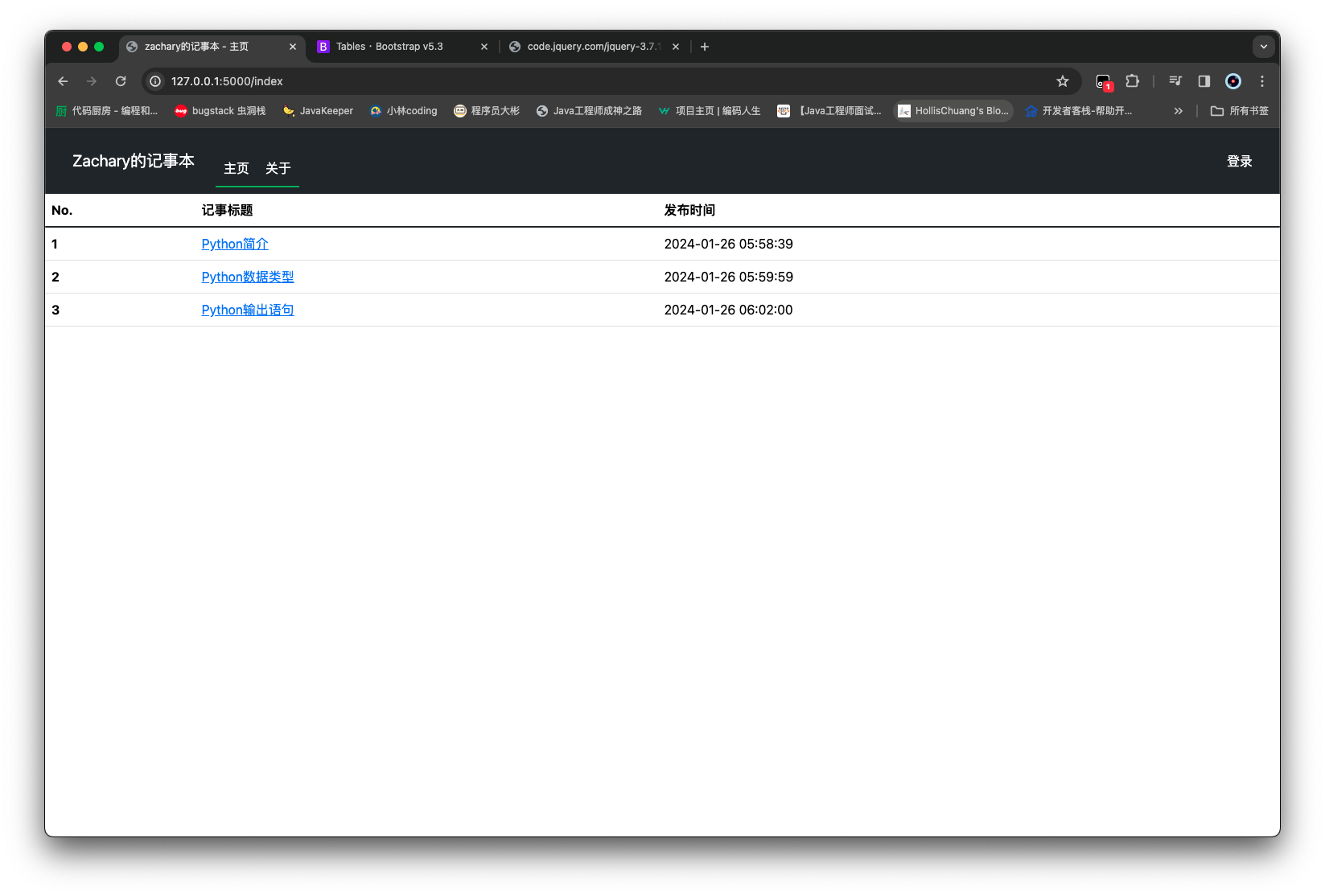
然后修改 index.html 显示所有文章即可
1
2
3
4
5
6
7
8
9
10
11
12
13
14
15
16
17
18
19
20
21
22
23
24
25
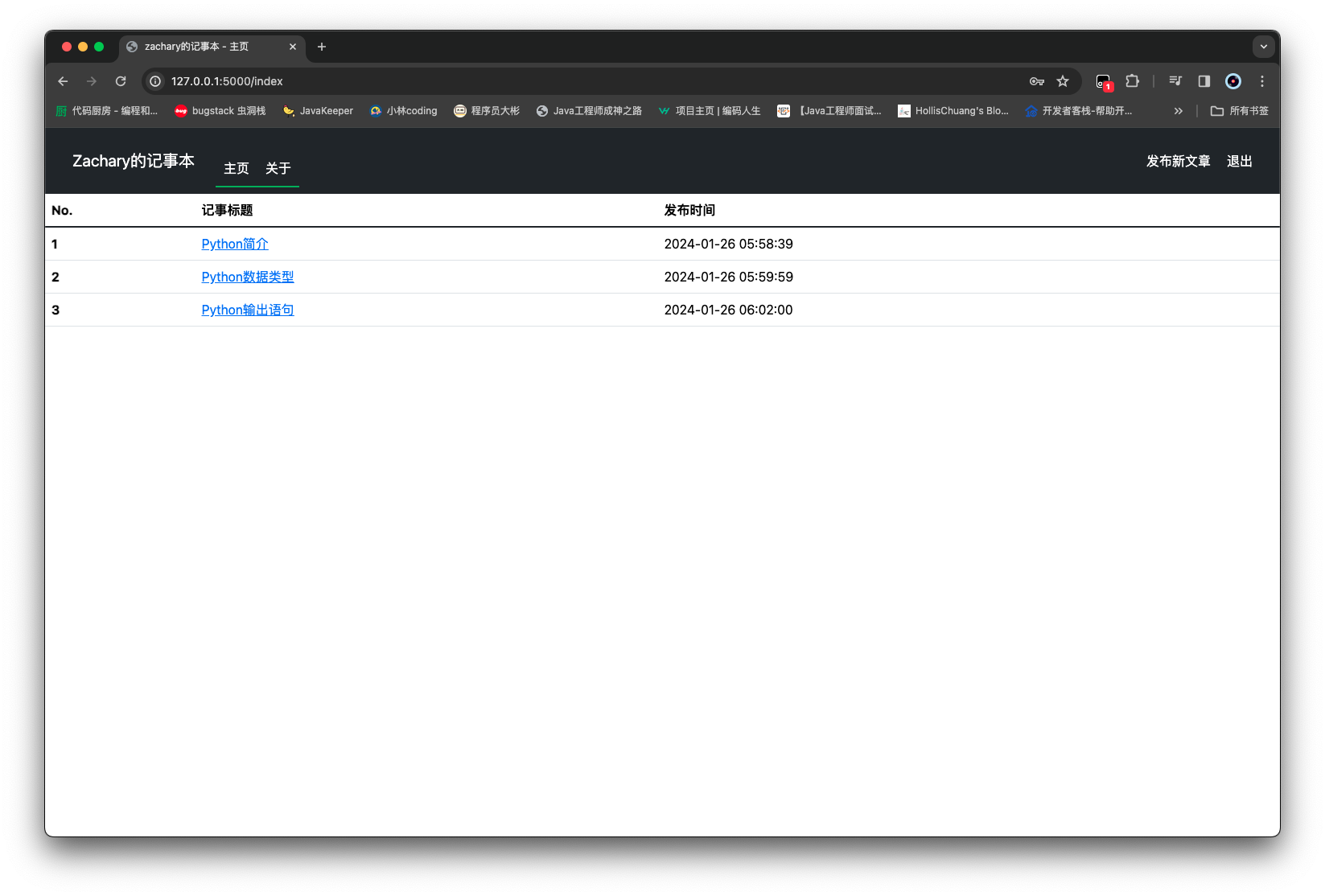
{% extends 'base.html' %} {% block title %} zachary的记事本 - 主页 {% endblock %} {% block content %} <table class ="table" > <thead > <tr > <th scope ="col" > No.</th > <th scope ="col" > 记事标题</th > <th scope ="col" > 发布时间</th > </tr > </thead > <tbody class ="table-group-divider" > {% for article in articles %} <tr > <th scope ="row" > {{ article.id }}</th > <td > <a href ="{{ url_for('article_page', article_id=article.id) }}" > {{ article.title }}</a > </td > <td > {{ article.create_time }}</td > </tr > {% endfor %} </tbody > </table > {% endblock %}
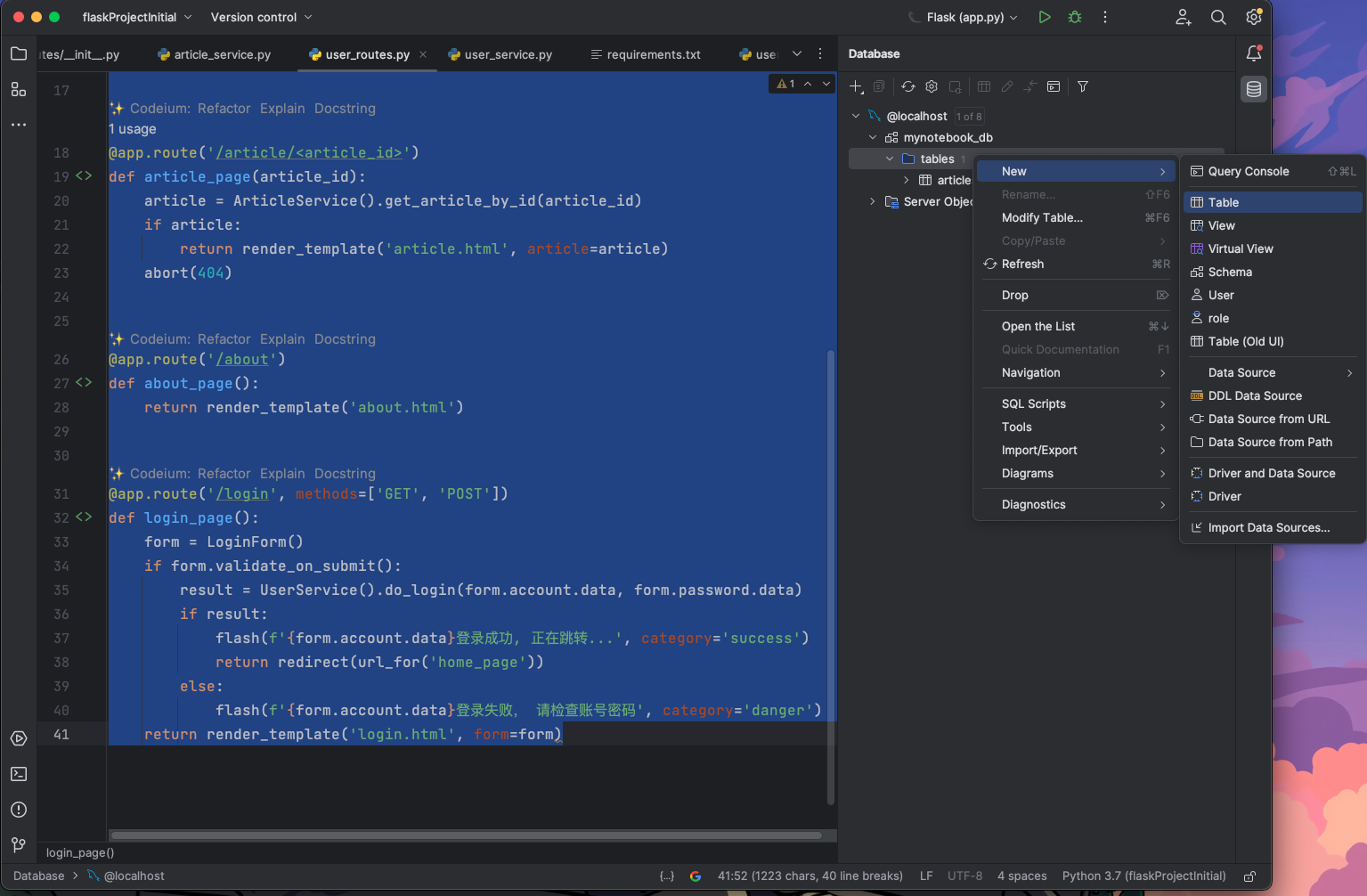
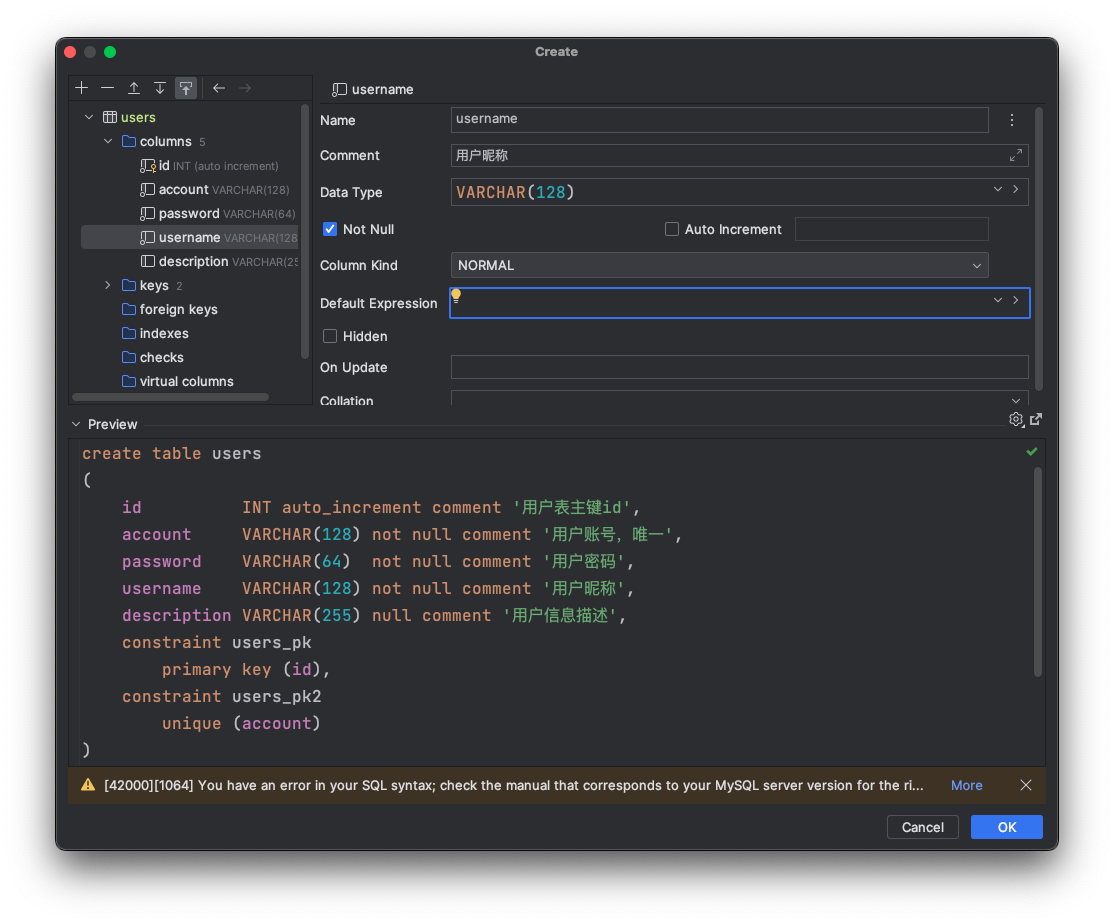
用户登录 创建用户表 首先需要创建一个 users 表
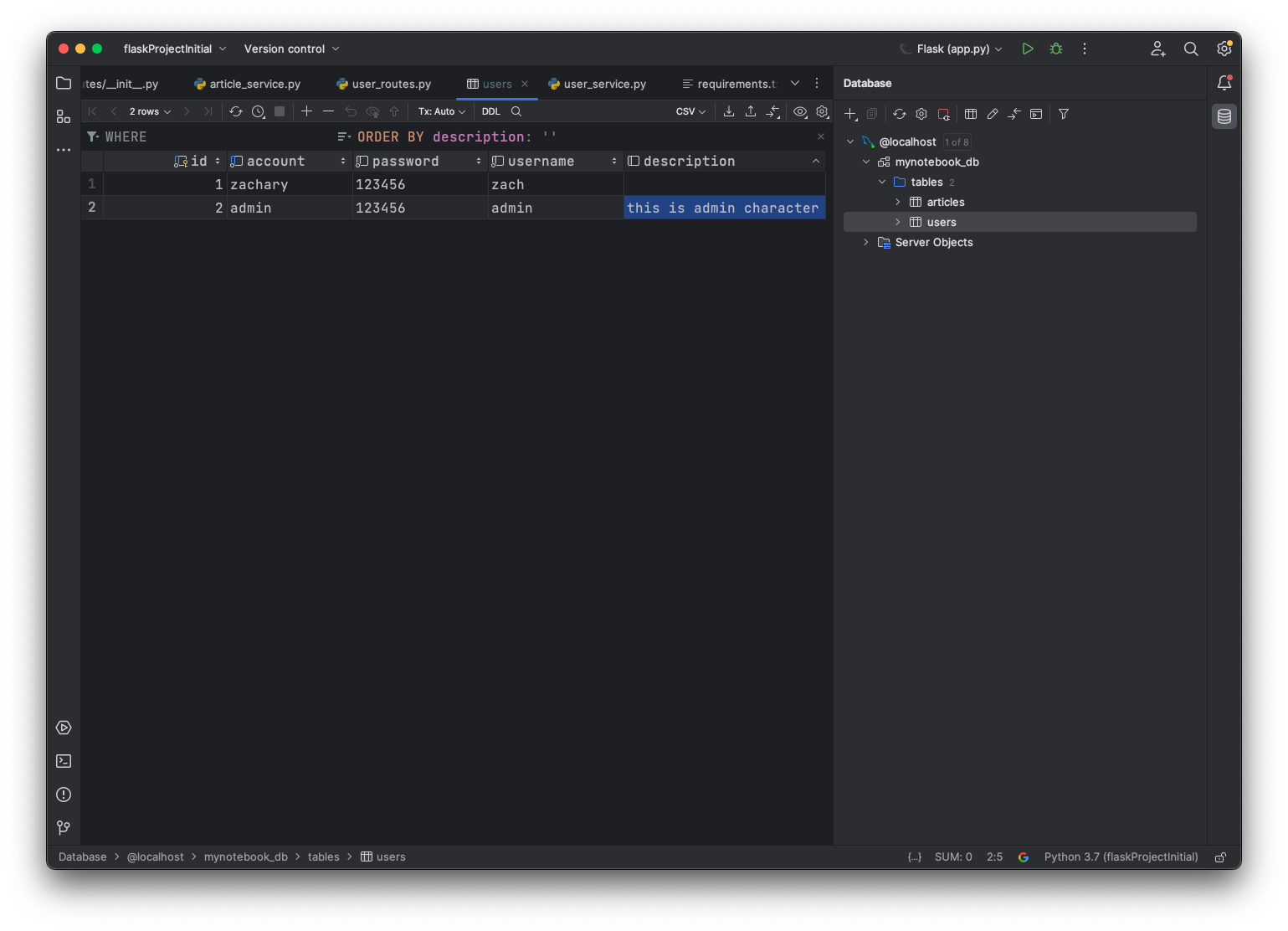
然后适当地准备上数据
创建用户映射类 然后在/models创建user.py用于创建 users 表的映射类
1
2
3
4
5
6
7
8
9
10
11
12
13
14
from sqlalchemy import Integer, Stringfrom sqlalchemy.orm import Mapped, mapped_columnfrom routes import dbclass User (db.Model): __tablename__ = 'users' id : Mapped[int ] = mapped_column(Integer, primary_key=True ) account: Mapped[str ] = mapped_column(String(128 ), unique=True , nullable=False ) password: Mapped[str ] = mapped_column(String(64 ), nullable=False ) username: Mapped[str ] = mapped_column(String(128 ), nullable=False ) description: Mapped[str ] = mapped_column(String(255 ), nullable=True )
准备与登录相关的包 1 2 Flask-WTF==1.1.1 flask-login==0.6.3
创建登录管理 login_manager 对象 在 routes 下的init 中添加对 login_manager 的初始化
1 2 3 4 5 6 7 8 9 10 11 12 13 14 from flask import Flaskfrom flask_login import LoginManagerfrom flask_sqlalchemy import SQLAlchemyapp = Flask(__name__, template_folder='../templates' , static_folder='../static' , static_url_path='/static' ) app.config['SQLALCHEMY_DATABASE_URI' ] = 'mysql+mysqldb://root:980226@localhost/mynotebook_db' app.config['SECRET_KEY' ] = 'zachary123456' db = SQLAlchemy(app) login_manager = LoginManager(app) from routes import user_routesfrom routes import admin_routes
给 User 类增加 user.load 支持并增加密码验证
给 User 类继承 UserMixin,为了实现一些方法如 is_active 等
1 2 3 4 5 6 7 8 9 10 11 12 13 14 15 16 17 18 19 20 21 22 23 from flask_login import UserMixinfrom sqlalchemy import Integer, Stringfrom sqlalchemy.orm import Mapped, mapped_columnfrom routes import db, login_manager@login_manager.user_loader def load_manager_user (user_id: int ): return db.session.get(User, user_id) class User (db.Model, UserMixin): __tablename__ = 'users' id : Mapped[int ] = mapped_column(Integer, primary_key=True ) account: Mapped[str ] = mapped_column(String(128 ), unique=True , nullable=False ) password: Mapped[str ] = mapped_column(String(64 ), nullable=False ) username: Mapped[str ] = mapped_column(String(128 ), nullable=False ) description: Mapped[str ] = mapped_column(String(255 ), nullable=True ) def password_check (self, password ): return self .password == password
创建表单类 为了便于管理表单,在项目目录下面创建一个/forms包
然后创建一个login_form.py,用于实现登录的表单类(包括数据的验证,对应数据项必须输入数据)
1 2 3 4 5 6 7 8 9 from flask_wtf import FlaskFormfrom wtforms import StringField, PasswordField, SubmitFieldfrom wtforms.validators import DataRequiredclass LoginForm (FlaskForm ): account = StringField(label='账号' , validators=[DataRequired()]) password = PasswordField(label='密码' , validators=[DataRequired()]) submit = SubmitField(label='登录' )
修改 login 的前端代码 修改在/templates下的login.html
1 2 3 4 5 6 7 8 9 10 11 12 13 14 15 {% extends 'base.html' %} {% block title %} zachary的记事本 - 登录 {% endblock %} {% block content %} <div class ="container-xl" > <form method ="POST" class ="form-signin" > {{ form.hidden_tag() }} <h1 class ="h3 mb-3 font-weight-normal" > 记事本管理员登录</h1 > <br /> {{ form.account.label }} {{ form.account(class="form-control", placeholder="请输入账号") }} {{ form.password.label }} {{ form.password(class="form-control", placeholder="请输入密码") }} <br /> {{ form.submit(class="btn btn-lg btn-primary btn-block") }} </form > </div > {% endblock %}
修改 login 的后端逻辑 先实现一下UserService,在/services下创建一个user_service.py
1 2 3 4 5 6 7 8 9 10 11 12 13 14 15 16 from flask_login import login_userfrom sqlalchemy import Selectfrom models.user import Userfrom routes import dbclass UserService : def do_login (self, account: str , password: str ) -> bool : query = Select(User).where(User.account == account) user = db.session.scalar(query) if user and user.password_check(password): login_user(user) return True return False
修改/routes/user_routes.py中的login_page方法
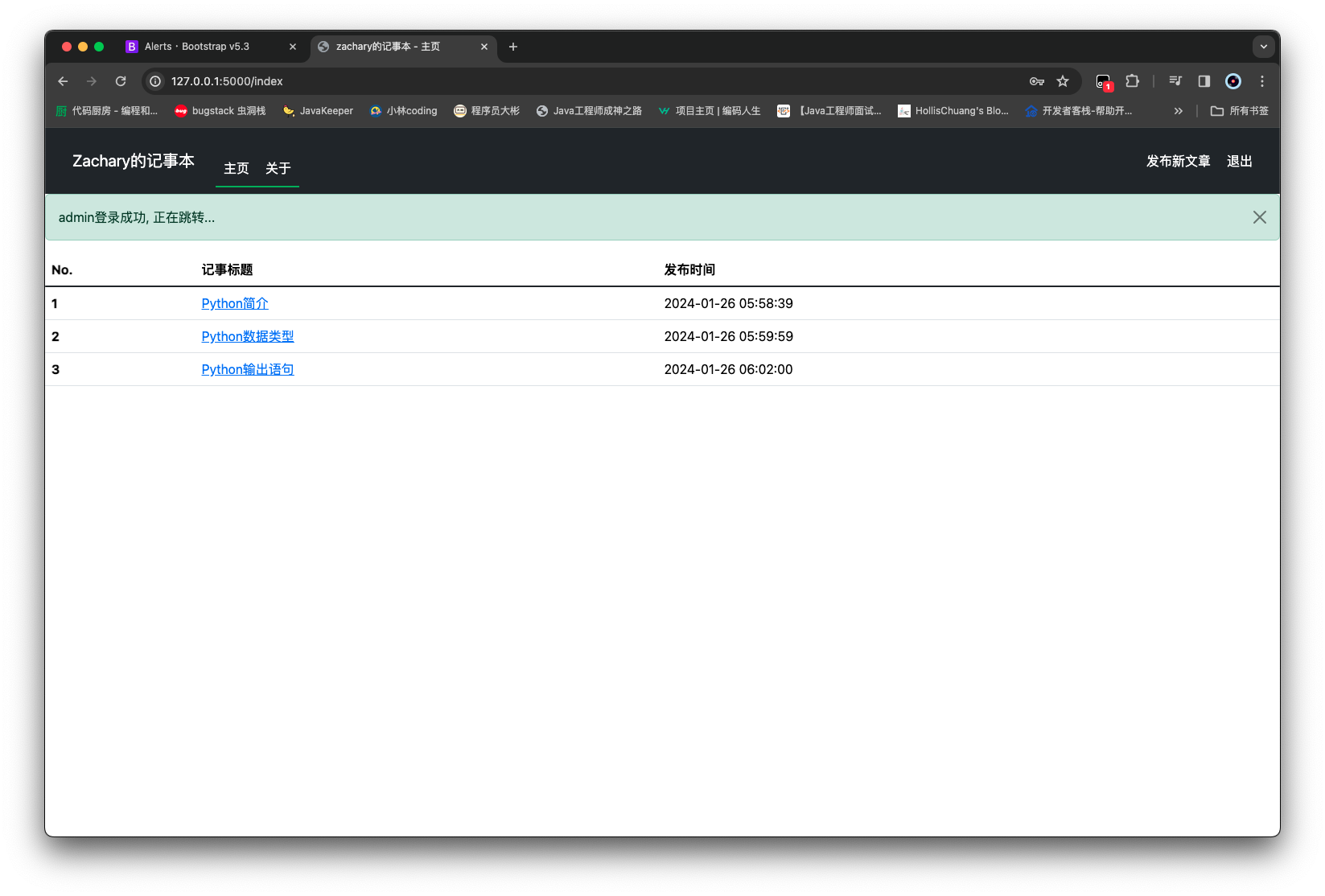
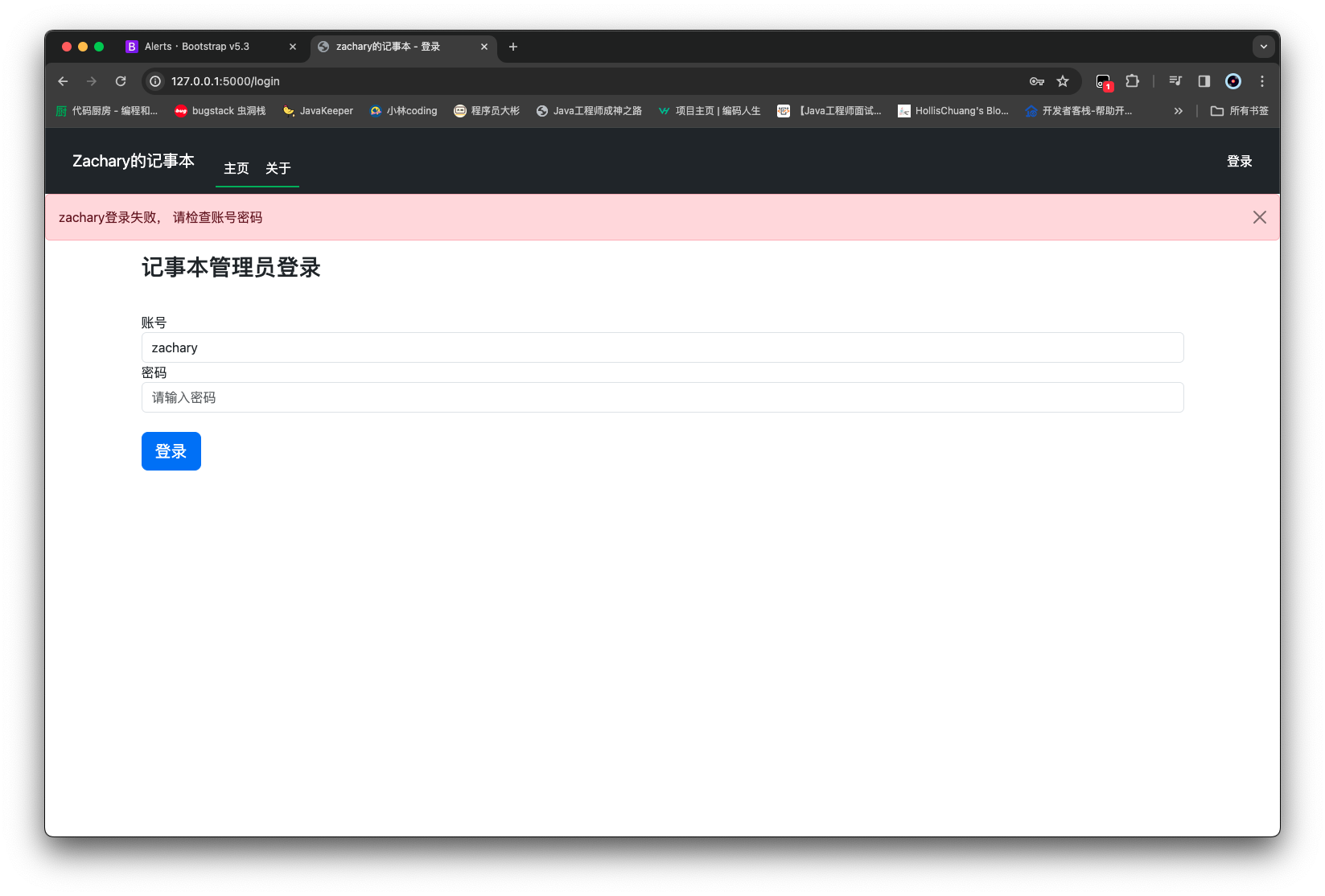
1 2 3 4 5 6 7 8 9 10 11 12 13 14 15 16 17 18 19 20 21 22 23 24 25 26 27 28 29 30 31 32 33 34 35 36 37 38 39 40 41 from flask import render_template, abort, flash, redirect, url_forfrom forms.login_form import LoginFormfrom routes import appfrom services.article_service import ArticleServicefrom services.user_service import UserService@app.route('/' @app.route('/index' def home_page (): articles = ArticleService().get_articles() return render_template('index.html' , articles=articles) @app.route('/article/<article_id>' def article_page (article_id ): article = ArticleService().get_article_by_id(article_id) if article: return render_template('article.html' , article=article) abort(404 ) @app.route('/about' def about_page (): return render_template('about.html' ) @app.route('/login' , methods=['GET' , 'POST' ] def login_page (): form = LoginForm() if form.validate_on_submit(): result = UserService().do_login(form.account.data, form.password.data) if result: flash(f'{form.account.data} 登录成功, 正在跳转...' , category='success' ) return redirect(url_for('home_page' )) else : flash(f'{form.account.data} 登录失败, 请检查账号密码' , category='danger' ) return render_template('login.html' , form=form)
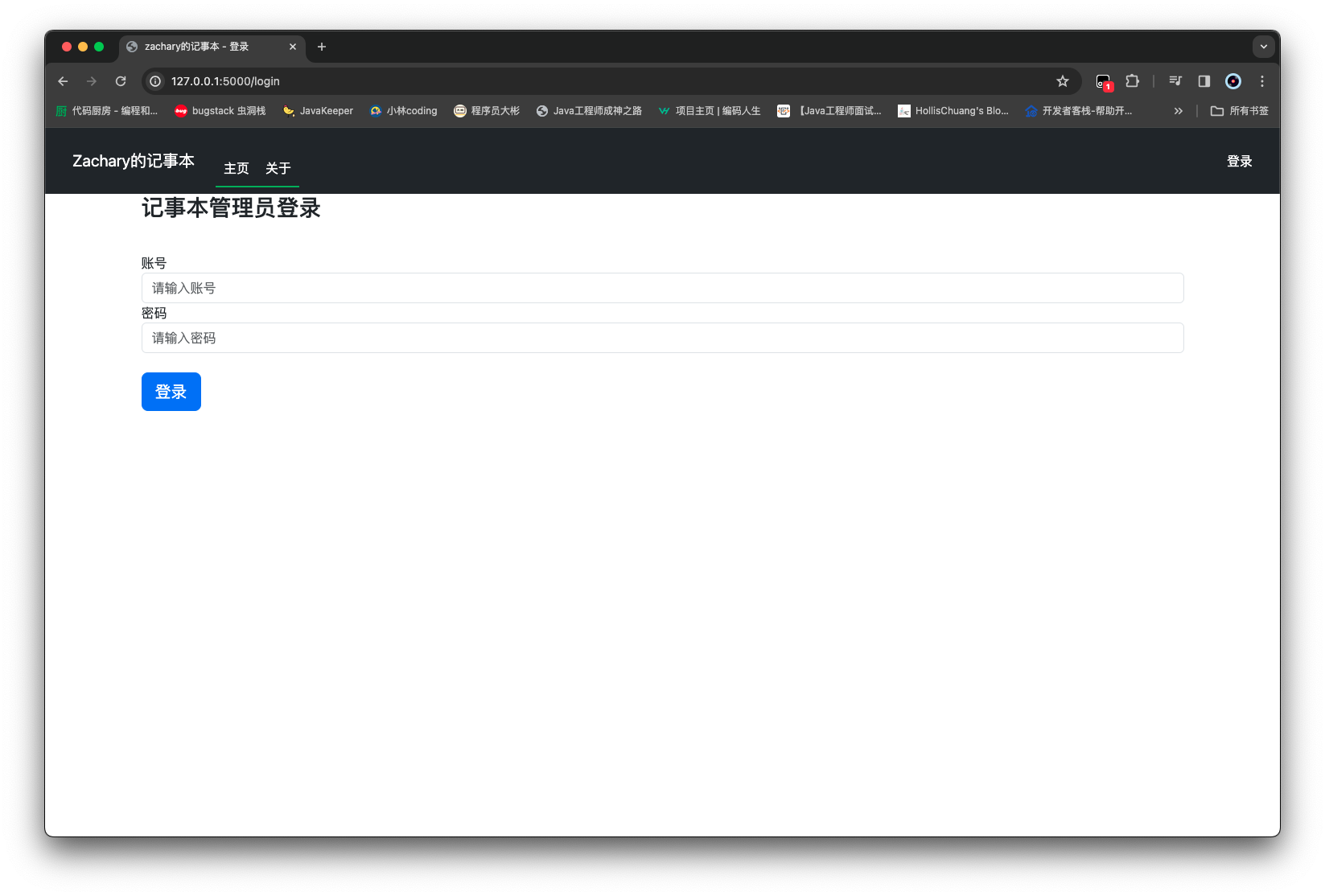
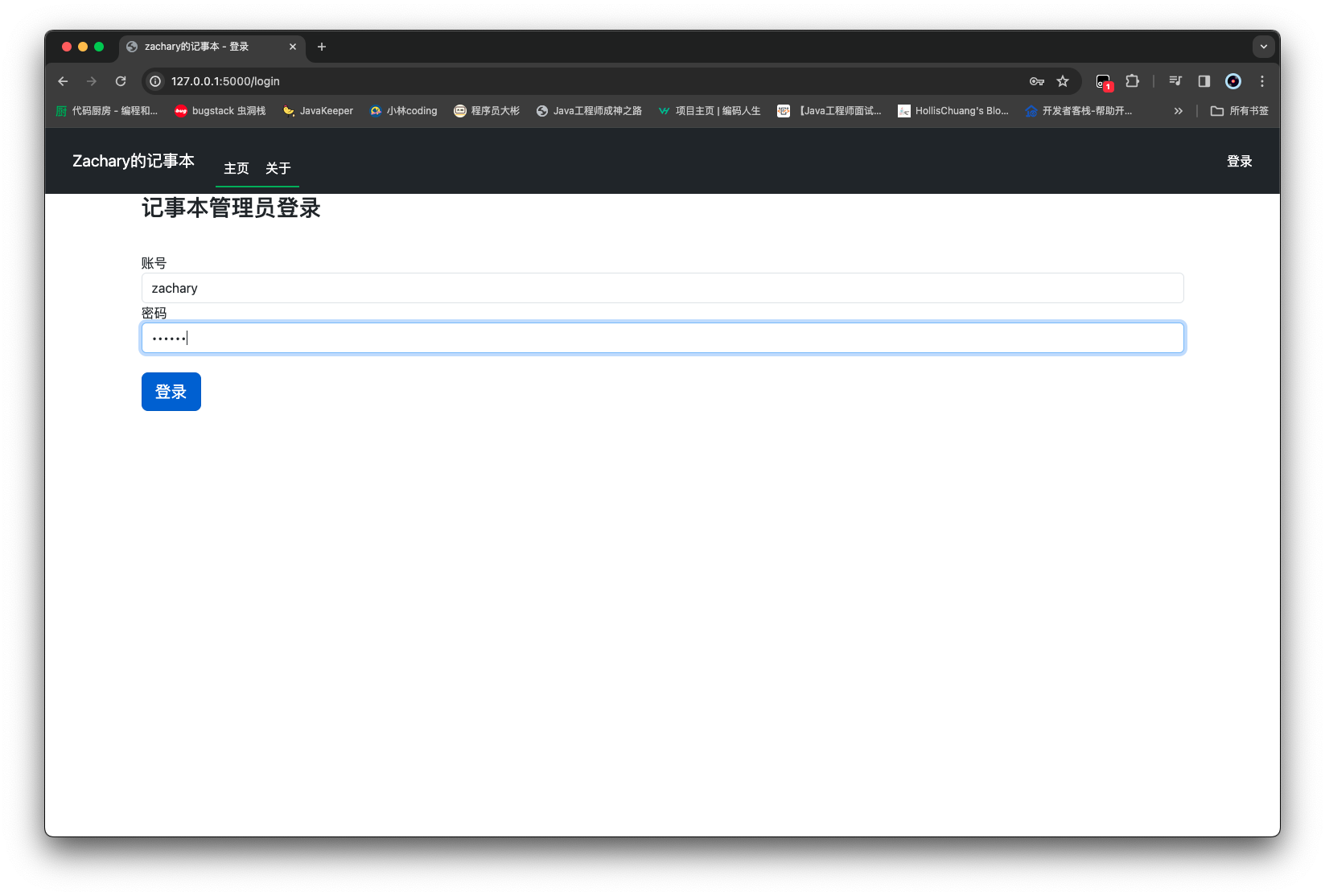
启动一下项目,然后点击 登录 按钮,跳转到登录页面
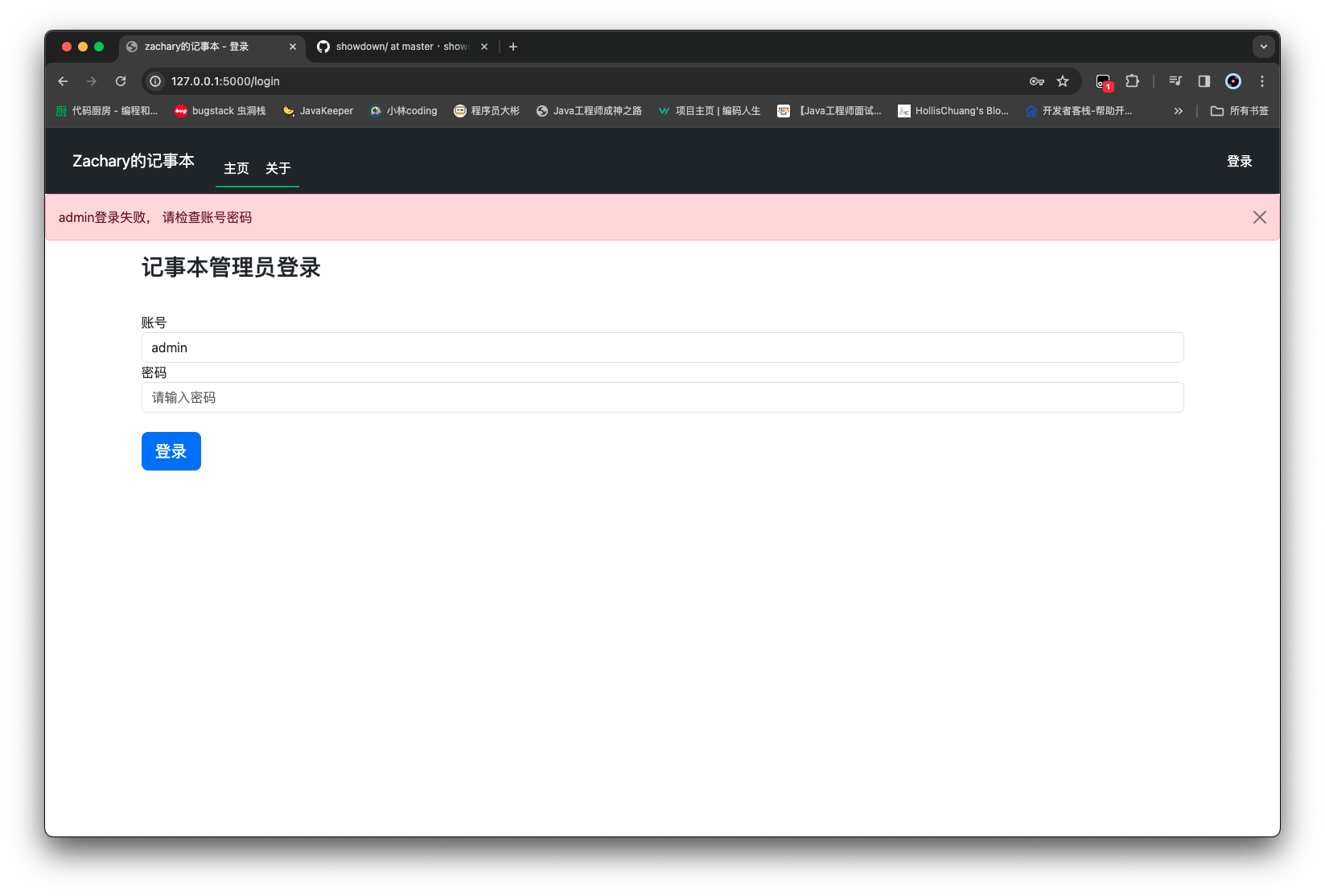
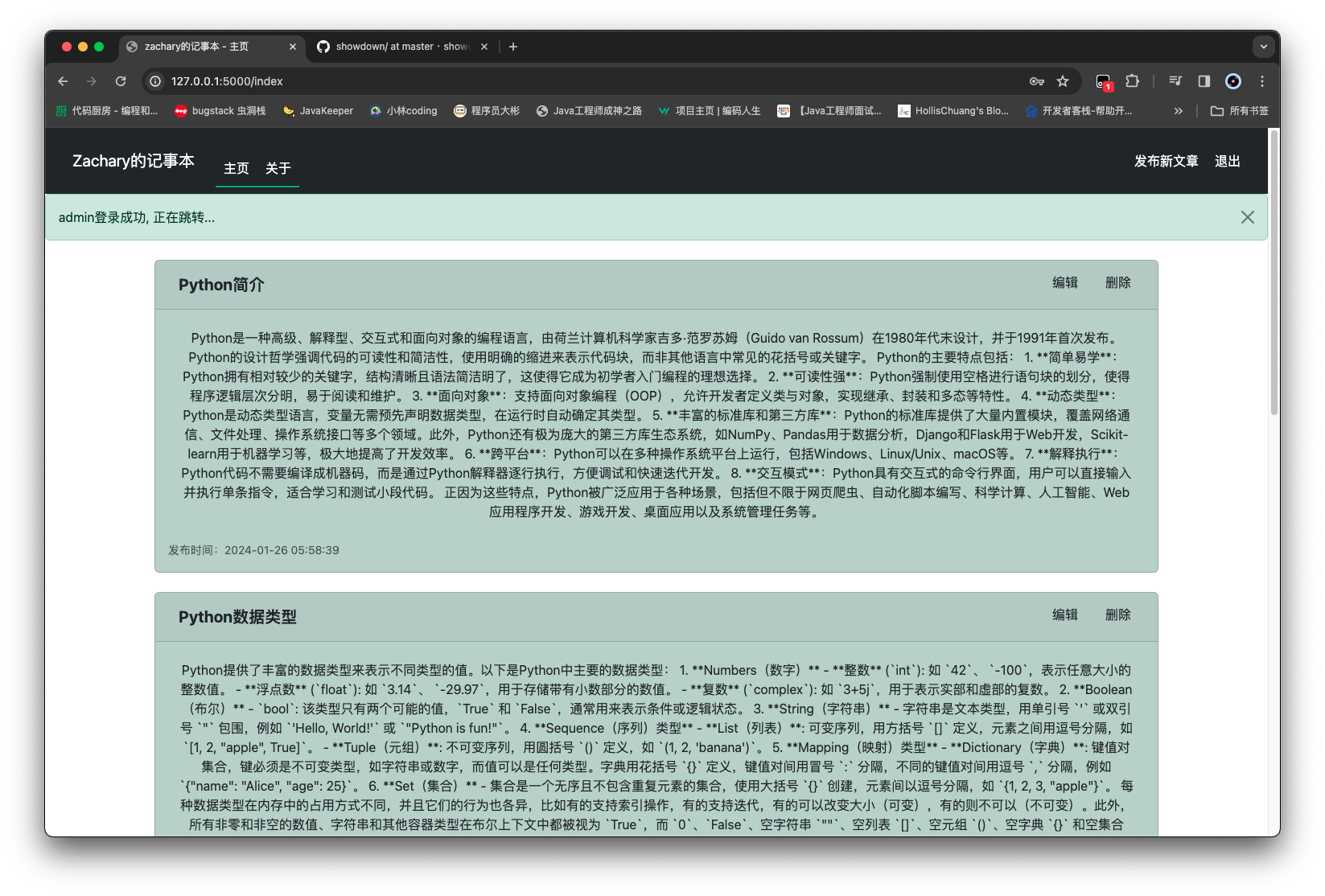
登录成功后自动跳转至 homepage
修改标题栏登录按钮 在用户登录前后,登录按钮一直都是登录,这并不符合登录后的一些选项,为了实现这一点,base.html进行一点修改
1 2 3 4 5 6 7 8 9 10 11 12 13 14 15 16 17 18 19 20 21 22 23 24 25 26 27 28 29 30 31 32 33 34 35 36 37 38 39 40 41 42 43 44 45 46 47 48 49 50 51 52 53 54 55 56 57 58 59 60 61 62 63 64 65 66 67 68 69 70 71 72 73 74 75 76 77 78 79 80 81 82 83 84 85 86 87 88 89 90 <!DOCTYPE html > <html lang ="en" > <head > <meta charset ="UTF-8" /> <meta name ="viewport" content ="width=device-width, initial-scale=1, shrink-to-fit=no" /> <link rel ="stylesheet" href ="/static/plugins/bootstrap-5.3.2/bootstrap.min.css" /> <script src ="/static/plugins/bootstrap-5.3.2/bootstrap.bundle.min.js" > </script > <script src ="/static/plugins/jquery-3.7.1/jquery.min.js" > </script > <title > {% block title %} {% endblock %}</title > </head > <body > <nav class ="navbar navbar-expand-md navbar-dark bg-dark ps-4 pe-4" style ="background-color: #1976d2; color: #ffffff;" > <a class ="navbar-brand" href ="#" style ="font-size: 20px; padding: 10px;" > Zachary的记事本</a > <button class ="navbar-toggler" type ="button" data-toggle ="collapse" data-target ="#navbarNav" style ="border: none; background-color: transparent; padding: 5px 10px;" > <span class ="navbar-toggler-icon" style ="background-color: #1976d2;" > </span > </button > <div class ="collapse navbar-collapse" id ="navbarNav" style ="width: 80%; margin: auto; border-radius: 10px;" > <ul class ="navbar-nav me-auto" style ="margin-top: 20px;" > <li class ="nav-item active" style ="border-bottom: 2px solid #4caf50;" > <a class ="nav-link" href ="{{ url_for('home_page') }}" style ="color: #ffffff; padding: 10px;" > 主页</a > </li > <li class ="nav-item" style ="border-bottom: 2px solid #4caf50;" > <a class ="nav-link" href ="{{ url_for('about_page') }}" style ="color: #ffffff; padding: 10px;" > 关于</a > </li > </ul > {% if current_user.is_authenticated %} <ul class ="navbar-nav" > <li class ="nav-item" > <a class ="nav-link" href ="#" style ="color: #ffffff; padding: 10px;" > 发布新文章</a > </li > <li class ="nav-item" > <a class ="nav-link" href ="#" style ="color: #ffffff; padding: 10px;" > 退出</a > </li > </ul > {% else %} <ul class ="navbar-nav" > <li class ="nav-item" > <a class ="nav-link" href ="#}" style ="color: #ffffff; padding: 10px;" > 登录</a > </li > </ul > {% endif %} </div > </nav > {% block content %} {% endblock %} </body > </html >
只是发布新文章和退出按钮的功能 暂时还没有实现
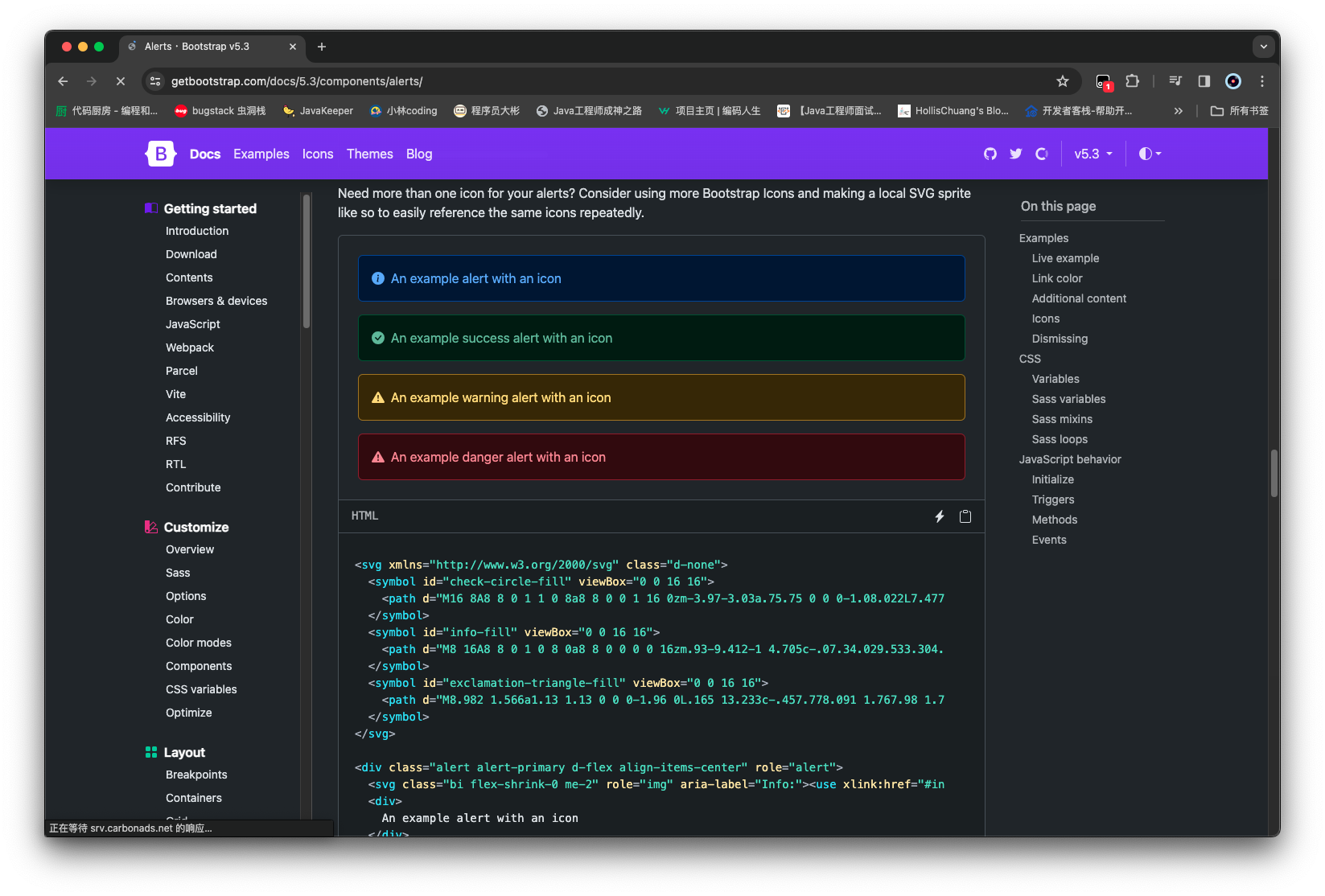
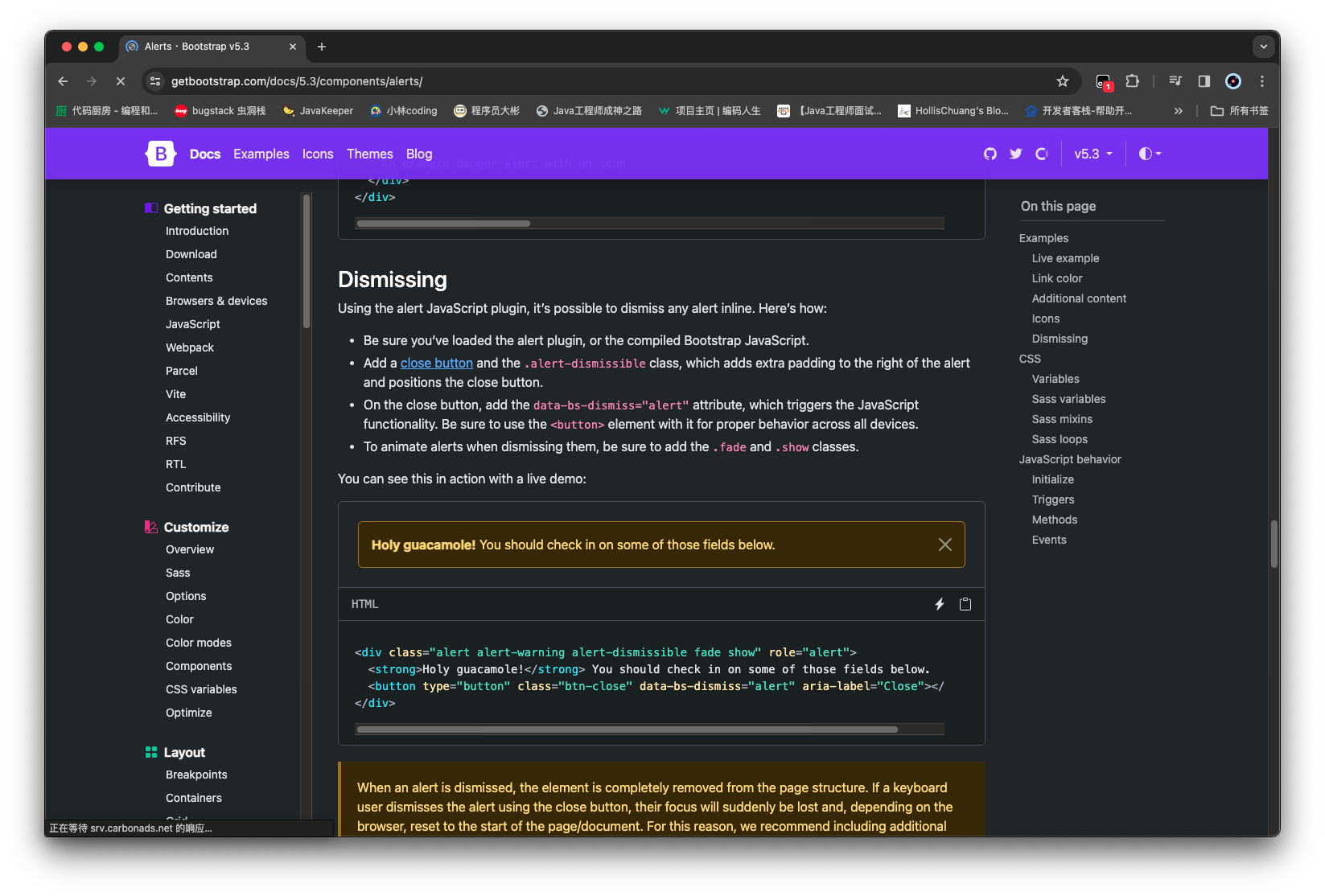
登录错误信息处理 在官网中去找到自己想要使用的信息提示样式
然后在相应部分进行编写
首先为了能让信息提示都能复用上,需要将信息提示的前端部分写到 base.html 里面
1
2
3
4
5
6
7
8
9
10
11
12
13
14
15
{% with messages = get_flashed_messages(with_categories=true) %} {% if messages %} {% for category, message in messages %} <div class ="alert alert-{{ category }} alert-dismissible fade show" role ="alert" > {{ message }} <button type ="button" class ="btn-close" data-bs-dismiss ="alert" aria-label ="Close" > </button > </div > {% endfor %} {% endif %} {% endwith %}
1 2 3 4 5 6 7 8 9 10 11 12 13 14 15 16 17 18 19 20 21 22 23 24 25 26 27 28 29 30 31 32 33 34 35 36 37 38 39 40 41 42 43 44 45 46 47 48 49 50 51 52 53 54 55 56 57 58 59 60 61 62 63 64 65 66 67 68 69 70 71 72 73 74 75 76 77 78 79 80 81 82 83 84 85 86 87 88 89 90 91 92 93 94 95 96 97 98 99 100 101 102 103 104 105 106 <!DOCTYPE html > <html lang ="en" > <head > <meta charset ="UTF-8" /> <meta name ="viewport" content ="width=device-width, initial-scale=1, shrink-to-fit=no" /> <link rel ="stylesheet" href ="/static/plugins/bootstrap-5.3.2/bootstrap.min.css" /> <script src ="/static/plugins/bootstrap-5.3.2/bootstrap.bundle.min.js" > </script > <script src ="/static/plugins/jquery-3.7.1/jquery.min.js" > </script > <title > {% block title %} {% endblock %}</title > </head > <body > <nav class ="navbar navbar-expand-md navbar-dark bg-dark ps-4 pe-4" style ="background-color: #1976d2; color: #ffffff;" > <a class ="navbar-brand" href ="#" style ="font-size: 20px; padding: 10px;" > Zachary的记事本</a > <button class ="navbar-toggler" type ="button" data-toggle ="collapse" data-target ="#navbarNav" style ="border: none; background-color: transparent; padding: 5px 10px;" > <span class ="navbar-toggler-icon" style ="background-color: #1976d2;" > </span > </button > <div class ="collapse navbar-collapse" id ="navbarNav" style ="width: 80%; margin: auto; border-radius: 10px;" > <ul class ="navbar-nav me-auto" style ="margin-top: 20px;" > <li class ="nav-item active" style ="border-bottom: 2px solid #4caf50;" > <a class ="nav-link" href ="{{ url_for('home_page') }}" style ="color: #ffffff; padding: 10px;" > 主页</a > </li > <li class ="nav-item" style ="border-bottom: 2px solid #4caf50;" > <a class ="nav-link" href ="{{ url_for('about_page') }}" style ="color: #ffffff; padding: 10px;" > 关于</a > </li > </ul > {% if current_user.is_authenticated %} <ul class ="navbar-nav" > <li class ="nav-item" > <a class ="nav-link" href ="#" style ="color: #ffffff; padding: 10px;" > 发布新文章</a > </li > <li class ="nav-item" > <a class ="nav-link" href ="#" style ="color: #ffffff; padding: 10px;" > 退出</a > </li > </ul > {% else %} <ul class ="navbar-nav" > <li class ="nav-item" > <a class ="nav-link" href ="{{ url_for('login_page') }}" style ="color: #ffffff; padding: 10px;" > 登录</a > </li > </ul > {% endif %} </div > </nav > {% with messages = get_flashed_messages(with_categories=true) %} {% if messages %} {% for category, message in messages %} <div class ="alert alert-{{ category }} alert-dismissible fade show" role ="alert" > {{ message }} <button type ="button" class ="btn-close" data-bs-dismiss ="alert" aria-label ="Close" > </button > </div > {% endfor %} {% endif %} {% endwith %} {% block content %} {% endblock %} </body > </html >
退出登录 给退出按钮指定一下 url,这里给退出指定的是logout_page
1 2 3 4 5 6 7 8 9 10 11 12 13 14 15 16 17 18 19 20 21 22 23 24 25 26 27 28 29 30 31 32 33 34 35 36 37 38 39 40 41 42 43 44 45 46 47 48 49 50 51 52 53 54 55 56 57 58 59 60 61 62 63 64 65 66 67 68 69 70 71 72 73 74 75 76 77 78 79 80 81 82 83 84 85 86 87 88 89 90 91 92 93 94 95 96 97 98 99 100 101 102 103 104 105 106 107 108 109 <!DOCTYPE html > <html lang ="en" > <head > <meta charset ="UTF-8" /> <meta name ="viewport" content ="width=device-width, initial-scale=1, shrink-to-fit=no" /> <link rel ="stylesheet" href ="/static/plugins/bootstrap-5.3.2/bootstrap.min.css" /> <script src ="/static/plugins/bootstrap-5.3.2/bootstrap.bundle.min.js" > </script > <script src ="/static/plugins/jquery-3.7.1/jquery.min.js" > </script > <title > {% block title %} {% endblock %}</title > </head > <body > <nav class ="navbar navbar-expand-md navbar-dark bg-dark ps-4 pe-4" style ="background-color: #1976d2; color: #ffffff;" > <a class ="navbar-brand" href ="#" style ="font-size: 20px; padding: 10px;" > Zachary的记事本</a > <button class ="navbar-toggler" type ="button" data-toggle ="collapse" data-target ="#navbarNav" style ="border: none; background-color: transparent; padding: 5px 10px;" > <span class ="navbar-toggler-icon" style ="background-color: #1976d2;" > </span > </button > <div class ="collapse navbar-collapse" id ="navbarNav" style ="width: 80%; margin: auto; border-radius: 10px;" > <ul class ="navbar-nav me-auto" style ="margin-top: 20px;" > <li class ="nav-item active" style ="border-bottom: 2px solid #4caf50;" > <a class ="nav-link" href ="{{ url_for('home_page') }}" style ="color: #ffffff; padding: 10px;" > 主页</a > </li > <li class ="nav-item" style ="border-bottom: 2px solid #4caf50;" > <a class ="nav-link" href ="{{ url_for('about_page') }}" style ="color: #ffffff; padding: 10px;" > 关于</a > </li > </ul > {% if current_user.is_authenticated %} <ul class ="navbar-nav" > <li class ="nav-item" > <a class ="nav-link" href ="#" style ="color: #ffffff; padding: 10px;" > 发布新文章</a > </li > <li class ="nav-item" > <a class ="nav-link" href ="{{ url_for('logout_page') }}" style ="color: #ffffff; padding: 10px;" > 退出</a > </li > </ul > {% else %} <ul class ="navbar-nav" > <li class ="nav-item" > <a class ="nav-link" href ="{{ url_for('login_page') }}" style ="color: #ffffff; padding: 10px;" > 登录</a > </li > </ul > {% endif %} </div > </nav > {% with messages = get_flashed_messages(with_categories=true) %} {% if messages %} {% for category, message in messages %} <div class ="alert alert-{{ category }} alert-dismissible fade show" role ="alert" > {{ message }} <button type ="button" class ="btn-close" data-bs-dismiss ="alert" aria-label ="Close" > </button > </div > {% endfor %} {% endif %} {% endwith %} {% block content %} {% endblock %} </body > </html >
接着在 user_routes.py 中实现一下这个方法
1 2 3 4 5 6 7 8 9 10 11 12 13 14 15 16 17 18 19 20 21 22 23 24 25 26 27 28 29 30 31 32 33 34 35 36 37 38 39 40 41 42 43 44 45 46 47 48 49 50 from flask import render_template, abort, flash, redirect, url_forfrom flask_login import current_user, logout_userfrom forms.login_form import LoginFormfrom routes import appfrom services.article_service import ArticleServicefrom services.user_service import UserService@app.route('/' @app.route('/index' def home_page (): articles = ArticleService().get_articles() return render_template('index.html' , articles=articles) @app.route('/article/<article_id>' def article_page (article_id ): article = ArticleService().get_article_by_id(article_id) if article: return render_template('article.html' , article=article) abort(404 ) @app.route('/about' def about_page (): return render_template('about.html' ) @app.route('/login' , methods=['GET' , 'POST' ] def login_page (): form = LoginForm() if form.validate_on_submit(): result = UserService().do_login(form.account.data, form.password.data) if result: flash(f'{form.account.data} 登录成功, 正在跳转...' , category='success' ) return redirect(url_for('home_page' )) else : flash(f'{form.account.data} 登录失败, 请检查账号密码' , category='danger' ) return render_template('login.html' , form=form) @app.route('/logout' def logout_page (): logout_user() return redirect(url_for('home_page' ))
发布新文章 接下来开始实现 发布新文章 按钮的功能
创建表单类 首先在artilce_form.py中创建表单类ArticleForm
1 2 3 4 5 6 7 8 9 from flask_wtf import FlaskFormfrom wtforms import StringField, TextAreaField, SubmitFieldfrom wtforms.validators import DataRequiredclass ArticleForm (FlaskForm ): title = StringField(label='标题' , validators=[DataRequired()]) content = TextAreaField(label='内容' , validators=[DataRequired()]) submit = SubmitField(label='提交' )
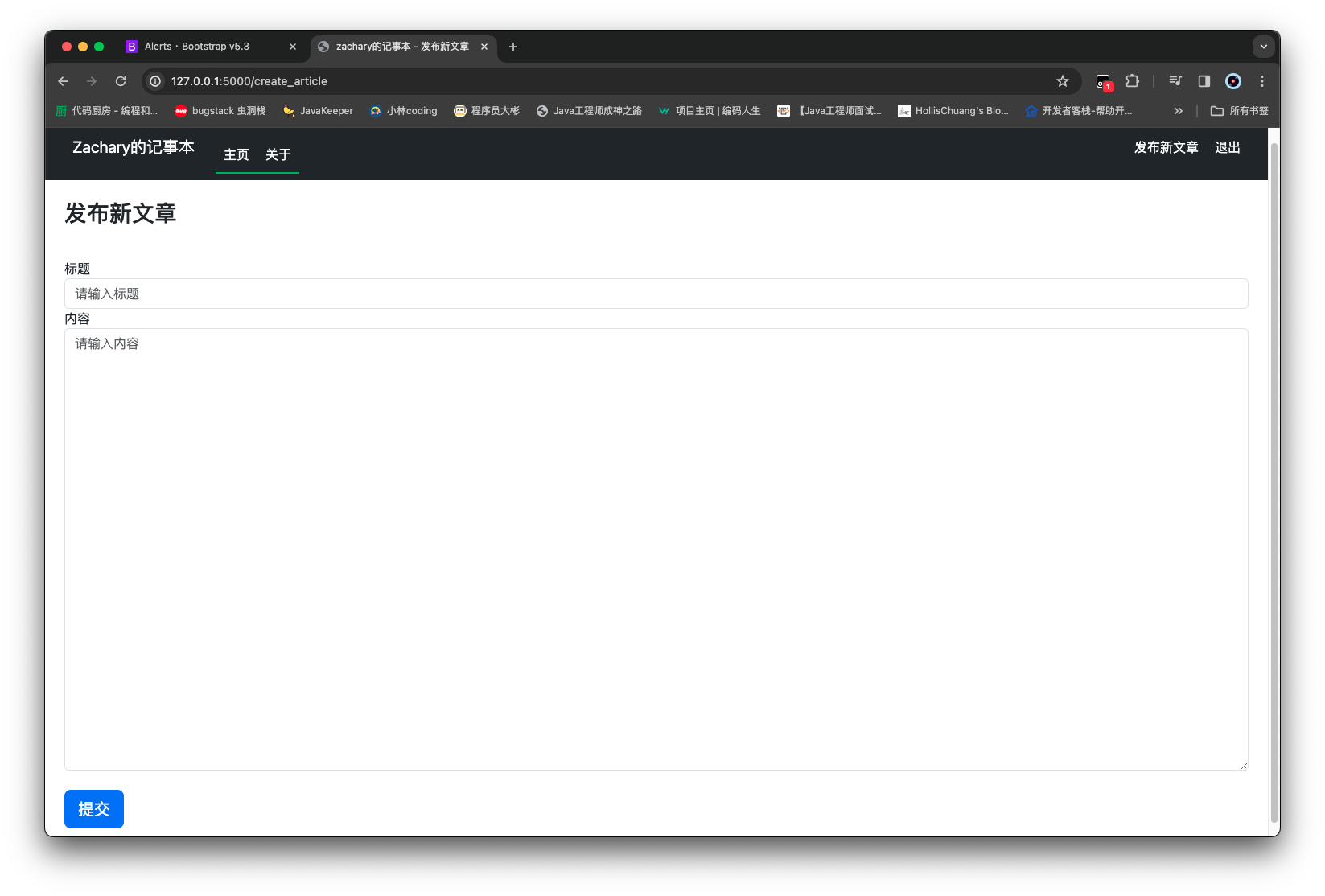
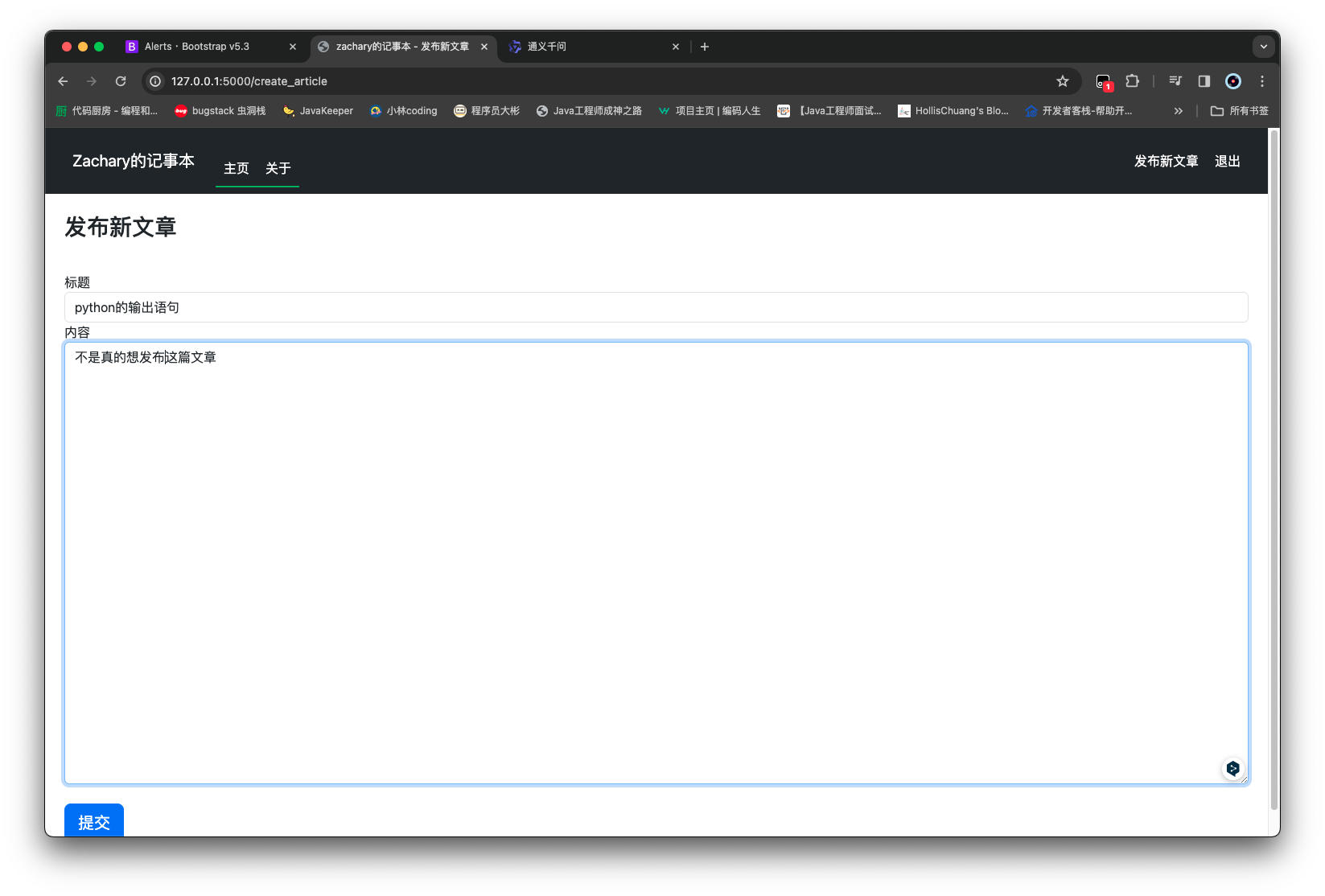
实现新增文章前端代码 在/templates下面创建一个create_article.html
1 2 3 4 5 6 7 8 9 10 11 12 13 14 15 16 17 18 19 20 21 {% extends 'base.html' %} {% block title %} zachary的记事本 - 发布新文章 {% endblock %} {% block content %} <style > .content_height { height : 550px ; } </style > <div class ="container-fluid px-4 py-4" > <form method ="POST" class ="form-signin" > {{ form.hidden_tag() }} <h1 class ="h3 mb-3 font-weight-normal" > 发布新文章</h1 > <br /> {{ form.title.label }} {{ form.title(class="form-control", placeholder="请输入标题") }} {{ form.content.label }} {{ form.content(class="form-control content_height", placeholder="请输入内容") }} <br /> {{ form.submit(class="btn btn-lg btn-primary btn-block") }} </form > </div > {% endblock %}
将发布新文章按钮指向一个 url {{ url_for('create_article_page') }}
1 2 3 4 5 6 7 8 9 10 11 12 13 14 15 16 17 18 19 20 21 22 23 24 25 26 27 28 29 30 31 32 33 34 35 36 37 38 39 40 41 42 43 44 45 46 47 48 49 50 51 52 53 54 55 56 57 58 59 60 61 62 63 64 65 66 67 68 69 70 71 72 73 74 75 76 77 78 79 80 81 82 83 84 85 86 87 88 89 90 91 92 93 94 95 96 97 98 99 100 101 102 103 104 105 106 107 108 109 110 111 112 <!DOCTYPE html > <html lang ="en" > <head > <meta charset ="UTF-8" /> <meta name ="viewport" content ="width=device-width, initial-scale=1, shrink-to-fit=no" /> <link rel ="stylesheet" href ="/static/plugins/bootstrap-5.3.2/bootstrap.min.css" /> <script src ="/static/plugins/bootstrap-5.3.2/bootstrap.bundle.min.js" > </script > <script src ="/static/plugins/jquery-3.7.1/jquery.min.js" > </script > <title > {% block title %} {% endblock %}</title > </head > <body > <nav class ="navbar navbar-expand-md navbar-dark bg-dark ps-4 pe-4" style ="background-color: #1976d2; color: #ffffff;" > <a class ="navbar-brand" href ="#" style ="font-size: 20px; padding: 10px;" > Zachary的记事本</a > <button class ="navbar-toggler" type ="button" data-toggle ="collapse" data-target ="#navbarNav" style ="border: none; background-color: transparent; padding: 5px 10px;" > <span class ="navbar-toggler-icon" style ="background-color: #1976d2;" > </span > </button > <div class ="collapse navbar-collapse" id ="navbarNav" style ="width: 80%; margin: auto; border-radius: 10px;" > <ul class ="navbar-nav me-auto" style ="margin-top: 20px;" > <li class ="nav-item active" style ="border-bottom: 2px solid #4caf50;" > <a class ="nav-link" href ="{{ url_for('home_page') }}" style ="color: #ffffff; padding: 10px;" > 主页</a > </li > <li class ="nav-item" style ="border-bottom: 2px solid #4caf50;" > <a class ="nav-link" href ="{{ url_for('about_page') }}" style ="color: #ffffff; padding: 10px;" > 关于</a > </li > </ul > {% if current_user.is_authenticated %} <ul class ="navbar-nav" > <li class ="nav-item" > <a class ="nav-link" href ="{{ url_for('create_article_page') }}" style ="color: #ffffff; padding: 10px;" > 发布新文章</a > </li > <li class ="nav-item" > <a class ="nav-link" href ="{{ url_for('logout_page') }}" style ="color: #ffffff; padding: 10px;" > 退出</a > </li > </ul > {% else %} <ul class ="navbar-nav" > <li class ="nav-item" > <a class ="nav-link" href ="{{ url_for('login_page') }}" style ="color: #ffffff; padding: 10px;" > 登录</a > </li > </ul > {% endif %} </div > </nav > {% with messages = get_flashed_messages(with_categories=true) %} {% if messages %} {% for category, message in messages %} <div class ="alert alert-{{ category }} alert-dismissible fade show" role ="alert" > {{ message }} <button type ="button" class ="btn-close" data-bs-dismiss ="alert" aria-label ="Close" > </button > </div > {% endfor %} {% endif %} {% endwith %} {% block content %} {% endblock %} </body > </html >
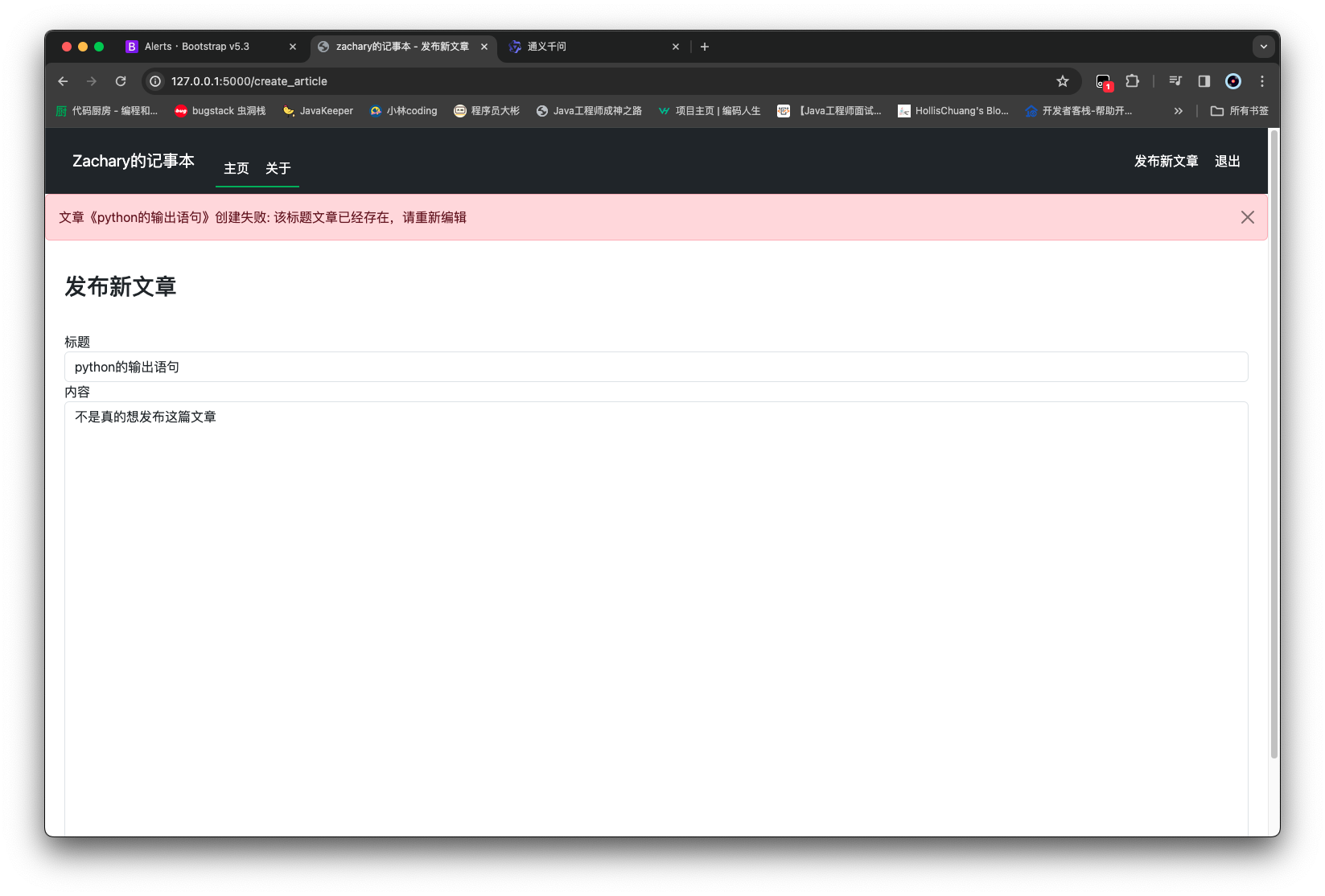
实现新增文章后端逻辑 先编写一个新增文章的 service 方法
1 2 3 4 5 6 7 8 9 def add_article (self, article: Article ): query = Select(Article).where(Article.title == article.title) if db.session.scalar(query): raise Exception('该标题文章已经存在,请重新编辑' ) db.session.add(article) db.session.commit() return article
然后在admin_routes.py新增一个create_article_page
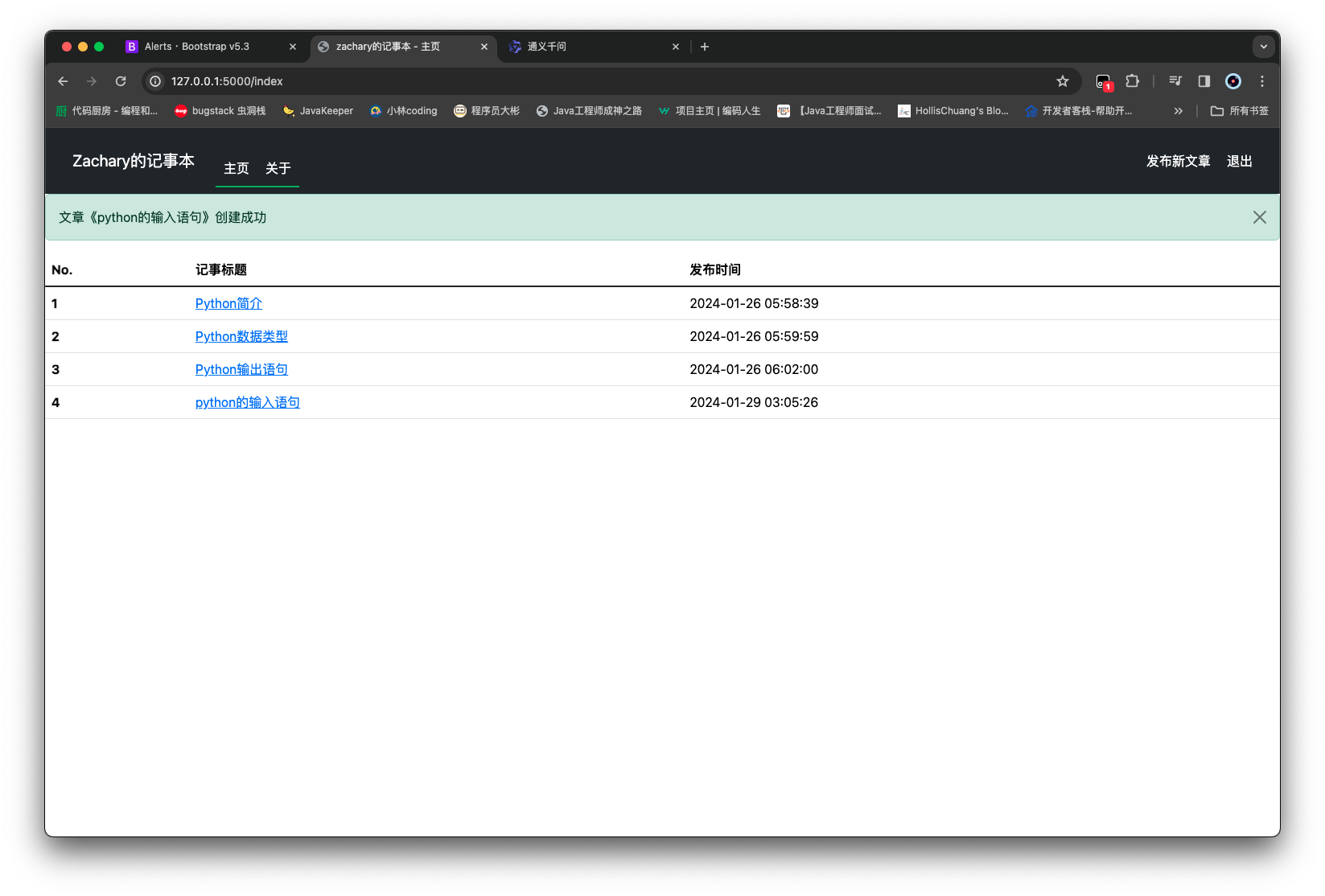
1 2 3 4 5 6 7 8 9 10 11 12 13 14 15 16 17 18 19 20 21 22 23 24 25 from flask import flash, redirect, url_for, render_templatefrom flask_login import login_requiredfrom forms.article_form import ArticleFormfrom models.article import Articlefrom routes import appfrom services.article_service import ArticleService@app.route('/create_article' , methods=['GET' , 'POST' ] @login_required def create_article_page (): form = ArticleForm() if form.validate_on_submit(): article = Article() article.title = form.title.data article.content = form.content.data try : ArticleService().add_article(article) flash(f'文章《{article.title} 》创建成功' , category='success' ) return redirect(url_for('home_page' )) except Exception as e: flash(f'文章《{article.title} 》创建失败: {e} ' , category='danger' ) return render_template('create_article.html' , form=form)
需要给Article类 添加上对content的 setter 方法
1 2 3 4 5 6 7 8 9 10 11 12 13 14 15 16 17 18 19 20 21 22 23 24 25 26 27 from datetime import datetimefrom sqlalchemy import Integer, String, BLOB, TIMESTAMPfrom sqlalchemy.orm import Mapped, mapped_columnfrom routes import dbclass Article (db.Model): __tablename__ = 'articles' id : Mapped[int ] = mapped_column(Integer, primary_key=True ) title: Mapped[str ] = mapped_column(String(255 ), unique=True , nullable=False ) __content: Mapped[bytes ] = mapped_column(BLOB, name='content' , nullable=False ) create_time: Mapped[datetime] = mapped_column(TIMESTAMP, nullable=False ) update_time: Mapped[datetime] = mapped_column(TIMESTAMP, nullable=True ) @property def content (self ): return self .__content.decode('utf-8' ) @content.setter def content (self, content: str ): self .__content = content.encode()
运行效果
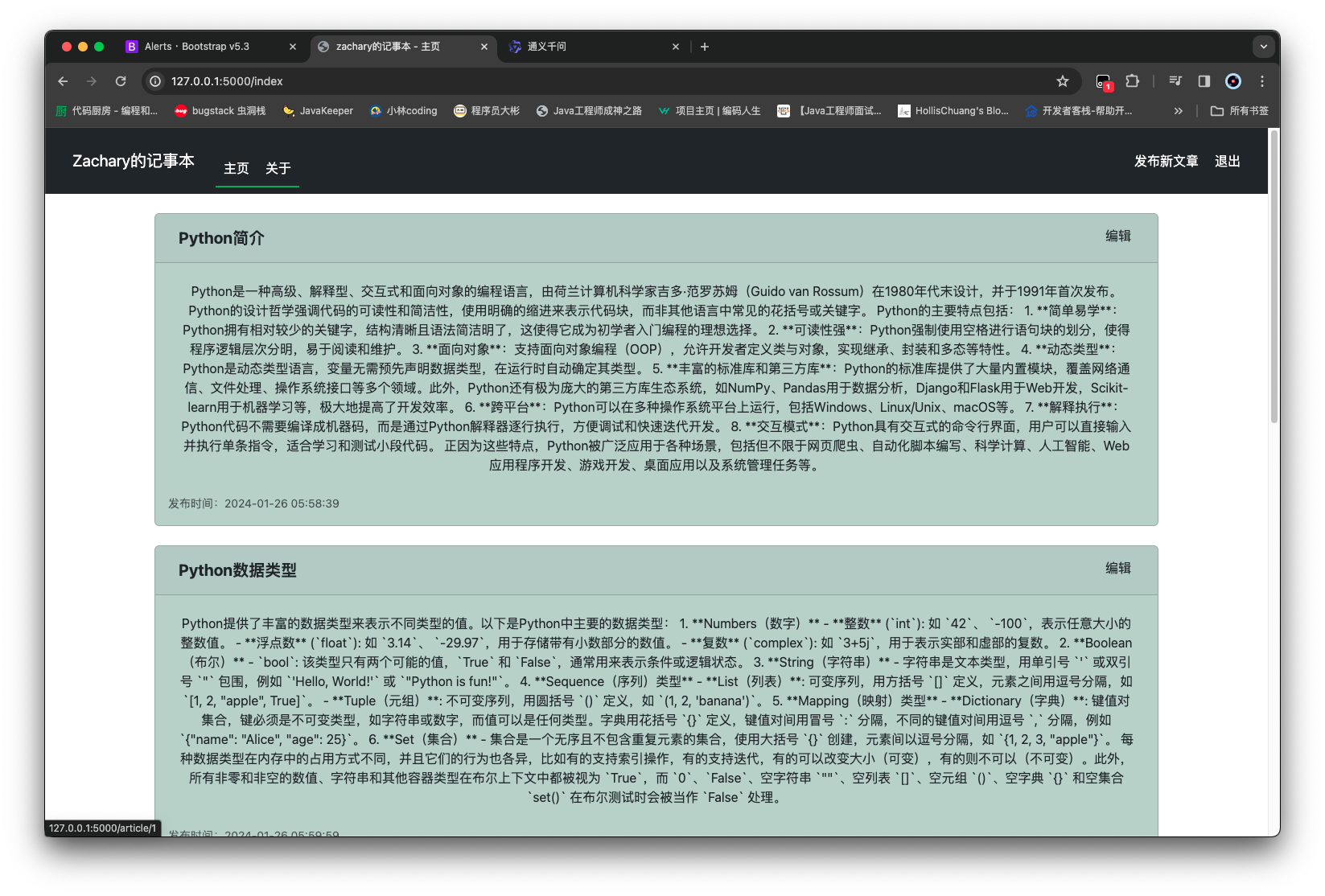
编辑文章 为了更方便地实现编辑这一功能,我们先修改一下index.html的显示效果
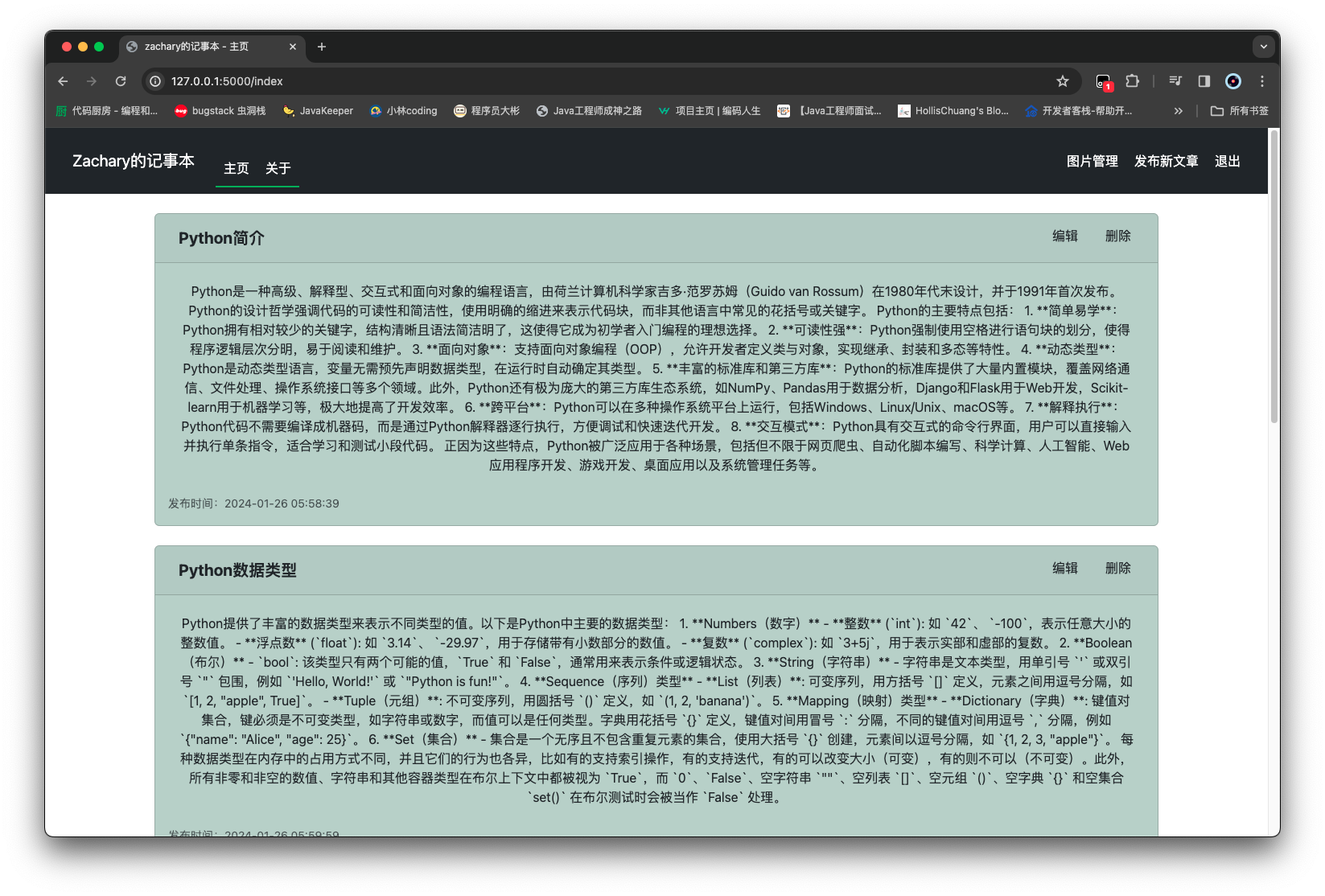
修改编辑文章前端效果 1 2 3 4 5 6 7 8 9 10 11 12 13 14 15 16 17 18 19 20 21 22 23 24 25 26 27 28 29 30 31 32 33 34 35 36 37 38 39 40 41 42 43 44 45 46 47 {% extends 'base.html' %} {% block title %} zachary的记事本 - 主页 {% endblock %} {% block content %} <div class ="container-xl" > {% for article in articles %} <div class ="card m-4" style ="background-color: #bcd0c7" > <div class ="card-header" > <ul class ="nav" > <li class ="nav-item me-auto" > <a class ="btn fs-5 fw-bold" href ="{{ url_for('article_page', article_id=article.id) }}" > {{ article.title }}</a > </li > {% if current_user.is_authenticated %} <li class ="nav-item px-1" > <small class ="text-body-secondary" > <a class ="btn" href ="{{ url_for('edit_article_page', article_id=article.id) }}" > 编辑</a > </small > </li > {% endif %} </ul > </div > <div class ="card-body" > <p class ="card-text" > <a class ="btn fs-6" href ="{{ url_for('article_page', article_id=article.id) }}" > {{ article.content }}</a > </p > <ul class ="nav" > <li class ="nav-item me-auto" > <small class ="text-body-secondary" > 发布时间:{{ article.create_time }}</small > </li > </ul > </div > </div > {% endfor %} </div > {% endblock %}
为了能先看一下 index 的内容样式,需要在admin_routes.py中添加一个新的路由
1 2 3 4 5 6 7 8 9 10 11 12 13 14 15 16 17 18 19 20 21 22 23 24 25 26 27 28 29 30 31 from flask import flash, redirect, url_for, render_templatefrom forms.article_form import ArticleFormfrom models.article import Articlefrom routes import appfrom services.article_service import ArticleService@app.route('/create_article' , methods=['GET' , 'POST' ] def create_article_page (): form = ArticleForm() if form.validate_on_submit(): article = Article() article.title = form.title.data article.content = form.content.data try : ArticleService().add_article(article) flash(f'文章《{article.title} 》创建成功' , category='success' ) return redirect(url_for('home_page' )) except Exception as e: flash(f'文章《{article.title} 》创建失败: {e} ' , category='danger' ) return render_template('create_article.html' , form=form) @app.route('/edit_article/<article_id>' , methods=['GET' , 'POST' ] def edit_article_page (): pass
同时为了复用当使用 发布新文章、编辑的时候用同一个create_article.html页面编辑或者发布,做一个小修改
1 2 3 4 5 6 7 8 9 10 11 12 13 14 15 16 17 18 19 20 21 22 23 {% extends 'base.html' %} {% block title %} zachary的记事本 - {% if isEdit %} 编辑文章 {% else %} 发布新文章 {% endif %} {% endblock %} {% block content %} <style > .content_height { height : 550px ; } </style > <div class ="container-fluid px-4 py-4" > <form method ="POST" class ="form-signin" > {{ form.hidden_tag() }} <h1 class ="h3 mb-3 font-weight-normal" > {% if isEdit %} 编辑文章 {% else %} 发布新文章 {% endif %} </h1 > <br /> {{ form.title.label }} {{ form.title(class="form-control", placeholder="请输入标题") }} {{ form.content.label }} {{ form.content(class="form-control content_height", placeholder="请输入内容") }} <br /> {{ form.submit(class="btn btn-lg btn-primary btn-block") }} </form > </div > {% endblock %}
实现编辑文章后端逻辑 首先实现编辑的 service 代码
1 2 3 4 5 6 7 8 9 10 11 12 13 14 15 16 17 18 19 20 21 22 23 24 25 26 27 28 29 30 31 32 33 34 35 36 37 38 39 40 41 42 43 from sqlalchemy import Select, func, and_from models.article import Articlefrom routes import dbclass ArticleService : def get_article_by_id (self, article_id ): return db.session.get(Article, article_id) def get_articles (self ): query = Select(Article) return db.session.scalars(query).all () def add_article (self, article: Article ): query = Select(Article).where(Article.title == article.title) if db.session.scalar(query): raise Exception('该标题文章已经存在,请重新编辑' ) db.session.add(article) db.session.commit() return article def update_article (self, article: Article ): existed_article = self .get_article_by_id(article.id ) if not existed_article: raise Exception('该文章不存在' ) query = Select(Article).where(and_(Article.title == article.title, Article.id != article.id )) if db.session.scalar(query): raise Exception('该标题文章已经存在,请重新编辑' ) existed_article.title = article.title existed_article.content = article.content existed_article.update_time = func.now() db.session.commit() return article
实现编辑的路由,其中需要实现两个
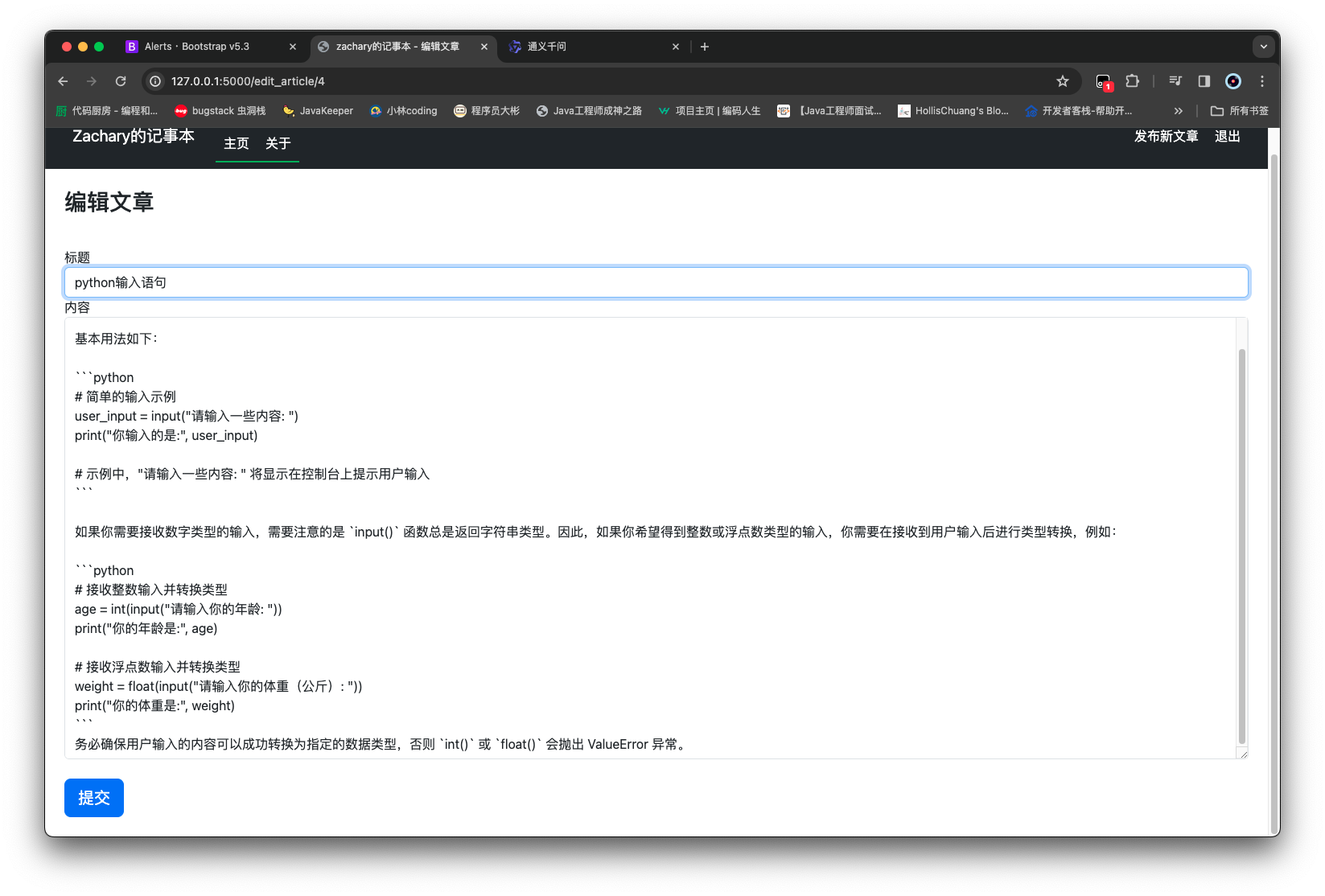
点击编辑按钮后,跳转到当前该文章的信息页面
修改信息之后,点击提交按钮进行更新
1 2 3 4 5 6 7 8 9 10 11 12 13 14 15 16 17 18 19 20 21 22 23 24 25 26 27 28 29 30 31 32 33 34 35 36 37 38 39 40 41 42 43 44 45 46 47 48 49 50 51 52 53 54 55 56 57 58 59 60 61 62 from flask import flash, redirect, url_for, render_template, requestfrom flask_login import login_requiredfrom forms.article_form import ArticleFormfrom models.article import Articlefrom routes import appfrom services.article_service import ArticleService@app.route('/create_article' , methods=['GET' , 'POST' ] @login_required def create_article_page (): form = ArticleForm() if form.validate_on_submit(): article = Article() article.title = form.title.data article.content = form.content.data try : ArticleService().add_article(article) flash(f'文章《{article.title} 》创建成功' , category='success' ) return redirect(url_for('home_page' )) except Exception as e: flash(f'文章《{article.title} 》创建失败: {e} ' , category='danger' ) return render_template('create_article.html' , form=form, isEdit=False ) @app.route('/edit_article/<article_id>' , methods=['GET' , 'POST' ] @login_required def edit_article_page (article_id: str ): form = ArticleForm() if request.method == 'GET' : try : article = ArticleService().get_article_by_id(article_id) if not article: flash("文章不存在" , category='danger' ) return redirect(url_for('home_page' )) else : form.title.data = article.title form.content.data = article.content except Exception as e: flash(f'文章获取失败: {e} ' , category='danger' ) return redirect(url_for('home_page' )) if form.validate_on_submit(): article = Article() try : article.id = int (article_id) article.title = form.title.data article.content = form.content.data ArticleService().update_article(article) flash(f'文章《{article.title} 》更新成功' , category='success' ) return redirect(url_for('home_page' )) except Exception as e: flash(f'文章《{article.title} 》更新失败: {e} ' , category='danger' ) return render_template('create_article.html' , form=form, isEdit=True )
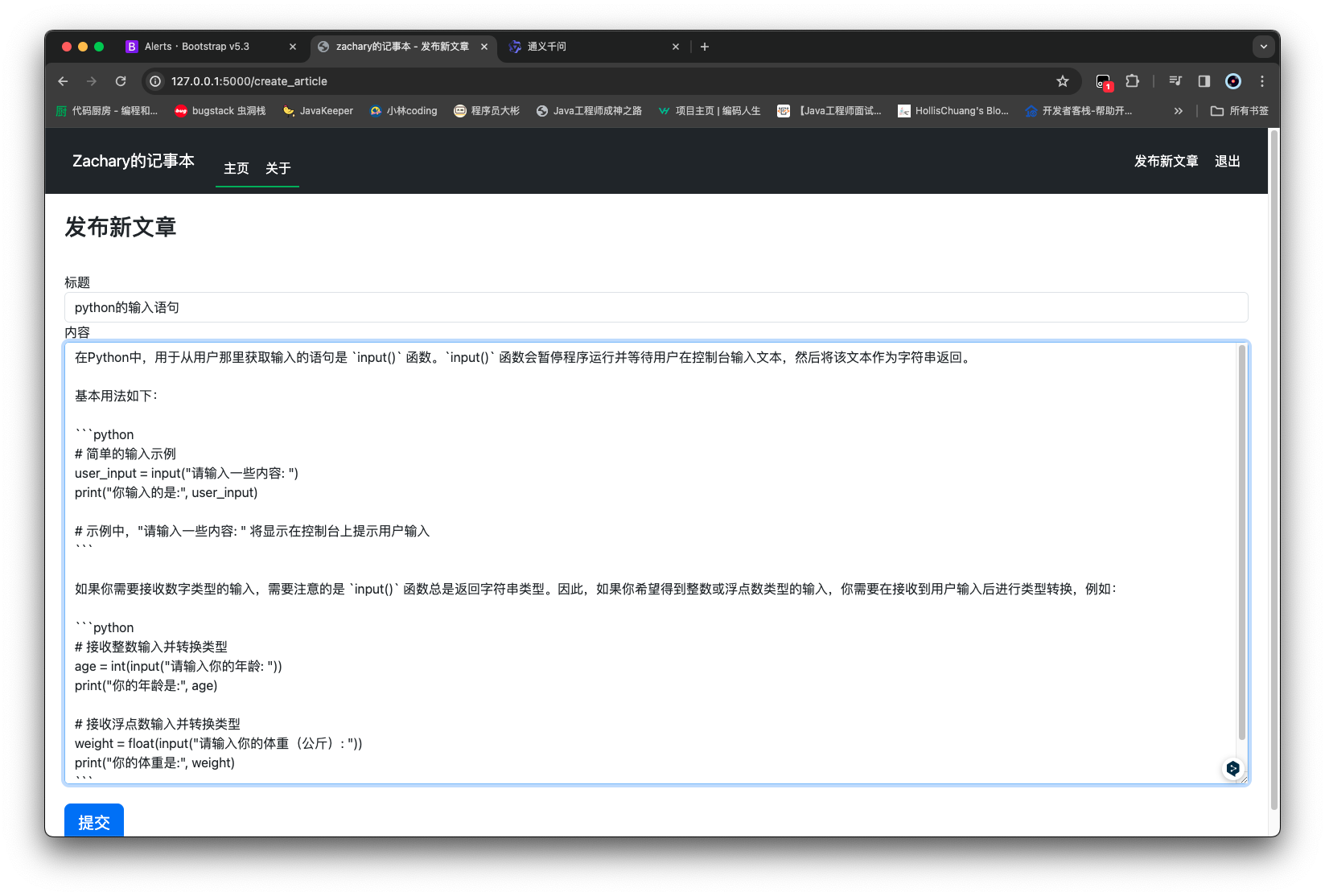
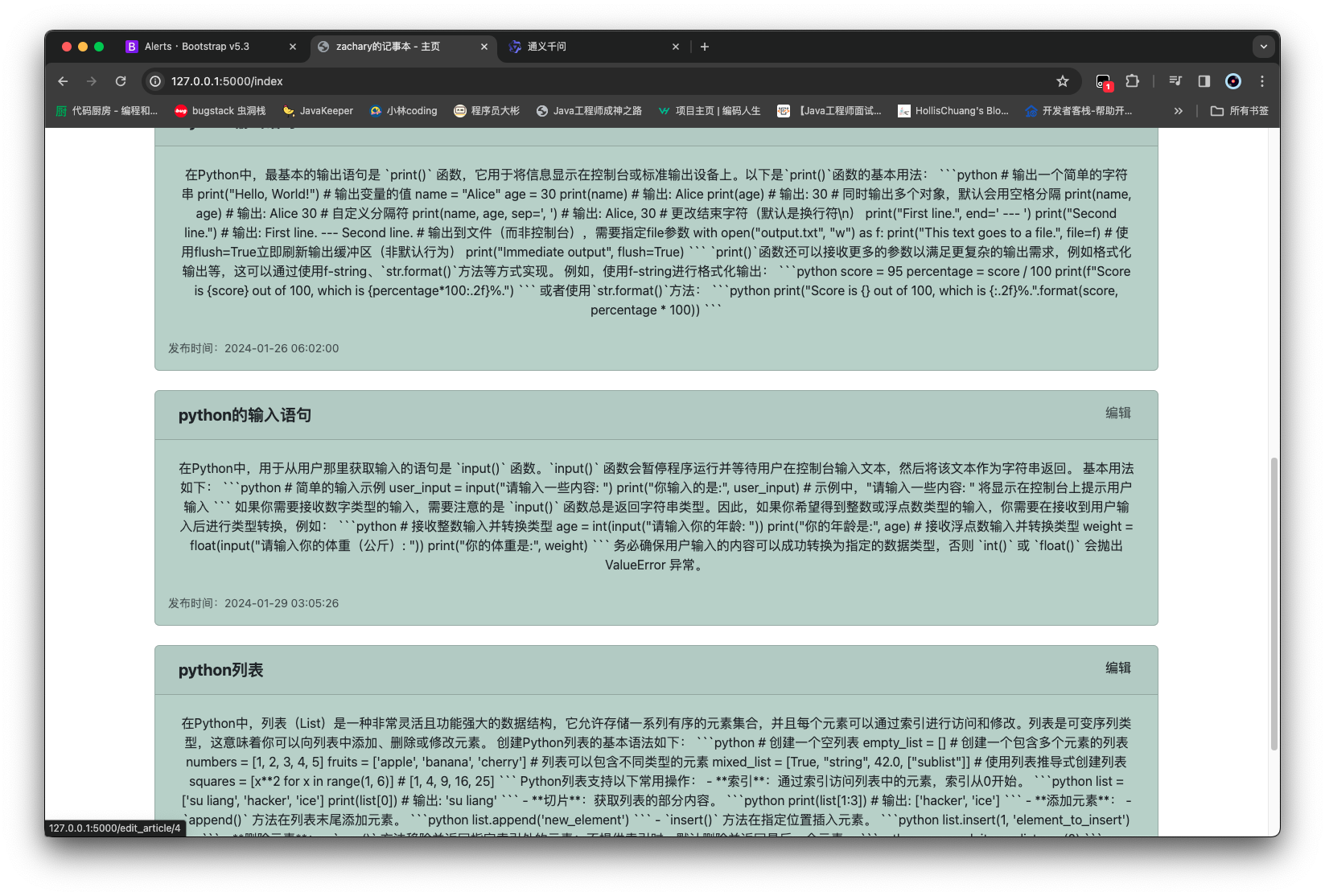
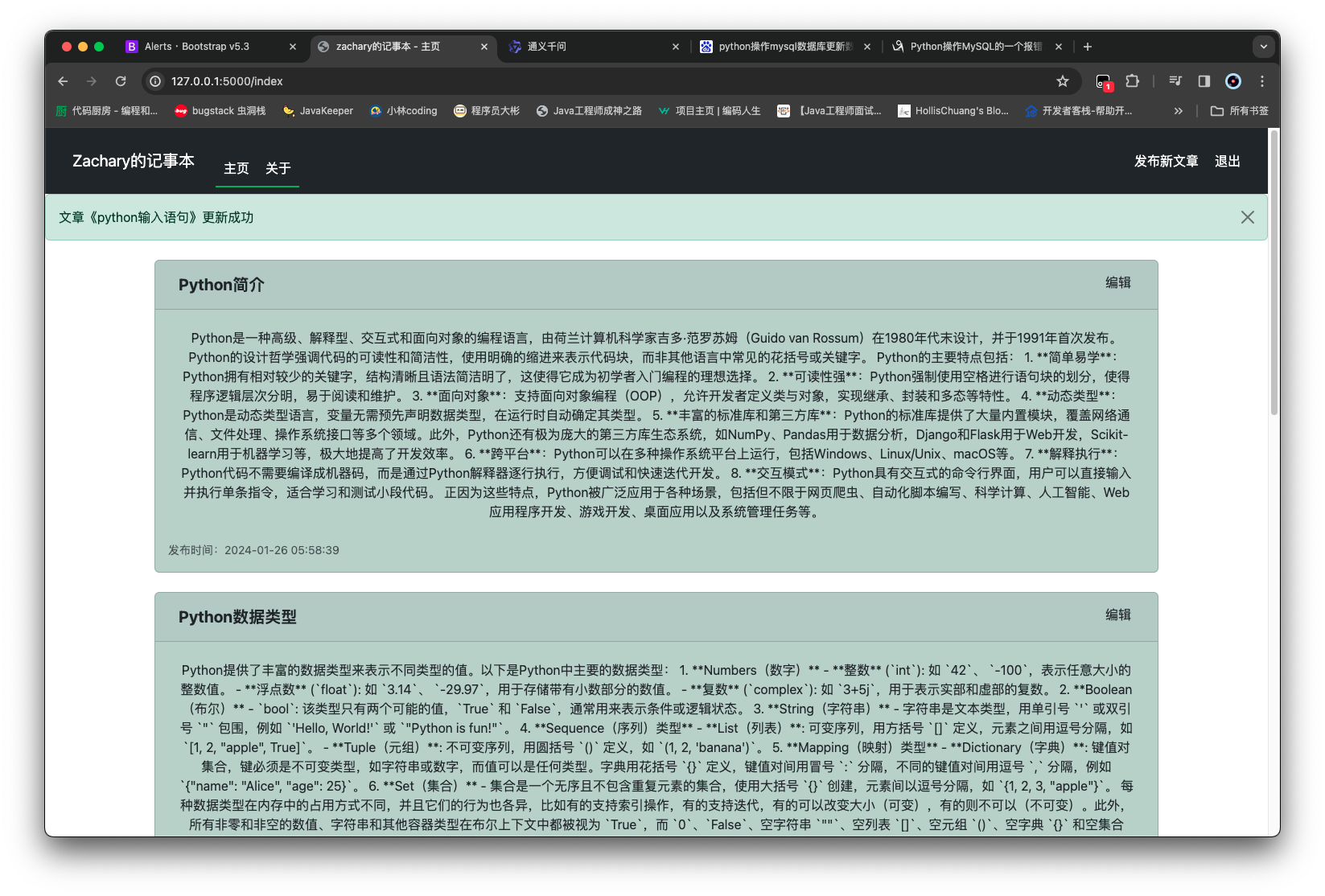
效果 修改这个 python 的输入语句 修改成 python 输入语句
删除文章 实现对页面中的文章进行删除
删除按钮的前端实现 1 2 3 4 5 6 7 8 9 10 11 12 13 14 15 16 17 18 19 20 21 22 23 24 25 26 27 28 29 30 31 32 33 34 35 36 37 38 39 40 41 42 43 44 45 46 47 48 49 50 51 52 53 54 55 56 57 58 {% extends 'base.html' %} {% block title %} zachary的记事本 - 主页 {% endblock %} {% block content %} <div class ="container-xl" > {% for article in articles %} <div class ="card m-4" style ="background-color: #bcd0c7" > <div class ="card-header" > <ul class ="nav" > <li class ="nav-item me-auto" > <a class ="btn fs-5 fw-bold" href ="{{ url_for('article_page', article_id=article.id) }}" > {{ article.title }}</a > </li > {% if current_user.is_authenticated %} <li class ="nav-item px-1" > <small class ="text-body-secondary" > <a class ="btn" href ="{{ url_for('edit_article_page', article_id=article.id) }}" > 编辑</a > </small > </li > <li class ="nav-item px-1" > <small class ="text-body-secondary" > <button class ="btn" data-bs-toggle ="modal" data-bs-target ="#Modal-DeleteConfirm-{{ article.id }}" > 删除 </button > </small > </li > {% endif %} </ul > </div > <div class ="card-body" > <p class ="card-text" > <a class ="btn fs-6" href ="{{ url_for('article_page', article_id=article.id) }}" > {{ article.content }}</a > </p > <ul class ="nav" > <li class ="nav-item me-auto" > <small class ="text-body-secondary" > 发布时间:{{ article.create_time }}</small > </li > </ul > </div > </div > {% endfor %} </div > {% endblock %}
实现删除文章后端逻辑
创建 删除文章的表单类,article_delete_form.py
article_id并不需要用户输入,所以是一个隐藏字段
1 2 3 4 5 6 7 8 from flask_wtf import FlaskFormfrom wtforms import HiddenField, SubmitFieldfrom wtforms.validators import DataRequiredclass ArticleDeleteForm (FlaskForm ): article_id = HiddenField(validators=[DataRequired()]) submit = SubmitField(label='删除' )
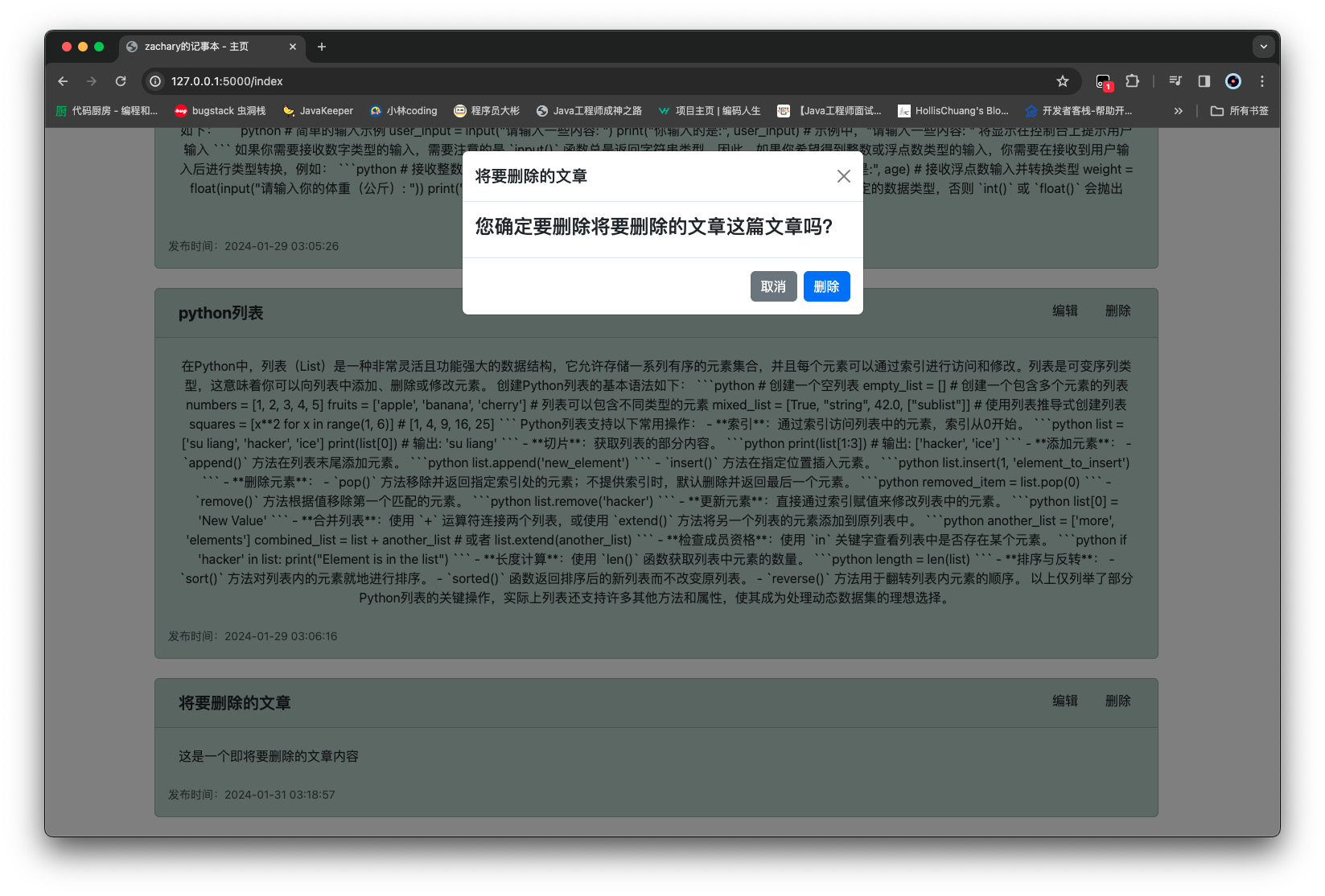
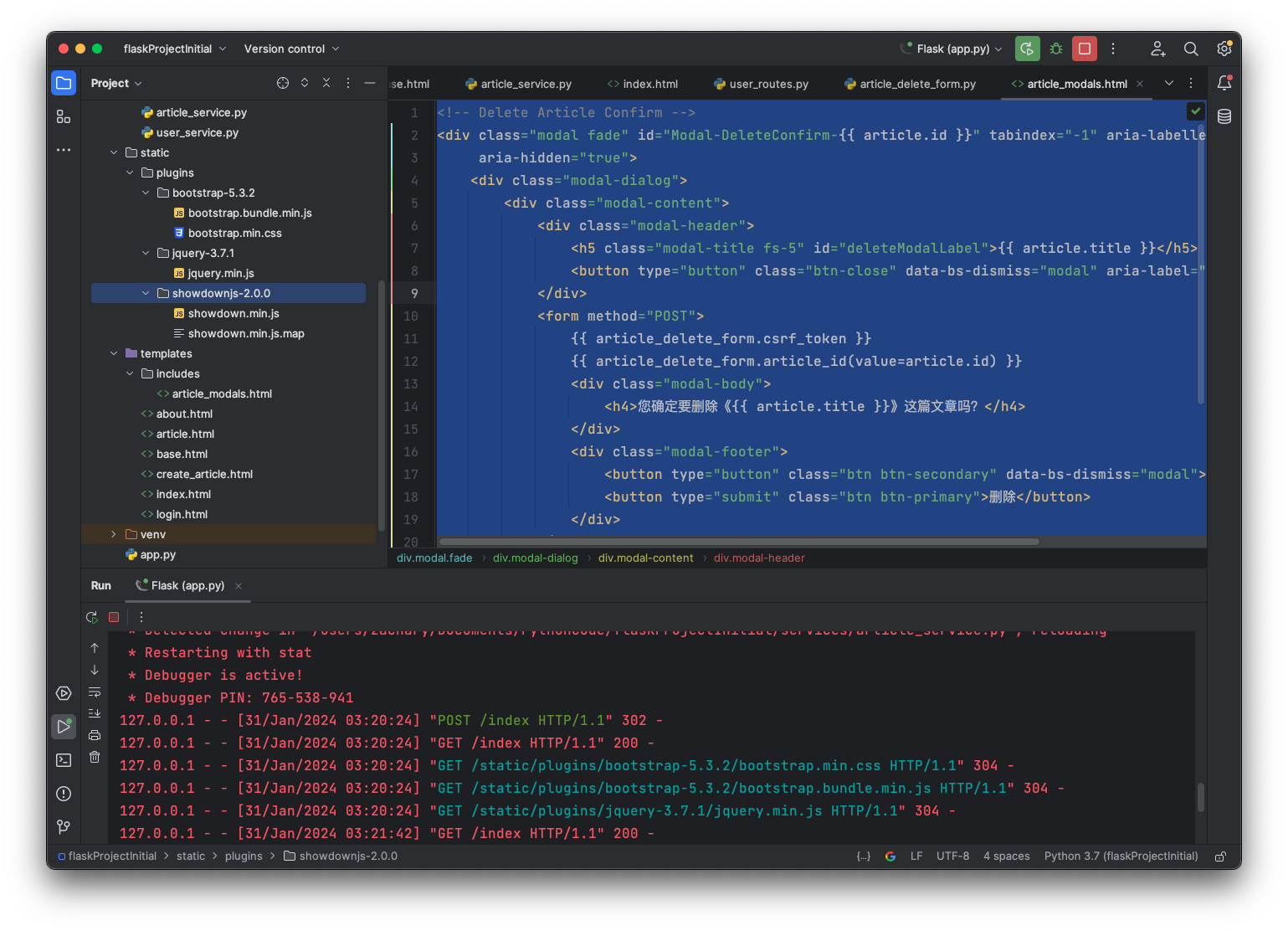
创建一个确认删除对话框,为了便捷地复用这个对话框,单独编写一个 html
在/templates下创建一个/includes文件夹,然后创建一个article_modals.html用于存放与文章相关的 html
1 2 3 4 5 6 7 8 9 10 11 12 13 14 15 16 17 18 19 20 21 22 23 24 25 26 27 28 29 30 31 32 33 34 35 36 37 38 39 40 41 <div class ="modal fade" id ="Modal-DeleteConfirm-{{ article.id }}" tabindex ="-1" aria-labelledby ="deleteModalLabel" aria-hidden ="true" > <div class ="modal-dialog" > <div class ="modal-content" > <div class ="modal-header" > <h5 class ="modal-title fs-5" id ="deleteModalLabel" > {{ article.title }} </h5 > <button type ="button" class ="btn-close" data-bs-dismiss ="modal" aria-label ="Close" > </button > </div > <form method ="POST" > {{ article_delete_form.csrf_token }} {{ article_delete_form.article_id(value=article.id) }} <div class ="modal-body" > <h4 > 您确定要删除《{{ article.title }}》这篇文章吗?</h4 > </div > <div class ="modal-footer" > <button type ="button" class ="btn btn-secondary" data-bs-dismiss ="modal" > 取消 </button > <button type ="submit" class ="btn btn-primary" > 删除</button > </div > </form > </div > </div > </div >
1 2 {% if current_user.is_authenticated %} {% include 'includes/article_modals.html' %} {% endif %}
1 2 3 4 5 6 7 8 9 10 11 12 13 14 15 16 17 18 19 20 21 22 23 24 25 26 27 28 29 30 31 32 33 34 35 36 37 38 39 40 41 42 43 44 45 46 47 48 49 50 51 52 53 54 55 56 57 58 59 {% extends 'base.html' %} {% block title %} zachary的记事本 - 主页 {% endblock %} {% block content %} <div class ="container-xl" > {% for article in articles %} {% if current_user.is_authenticated %} {% include 'includes/article_modals.html' %} {% endif %} <div class ="card m-4" style ="background-color: #bcd0c7" > <div class ="card-header" > <ul class ="nav" > <li class ="nav-item me-auto" > <a class ="btn fs-5 fw-bold" href ="{{ url_for('article_page', article_id=article.id) }}" > {{ article.title }}</a > </li > {% if current_user.is_authenticated %} <li class ="nav-item px-1" > <small class ="text-body-secondary" > <a class ="btn" href ="{{ url_for('edit_article_page', article_id=article.id) }}" > 编辑</a > </small > </li > <li class ="nav-item px-1" > <small class ="text-body-secondary" > <button class ="btn" data-bs-toggle ="modal" data-bs-target ="#Modal-DeleteConfirm-{{ article.id }}" > 删除 </button > </small > </li > {% endif %} </ul > </div > <div class ="card-body" > <p class ="card-text" > <a class ="btn fs-6" href ="{{ url_for('article_page', article_id=article.id) }}" > {{ article.content }}</a > </p > <ul class ="nav" > <li class ="nav-item me-auto" > <small class ="text-body-secondary" > 发布时间:{{ article.create_time }}</small > </li > </ul > </div > </div > {% endfor %} </div > {% endblock %}
在user_routes.py中的 home_page 需要渲染一下表单,否则会出错
1 2 3 4 5 6 7 8 9 10 11 12 13 14 15 16 17 18 19 20 21 22 23 24 25 26 27 28 29 30 31 32 33 34 35 36 37 38 39 40 41 42 43 44 45 46 47 48 49 50 51 from flask import render_template, abort, flash, redirect, url_forfrom flask_login import current_user, logout_userfrom forms.article_delete_form import ArticleDeleteFormfrom forms.login_form import LoginFormfrom routes import appfrom services.article_service import ArticleServicefrom services.user_service import UserService@app.route('/' @app.route('/index' def home_page (): articles = ArticleService().get_articles() article_delete_form = ArticleDeleteForm() return render_template('index.html' , articles=articles, article_delete_form=article_delete_form) @app.route('/article/<article_id>' def article_page (article_id ): article = ArticleService().get_article_by_id(article_id) if article: return render_template('article.html' , article=article) abort(404 ) @app.route('/about' def about_page (): return render_template('about.html' ) @app.route('/login' , methods=['GET' , 'POST' ] def login_page (): form = LoginForm() if form.validate_on_submit(): result = UserService().do_login(form.account.data, form.password.data) if result: flash(f'{form.account.data} 登录成功, 正在跳转...' , category='success' ) return redirect(url_for('home_page' )) else : flash(f'{form.account.data} 登录失败, 请检查账号密码' , category='danger' ) return render_template('login.html' , form=form) @app.route('/logout' def logout_page (): logout_user() return redirect(url_for('home_page' ))
新增一个delete_article的 service
1 2 3 4 5 6 7 8 9 10 11 12 13 14 15 16 17 18 19 20 21 22 23 24 25 26 27 28 29 30 31 32 33 34 35 36 37 38 39 40 41 42 43 44 45 46 47 48 49 50 51 from sqlalchemy import Select, func, and_from models.article import Articlefrom routes import dbclass ArticleService : def get_article_by_id (self, article_id ): return db.session.get(Article, article_id) def get_articles (self ): query = Select(Article) return db.session.scalars(query).all () def add_article (self, article: Article ): query = Select(Article).where(Article.title == article.title) if db.session.scalar(query): raise Exception('该标题文章已经存在,请重新编辑' ) db.session.add(article) db.session.commit() return article def update_article (self, article: Article ): existed_article = self .get_article_by_id(article.id ) if not existed_article: raise Exception('该文章不存在' ) query = Select(Article).where(and_(Article.title == article.title, Article.id != article.id )) if db.session.scalar(query): raise Exception('该标题文章已经存在,请重新编辑' ) existed_article.title = article.title existed_article.content = article.content existed_article.update_time = func.now() db.session.commit() return article def delete_article (self, article_id: int ): article = self .get_article_by_id(article_id) if not article: raise Exception('该文章不存在' ) db.session.delete(article_id) db.session.commit() return article
然后修改user_routes.py中的home_page的逻辑
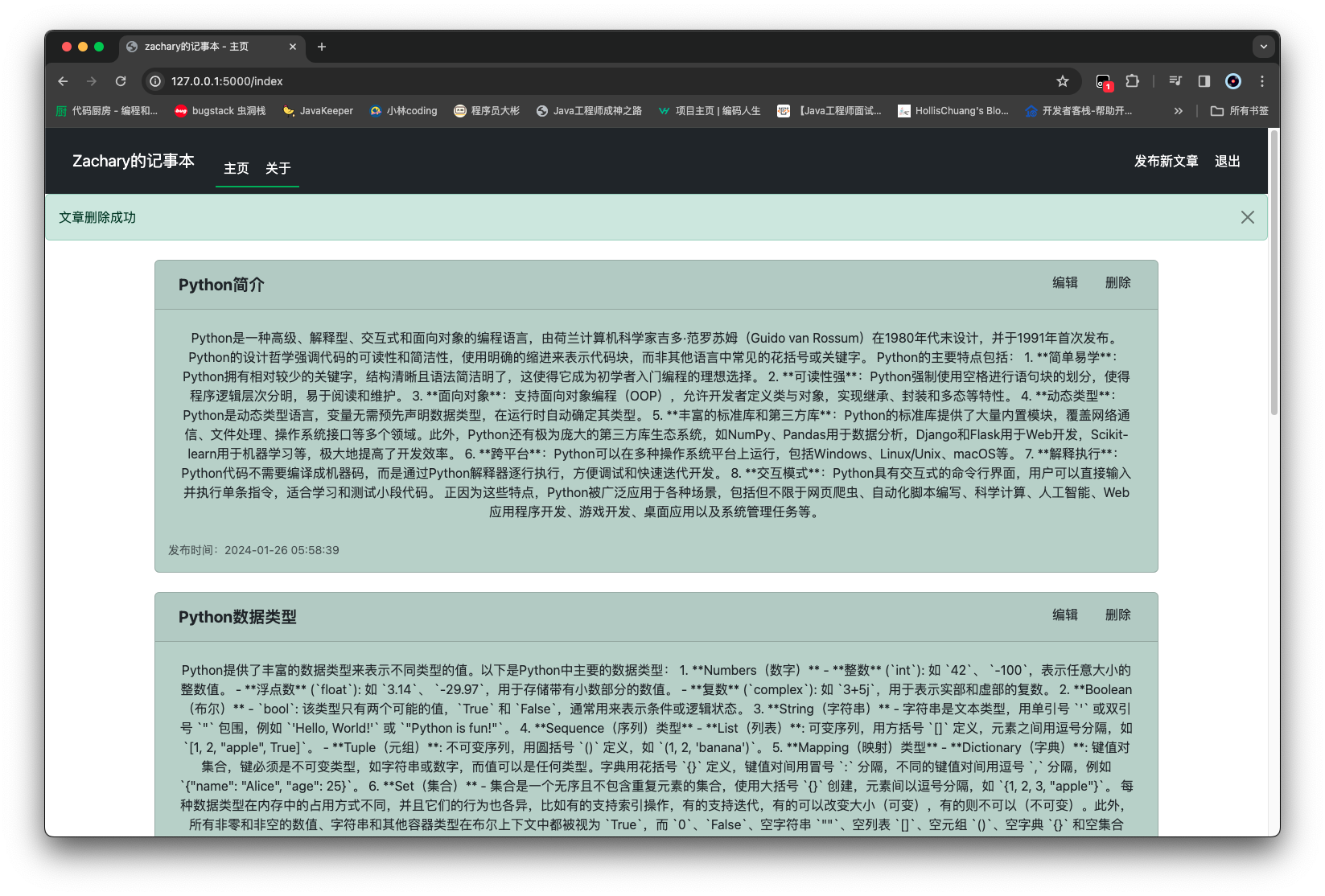
1 2 3 4 5 6 7 8 9 10 11 12 13 14 15 16 17 18 19 20 21 22 23 24 25 26 27 28 29 30 31 32 33 34 35 36 37 38 39 40 41 42 43 44 45 46 47 48 49 50 51 52 53 54 55 56 57 58 59 60 from flask import render_template, abort, flash, redirect, url_forfrom flask_login import current_user, logout_userfrom forms.article_delete_form import ArticleDeleteFormfrom forms.login_form import LoginFormfrom routes import appfrom services.article_service import ArticleServicefrom services.user_service import UserService@app.route('/' , methods=['GET' , 'POST' ] @app.route('/index' , methods=['GET' , 'POST' ] def home_page (): articles = ArticleService().get_articles() if current_user.is_authenticated: article_delete_form = ArticleDeleteForm() if article_delete_form.validate_on_submit(): try : ArticleService().delete_article(int (article_delete_form.article_id.data)) flash(f'文章删除成功' , category='success' ) return redirect(url_for('home_page' )) except Exception as e: flash(f'文章删除失败: {e} ' , category='danger' ) return render_template('index.html' , articles=articles, article_delete_form=article_delete_form) return render_template('index.html' , articles=articles) @app.route('/article/<article_id>' def article_page (article_id ): article = ArticleService().get_article_by_id(article_id) if article: return render_template('article.html' , article=article) abort(404 ) @app.route('/about' def about_page (): return render_template('about.html' ) @app.route('/login' , methods=['GET' , 'POST' ] def login_page (): form = LoginForm() if form.validate_on_submit(): result = UserService().do_login(form.account.data, form.password.data) if result: flash(f'{form.account.data} 登录成功, 正在跳转...' , category='success' ) return redirect(url_for('home_page' )) else : flash(f'{form.account.data} 登录失败, 请检查账号密码' , category='danger' ) return render_template('login.html' , form=form) @app.route('/logout' def logout_page (): logout_user() return redirect(url_for('home_page' ))
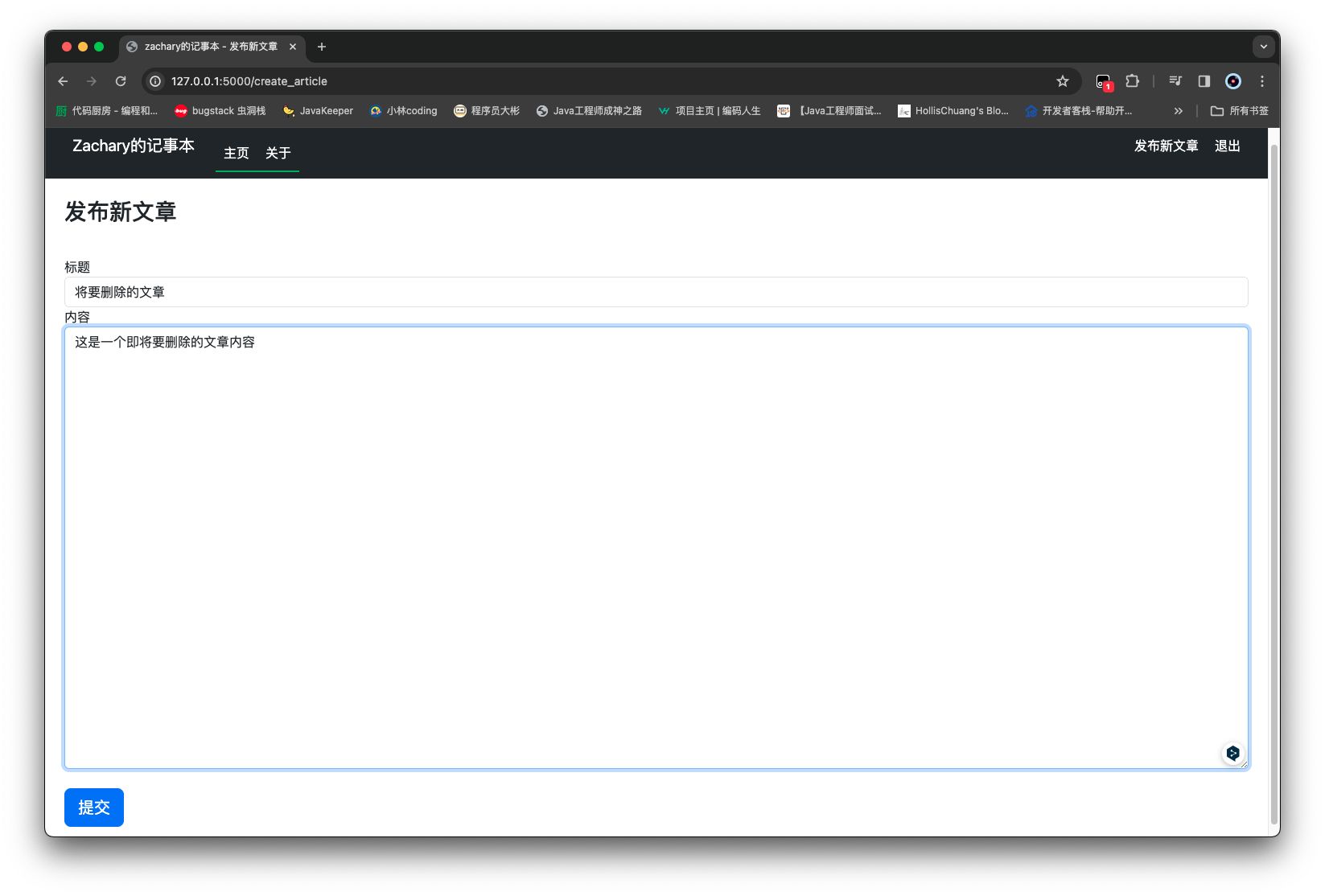
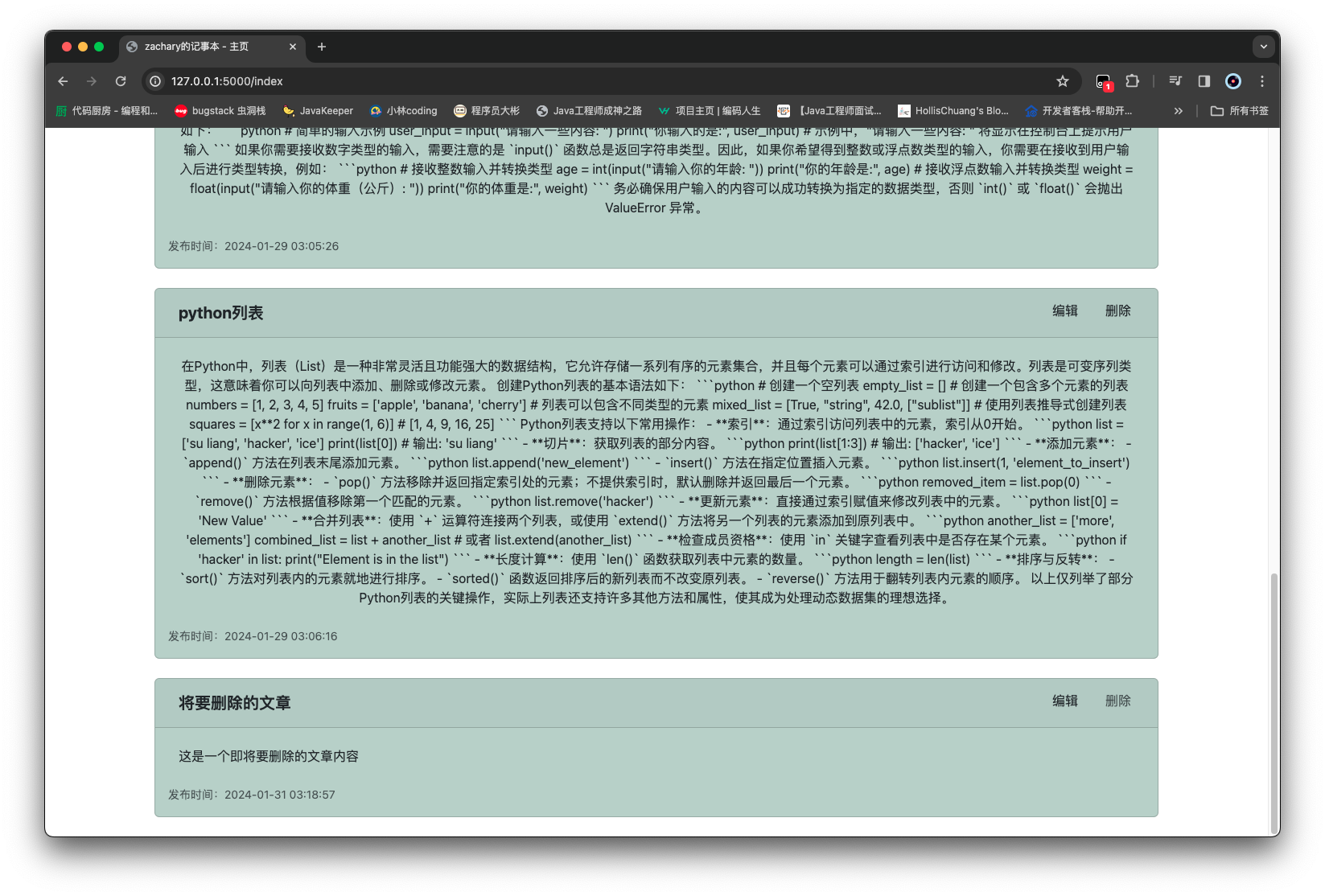
效果 新建一个要删除的文章
点击删除按钮
#
引入 markdown 显示 为了让记事本的内容更加丰富,引入 markdown 语法,是的文本内容显示得更加美观些
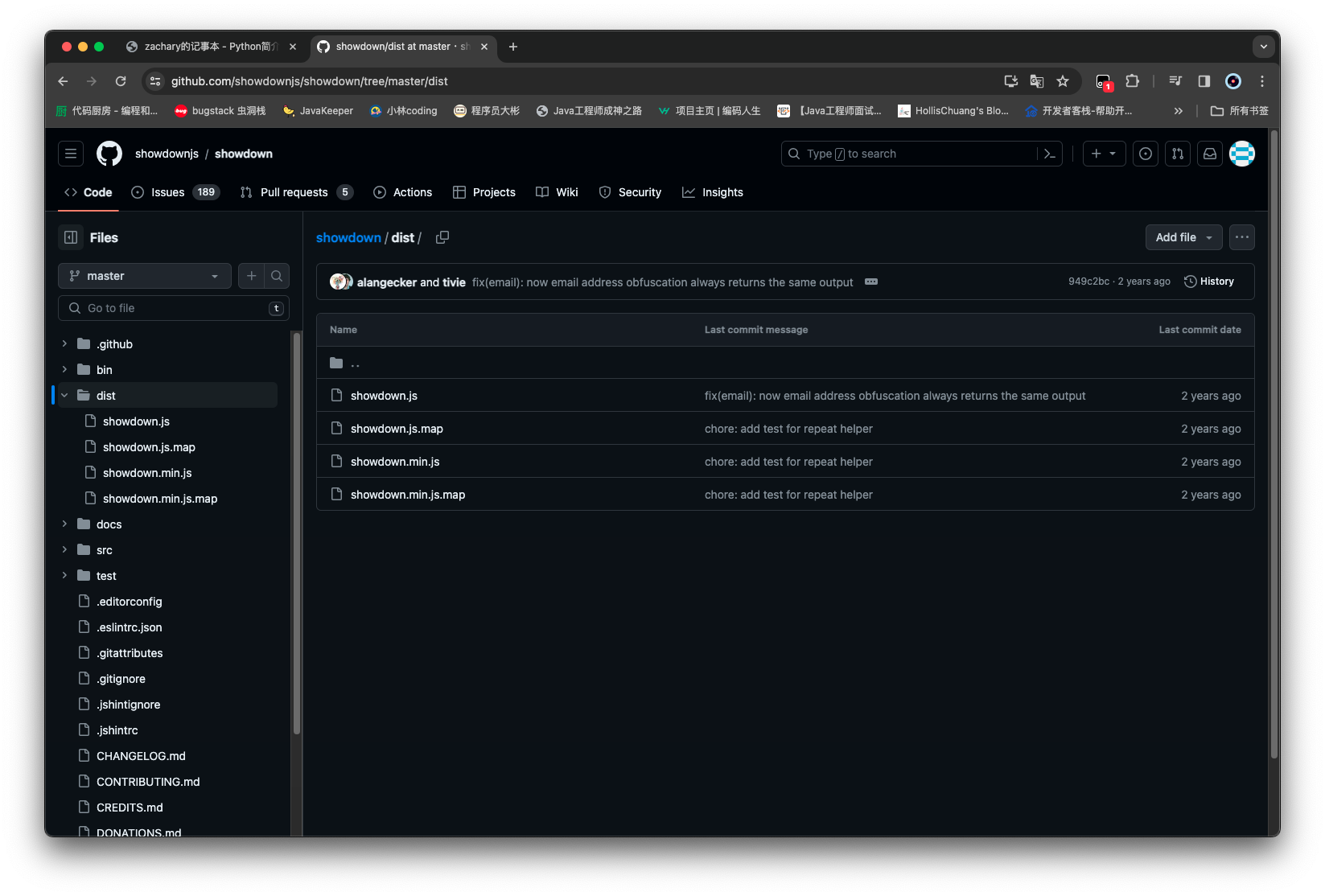
markdown 资源下载
将上述两个资源存储至 ☞/static/plugins/showdownjs-2.0.0
引入 markdown 资源
在base.html中引入添加的 markdown 资源
<script src="/static/plugins/showdownjs-2.0.0/showdown.min.js"></script>
并添加上 markdown 的预定义样式 <style>
1 2 3 4 5 6 7 8 9 10 11 12 13 14 15 16 17 18 19 20 21 22 23 24 25 26 27 28 29 30 31 32 33 34 35 36 37 38 39 40 41 42 43 44 45 46 47 48 49 50 51 52 53 54 55 56 57 58 59 60 61 62 63 64 65 66 67 68 69 70 71 72 73 74 75 76 77 78 79 80 81 82 83 84 85 86 87 88 89 90 91 92 93 94 95 96 97 98 99 100 101 102 103 104 105 106 107 108 109 110 111 112 113 114 115 116 117 118 119 120 121 122 123 124 125 126 127 128 129 130 131 132 133 134 <!DOCTYPE html > <html lang ="en" > <head > <meta charset ="UTF-8" /> <meta name ="viewport" content ="width=device-width, initial-scale=1, shrink-to-fit=no" /> <link rel ="stylesheet" href ="/static/plugins/bootstrap-5.3.2/bootstrap.min.css" /> <script src ="/static/plugins/bootstrap-5.3.2/bootstrap.bundle.min.js" > </script > <script src ="/static/plugins/jquery-3.7.1/jquery.min.js" > </script > <script src ="/static/plugins/showdownjs-2.0.0/showdown.min.js" > </script > <style > pre { white-space : pre-wrap; white-space : -moz-pre-wrap; white-space : -pre-wrap; white-space : -o-pre-wrap; word-wrap : break-word; background-color : #f8f8f8 ; border : 1px solid #e7e7e7 ; margin-top : 1.5em ; margin-bottom : 1.5em ; padding : 0.125em 0.3125em 0.0625em ; } pre code { background-color : transparent; border : 0 ; padding : 0 ; } </style > <title > {% block title %} {% endblock %}</title > </head > <body > <nav class ="navbar navbar-expand-md navbar-dark bg-dark ps-4 pe-4" style ="background-color: #1976d2; color: #ffffff;" > <a class ="navbar-brand" href ="#" style ="font-size: 20px; padding: 10px;" > Zachary的记事本</a > <button class ="navbar-toggler" type ="button" data-toggle ="collapse" data-target ="#navbarNav" style ="border: none; background-color: transparent; padding: 5px 10px;" > <span class ="navbar-toggler-icon" style ="background-color: #1976d2;" > </span > </button > <div class ="collapse navbar-collapse" id ="navbarNav" style ="width: 80%; margin: auto; border-radius: 10px;" > <ul class ="navbar-nav me-auto" style ="margin-top: 20px;" > <li class ="nav-item active" style ="border-bottom: 2px solid #4caf50;" > <a class ="nav-link" href ="{{ url_for('home_page') }}" style ="color: #ffffff; padding: 10px;" > 主页</a > </li > <li class ="nav-item" style ="border-bottom: 2px solid #4caf50;" > <a class ="nav-link" href ="{{ url_for('about_page') }}" style ="color: #ffffff; padding: 10px;" > 关于</a > </li > </ul > {% if current_user.is_authenticated %} <ul class ="navbar-nav" > <li class ="nav-item" > <a class ="nav-link" href ="{{ url_for('create_article_page') }}" style ="color: #ffffff; padding: 10px;" > 发布新文章</a > </li > <li class ="nav-item" > <a class ="nav-link" href ="{{ url_for('logout_page') }}" style ="color: #ffffff; padding: 10px;" > 退出</a > </li > </ul > {% else %} <ul class ="navbar-nav" > <li class ="nav-item" > <a class ="nav-link" href ="{{ url_for('login_page') }}" style ="color: #ffffff; padding: 10px;" > 登录</a > </li > </ul > {% endif %} </div > </nav > {% with messages = get_flashed_messages(with_categories=true) %} {% if messages %} {% for category, message in messages %} <div class ="alert alert-{{ category }} alert-dismissible fade show" role ="alert" > {{ message }} <button type ="button" class ="btn-close" data-bs-dismiss ="alert" aria-label ="Close" > </button > </div > {% endfor %} {% endif %} {% endwith %} {% block content %} {% endblock %} </body > </html >
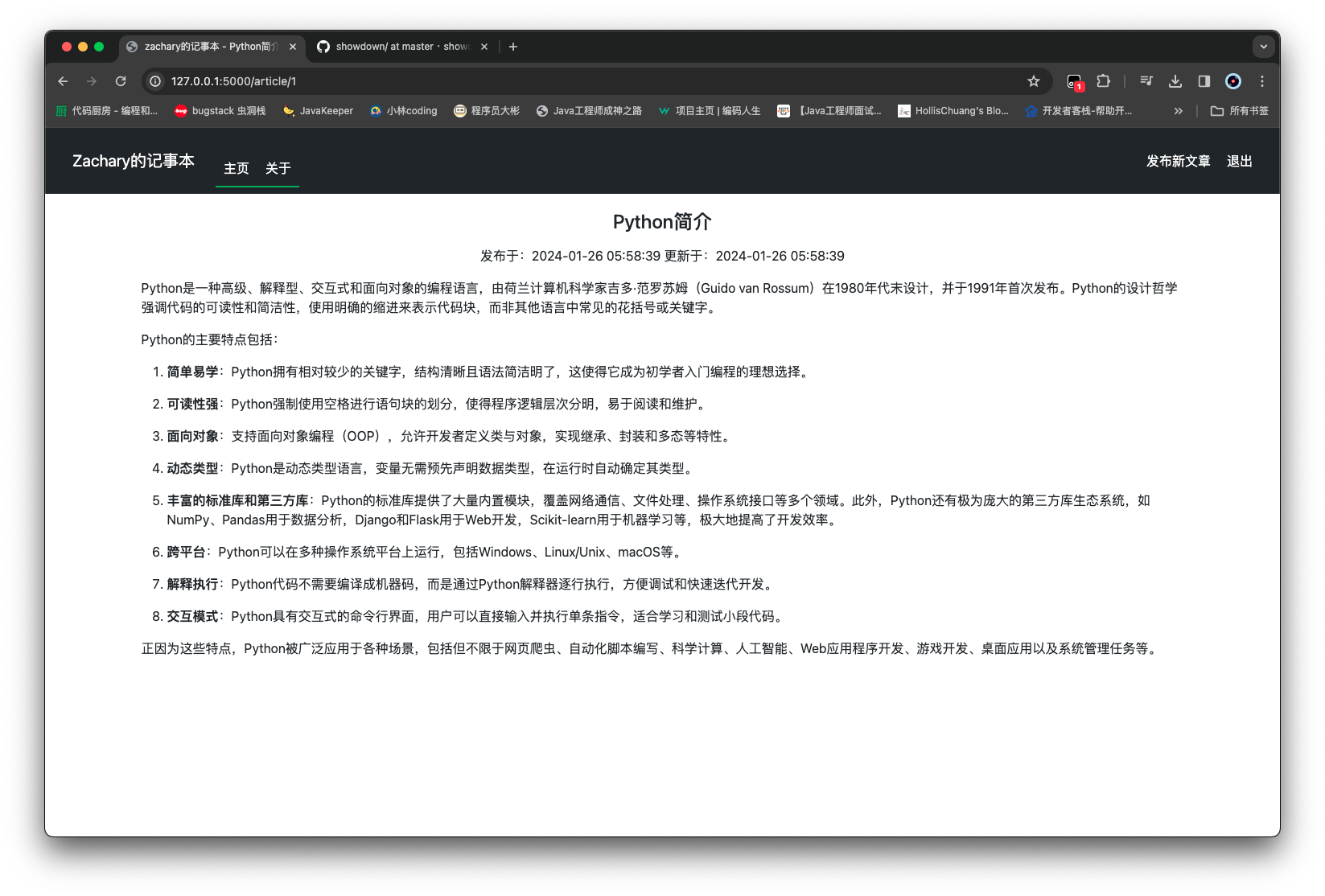
修改文章内容显示 首先修改article.html,让显示的内容更加美观
1 2 3 4 5 6 7 8 9 10 11 12 13 14 15 16 17 18 {% extends 'base.html' %} {% block title %} zachary的记事本 - {{ article.title }} {% endblock %} {% block content %} <textarea id ="article_content" style ="display: none" > {{ article.content }}</textarea > <div class ="container-xl" > <h4 > <p class ="text-center" style ="margin-top: 20px;" > {{ article.title }}</p > </h4 > <p class ="text-center" style ="margin-top: 10px;" > 发布于:{{ article.create_time }} 更新于:{{ article.update_time }} </p > <p id ="article_viewer" > </p > </div > <script src ="/static/js/article.js" > </script > {% endblock %}
然后创建 js,用于使用资源渲染文章内容 作为 markdown 显示出来,在/static/js/下新增article.js
1 2 3 4 5 $(function ( var converter = new showdown.Converter (); var article_html = converter.makeHtml ($("#article_content" ).val ()); $("#article_viewer" ).html (article_html); });
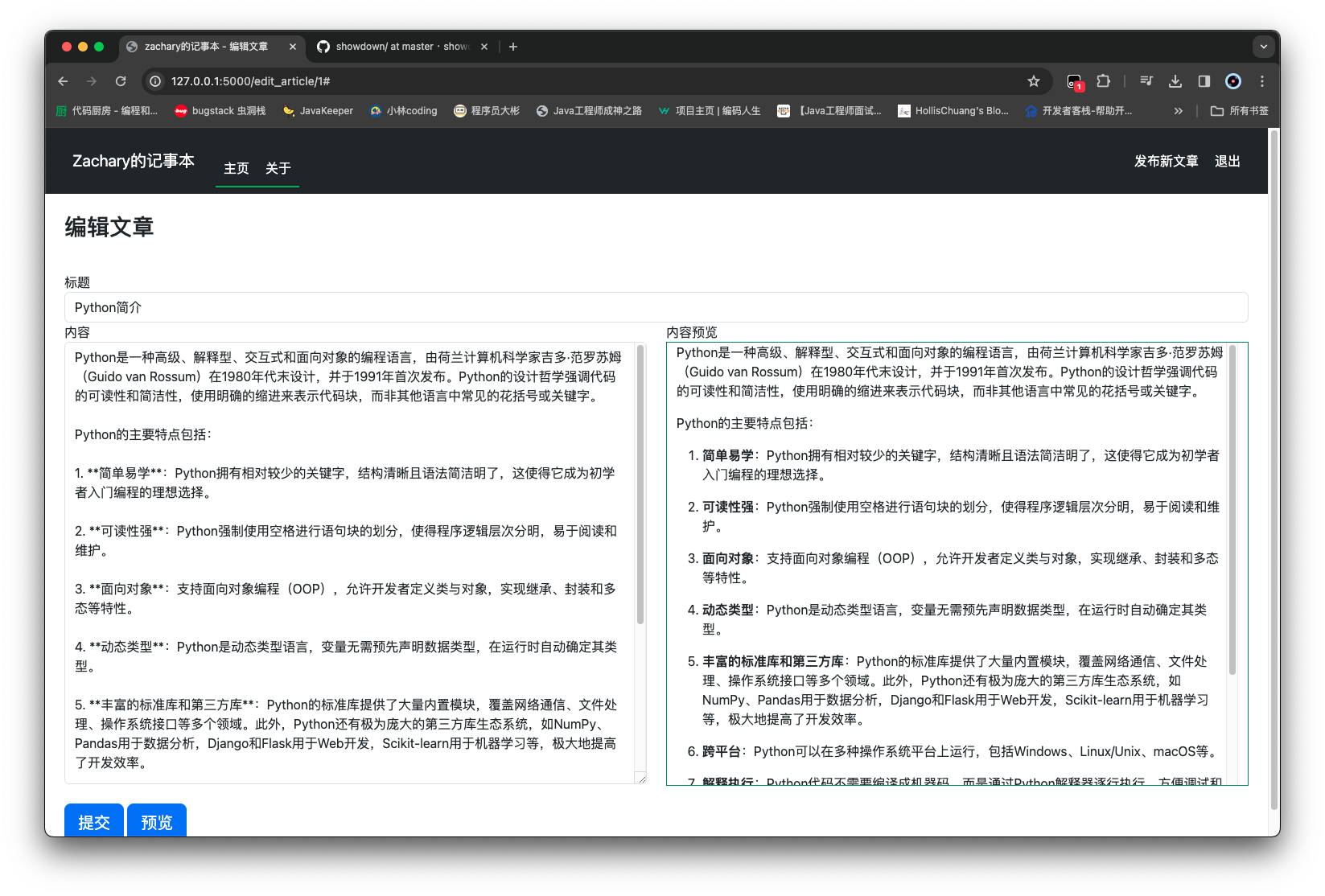
编辑文章时可预览 markdown 首先修改一下编辑/新增时的界面
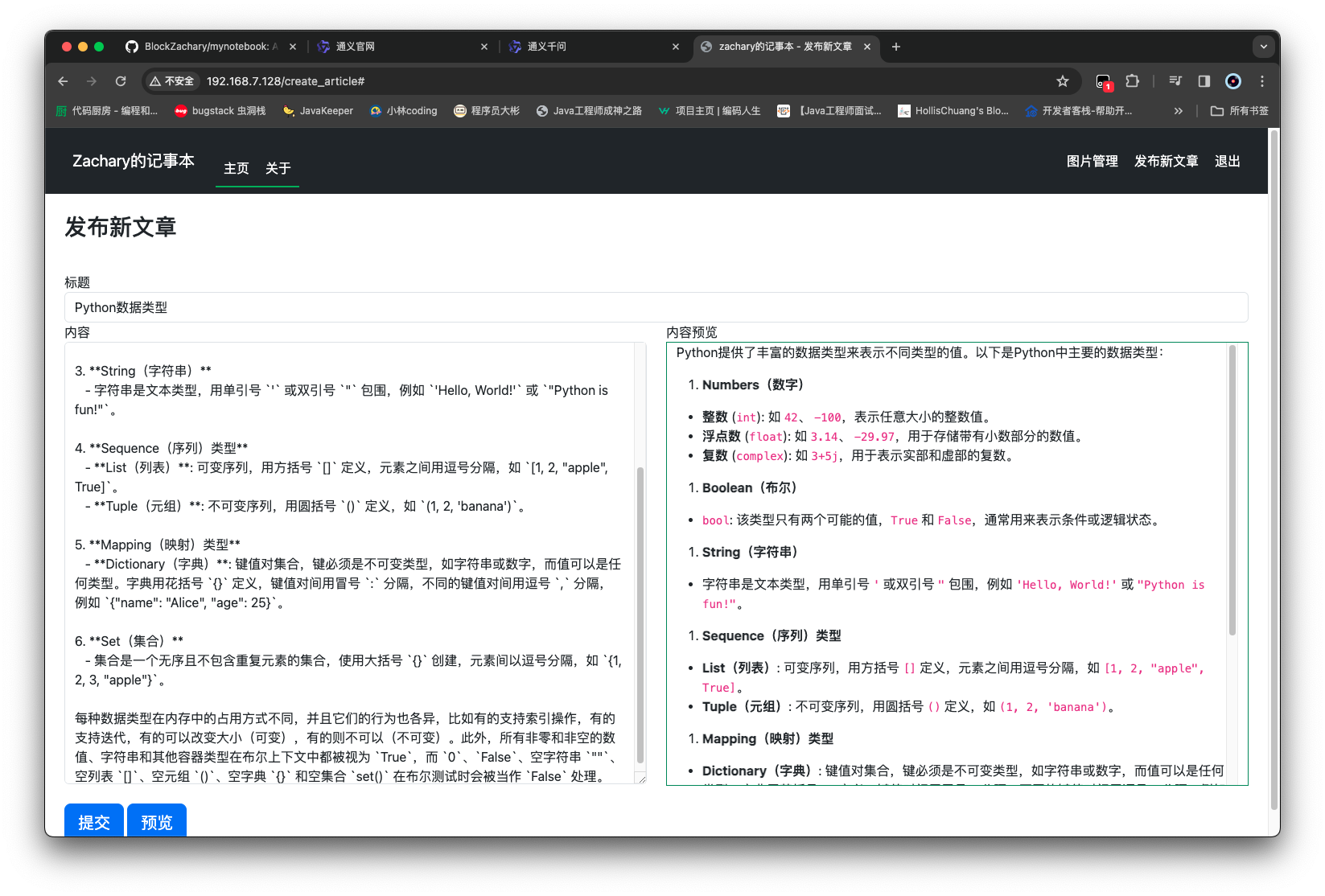
1 2 3 4 5 6 7 8 9 10 11 12 13 14 15 16 17 18 19 20 21 22 23 24 25 26 27 28 29 30 31 32 33 34 35 36 37 38 39 40 41 42 43 44 {% extends 'base.html' %} {% block title %} zachary的记事本 - {% if isEdit %} 编辑文章 {% else %} 发布新文章 {% endif %} {% endblock %} {% block content %} <style > .content_height { height : 550px ; } </style > <div class ="container-fluid px-4 py-4" > <form method ="POST" class ="form-signin" > {{ form.hidden_tag() }} <h1 class ="h3 mb-3 font-weight-normal" > {% if isEdit %} 编辑文章 {% else %} 发布新文章 {% endif %} </h1 > <br /> {{ form.title.label }} {{ form.title(class="form-control", placeholder="请输入标题") }} <div class ="row" > <div class ="col" > {{ form.content.label }} {{ form.content(class="form-control content_height", placeholder="请输入内容") }} <br /> {{ form.submit(class="btn btn-lg btn-primary btn-block") }} <a href ="#" id ="article_previewer_btn" class ="btn btn-lg btn-primary btn-block" > 预览</a > </div > <div class ="col" > 内容预览 <div class ="container-fluid border border-success" > <div id ="article_previewer" class ="content_height overflow-auto" > </div > </div > </div > </div > </form > </div > <script src ="/static/js/create_article.js" > </script > {% endblock %}
然后给这个预览按钮实现 js 功能,点击后用 markdown 对文字内容渲染然后显示
在/static/js/下创建一个create_article.js
1 2 3 4 5 6 7 $(function ( $("#article_previewer_btn" ).click (function ( var converter = new showdown.Converter (); var article_html = converter.makeHtml ($("#content" ).val ()); $("#article_previewer" ).html (article_html); }); });
消除数据库中 password 的明文显示 需要使用到一个库 bcrypt 4.1.1
1 2 3 4 5 6 7 8 9 10 11 12 13 14 15 click==8.1.7 Flask==2.2.5 importlib-metadata==6.7.0 itsdangerous==2.1.2 Jinja2==3.1.3 MarkupSafe==2.1.4 typing_extensions==4.7.1 Werkzeug==2.2.3 zipp==3.15.0 mysqlclient==2.1.1 SQLAlchemy==2.0.25 Flask-SQLAlchemy==3.0.0 Flask-WTF==1.1.1 flask-login==0.6.3 bcrypt==4.1.1
bcrypt 的两种基础使用
hashed_pw = bcrypt.hashpw(password.encode(), bcrypt.gensalt()) 依据生成的盐值,生成 hash 后的密码值,结果是字节码bcrypt.check(check_pw.encode(), hashed_pw)返回值结果即为密码是否匹配
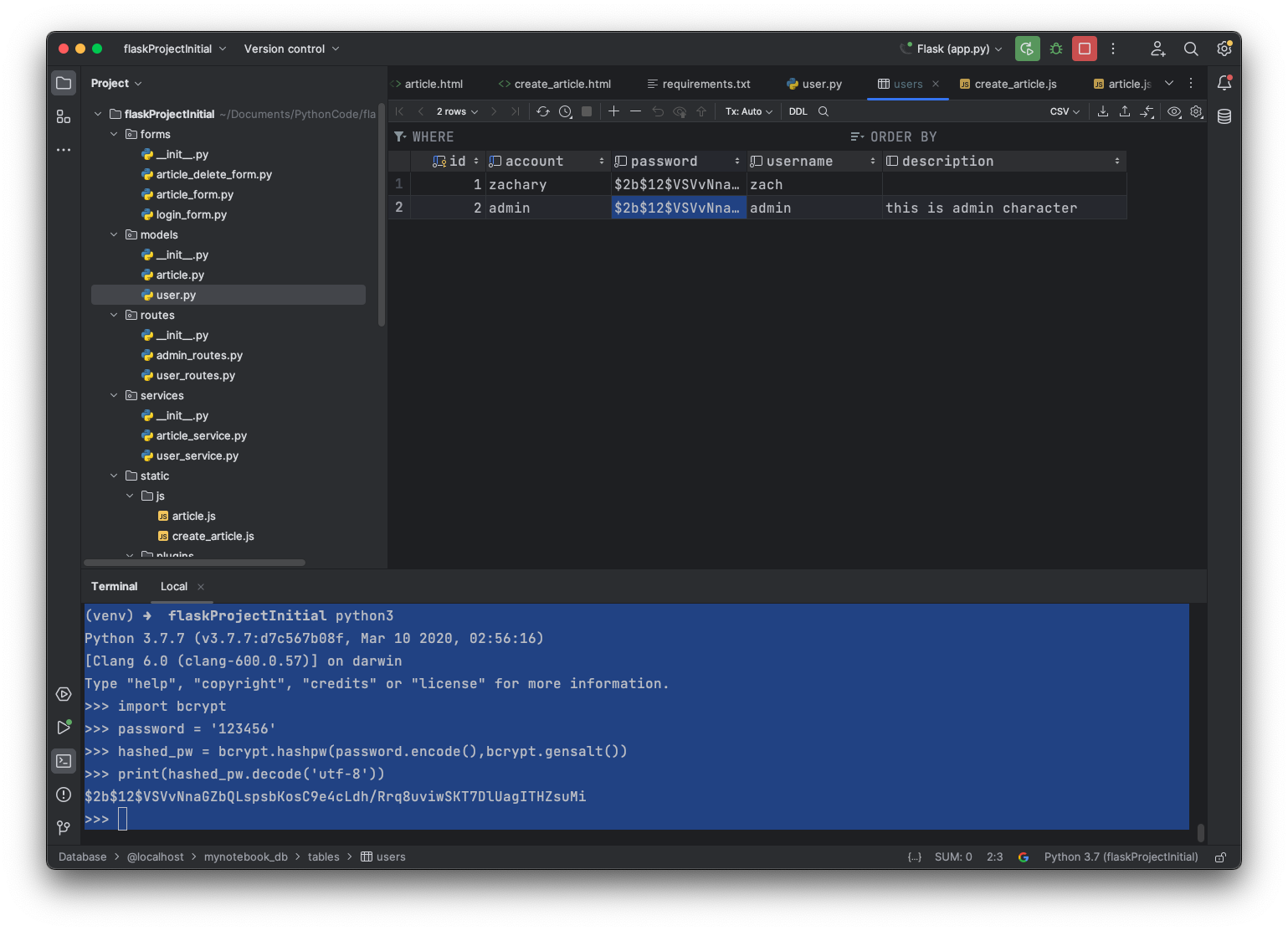
将数据库中的明文密码 进行一个手动替换(实际这个步骤应该是在注册的时候操作,这里省略)
将这块你生成的密码值 (我的是 $2b$12$VSVvNnaGZbQLspsbKosC9e4cLdh/Rrq8uviwSKT7DlUagITHZsuMi)替换到数据库中的users表中
1 2 3 4 5 6 7 8 9 10 11 (venv) ➜ flaskProjectInitial python3 Python 3.7.7 (v3.7.7:d7c567b08f, Mar 10 2020, 02:56:16) [Clang 6.0 (clang-600.0.57)] on darwin Type "help", "copyright", "credits" or "license" for more information. > >> import bcrypt > >> password = '123456' > >> hashed_pw = bcrypt.hashpw(password.encode(),bcrypt.gensalt()) > >> print (hashed_pw.decode('utf-8' )) $ 2b$12$VSVvNnaGZbQLspsbKosC9e4cLdh /Rrq8uviwSKT7DlUagITHZsuMi > >>
1 2 3 4 5 6 7 8 9 10 11 12 13 14 15 16 17 18 19 20 21 22 23 24 25 26 27 28 29 import cryptimport bcryptfrom flask_login import UserMixinfrom sqlalchemy import Integer, Stringfrom sqlalchemy.orm import Mapped, mapped_columnfrom routes import db, login_manager@login_manager.user_loader def load_manager_user (user_id: int ): return db.session.get(User, user_id) class User (db.Model, UserMixin): __tablename__ = 'users' id : Mapped[int ] = mapped_column(Integer, primary_key=True ) account: Mapped[str ] = mapped_column(String(128 ), unique=True , nullable=False ) password: Mapped[str ] = mapped_column(String(64 ), nullable=False ) username: Mapped[str ] = mapped_column(String(128 ), nullable=False ) description: Mapped[str ] = mapped_column(String(255 ), nullable=True ) def password_check (self, password ): return bcrypt.checkpw(password.encode(), self .password.encode())
错误密码的登录
正确密码的登录
实现图片功能 图片上传 图片上传表单 在/forms下新增一个image_upload_form.py
1 2 3 4 5 6 7 8 from flask_wtf import FlaskFormfrom flask_wtf.file import FileField, FileRequiredfrom wtforms import SubmitFieldclass ImageUploadForm (FlaskForm ): image = FileField(label='上传图片' , validators=[FileRequired()]) submit = SubmitField(label='上传' )
图片上传的前端 在/templates下创建一个images.html
1 2 3 4 5 6 7 8 9 10 11 12 {% extends 'base.html' %} {% block title %} zachary的记事本 - 图片管理 {% endblock %} {% block content %} <div class ="container-xl" > <form method ="POST" class ="form-signin" enctype ="multipart/form-data" > {{ form.hidden_tag() }} <h1 class ="h3 mb-3 font-weight-normal" > 上传图片</h1 > <br /> {{ form.image.label }} {{ form.image(class="form-control") }} {{ form.submit(class="btn btn-lg btn-primary btn-block") }} </form > </div > {% endblock %}
其中 enctype="multipart/form-data"是用于需要上传文件的表单
图片上传目录 为了保存所上传的图片,需要准备一个目录用于存储上传的图片
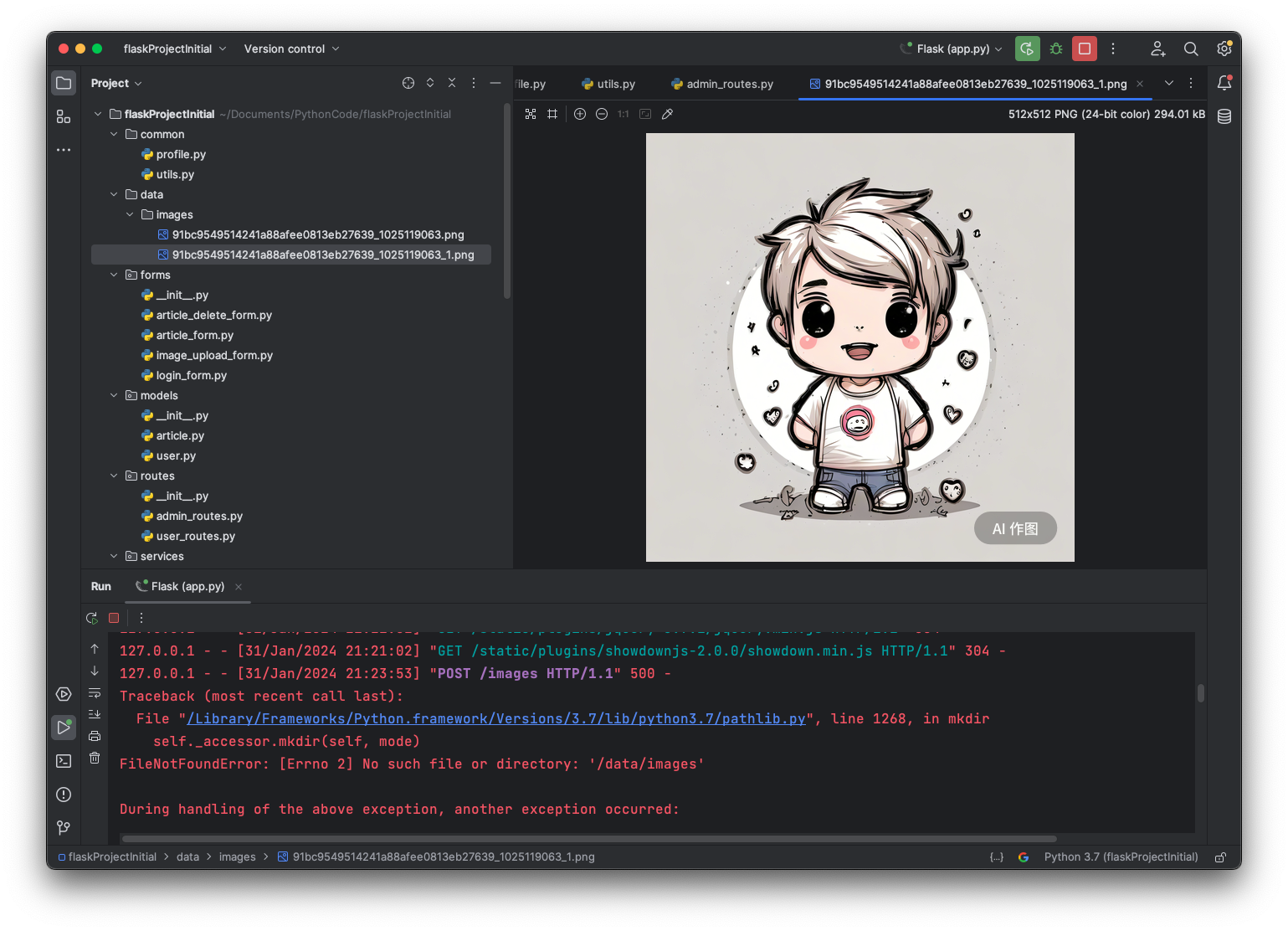
在项目目录下创建一个/data项目文件夹,其中上传的图片都保存在/data/image目录下
同时,为了让代码中能方便地获取到这个路径,即项目部署后的一个绝对路径,做一个准备工作:在项目目录下创建一个/common文件夹,创建一个profile.py
1 2 3 4 5 6 7 8 9 10 11 12 13 14 from pathlib import Pathclass Profile : __image_path = None @staticmethod def get_image_path (): project_path = Path(__file__).parent.parent images_path = project_path.joinpath("data/images" ) if not images_path.exists(): images_path.mkdir(parents=True ) Profile.__image_path = images_path return images_path
图片上传的路由定义 在admin_routes.py中新增images_page
1 2 3 4 5 6 7 8 9 10 11 12 13 14 15 16 17 18 19 20 21 22 23 24 25 26 27 28 29 30 31 32 33 34 35 36 37 38 39 40 41 42 43 44 45 46 47 48 49 50 51 52 53 54 55 56 57 58 59 60 61 62 63 64 65 66 67 68 69 70 71 72 73 74 75 76 77 78 79 from flask import flash, redirect, url_for, render_template, requestfrom flask_login import login_requiredfrom werkzeug.utils import secure_filenamefrom common.profile import Profilefrom forms.article_form import ArticleFormfrom forms.image_upload_form import ImageUploadFormfrom models.article import Articlefrom routes import appfrom services.article_service import ArticleService@app.route('/create_article' , methods=['GET' , 'POST' ] @login_required def create_article_page (): form = ArticleForm() if form.validate_on_submit(): article = Article() article.title = form.title.data article.content = form.content.data try : ArticleService().add_article(article) flash(f'文章《{article.title} 》创建成功' , category='success' ) return redirect(url_for('home_page' )) except Exception as e: flash(f'文章《{article.title} 》创建失败: {e} ' , category='danger' ) return render_template('create_article.html' , form=form, isEdit=False ) @app.route('/edit_article/<article_id>' , methods=['GET' , 'POST' ] @login_required def edit_article_page (article_id: str ): form = ArticleForm() if request.method == 'GET' : try : article = ArticleService().get_article_by_id(article_id) if not article: flash("文章不存在" , category='danger' ) return redirect(url_for('home_page' )) else : form.title.data = article.title form.content.data = article.content except Exception as e: flash(f'文章获取失败: {e} ' , category='danger' ) return redirect(url_for('home_page' )) if form.validate_on_submit(): article = Article() try : article.id = int (article_id) article.title = form.title.data article.content = form.content.data ArticleService().update_article(article) flash(f'文章《{article.title} 》更新成功' , category='success' ) return redirect(url_for('home_page' )) except Exception as e: flash(f'文章《{article.title} 》更新失败: {e} ' , category='danger' ) return render_template('create_article.html' , form=form, isEdit=True ) @app.route('/images' , methods=['GET' , 'POST' ] @login_required def images_page (): form = ImageUploadForm() if form.validate_on_submit(): image_file = form.image.data image_path = Profile.get_image_path() image_filename = secure_filename(image_file.filename) image_full_path = image_path.joinpath(image_filename) image_file.save(image_full_path) flash(f'图片上传成功, 保存至 {image_full_path} ' , category='success' ) return render_template('images.html' , form=form)
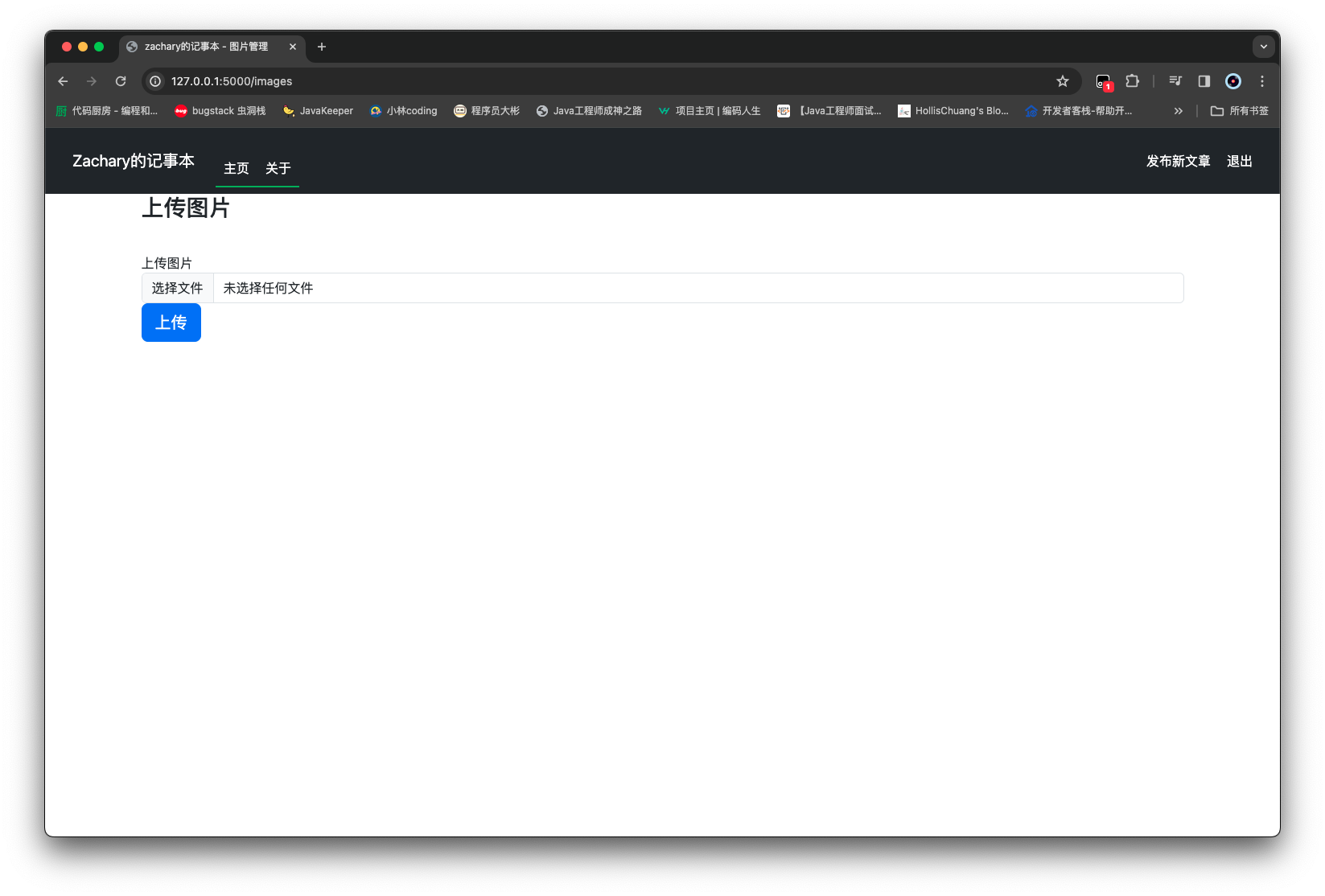
尝试一下直接访问路由,是可以的
接下来还需要做两件事,一个是当上传重复名称图片时,是否要覆盖的问题;另一个是主页需要有一个按钮跳转至图片上传页面
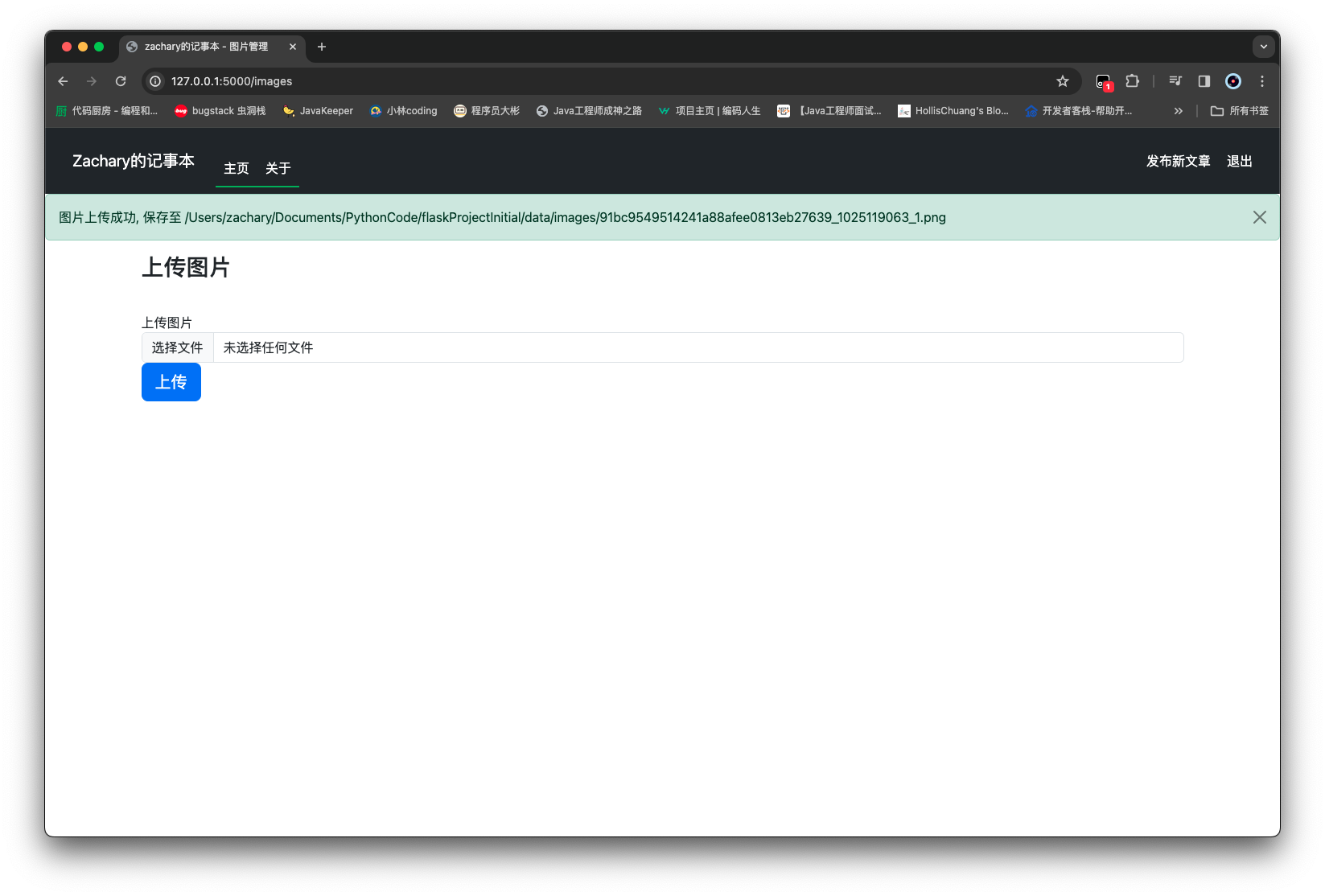
给命名冲突图片重命名 在/common下新建一个utils.py
现在需要实现的是,通过输入路径和文件名,先判断图片存储路径下是否有这个文件,如果没有直接返回;如果有这个文件,修改成一个文件名_1 这样的格式返回
1 2 3 4 5 6 7 8 9 10 11 12 13 14 15 16 17 18 19 20 21 22 23 24 from pathlib import Pathdef get_file_name_patrs (filename ): pos = filename.rfind('.' ) if pos == -1 : return filename, '' return filename[:pos], filename[pos + 1 :] def get_save_filepath (filePath: Path, filename: str ): save_file = filePath.joinpath(filename) if not save_file.exists(): return save_file name, ext = get_file_name_patrs(filename) index = 1 while True : save_file = filePath.joinpath(f'{name} _{index} .{ext} ' ) if not save_file.exists(): return save_file index += 1
然后修改一下admin_routes.py
1 2 3 4 5 6 7 8 9 10 11 12 13 14 15 16 17 18 19 20 21 22 23 24 25 26 27 28 29 30 31 32 33 34 35 36 37 38 39 40 41 42 43 44 45 46 47 48 49 50 51 52 53 54 55 56 57 58 59 60 61 62 63 64 65 66 67 68 69 70 71 72 73 74 75 76 77 78 79 80 from flask import flash, redirect, url_for, render_template, requestfrom flask_login import login_requiredfrom werkzeug.utils import secure_filenamefrom common import utilsfrom common.profile import Profilefrom forms.article_form import ArticleFormfrom forms.image_upload_form import ImageUploadFormfrom models.article import Articlefrom routes import appfrom services.article_service import ArticleService@app.route('/create_article' , methods=['GET' , 'POST' ] @login_required def create_article_page (): form = ArticleForm() if form.validate_on_submit(): article = Article() article.title = form.title.data article.content = form.content.data try : ArticleService().add_article(article) flash(f'文章《{article.title} 》创建成功' , category='success' ) return redirect(url_for('home_page' )) except Exception as e: flash(f'文章《{article.title} 》创建失败: {e} ' , category='danger' ) return render_template('create_article.html' , form=form, isEdit=False ) @app.route('/edit_article/<article_id>' , methods=['GET' , 'POST' ] @login_required def edit_article_page (article_id: str ): form = ArticleForm() if request.method == 'GET' : try : article = ArticleService().get_article_by_id(article_id) if not article: flash("文章不存在" , category='danger' ) return redirect(url_for('home_page' )) else : form.title.data = article.title form.content.data = article.content except Exception as e: flash(f'文章获取失败: {e} ' , category='danger' ) return redirect(url_for('home_page' )) if form.validate_on_submit(): article = Article() try : article.id = int (article_id) article.title = form.title.data article.content = form.content.data ArticleService().update_article(article) flash(f'文章《{article.title} 》更新成功' , category='success' ) return redirect(url_for('home_page' )) except Exception as e: flash(f'文章《{article.title} 》更新失败: {e} ' , category='danger' ) return render_template('create_article.html' , form=form, isEdit=True ) @app.route('/images' , methods=['GET' , 'POST' ] @login_required def images_page (): form = ImageUploadForm() if form.validate_on_submit(): image_file = form.image.data image_path = Profile.get_image_path() image_filename = secure_filename(image_file.filename) image_full_path = utils.get_save_filepath(image_path, image_filename) image_file.save(image_full_path) flash(f'图片上传成功, 保存至 {image_full_path} ' , category='success' ) return render_template('images.html' , form=form)
上传图片跳转按钮
1 2 3 4 5 6 7 8 9 10 11 12 13 14 15 16 17 18 19 20 21 22 23 24 25 26 27 28 29 30 31 32 33 34 35 36 37 38 39 40 41 42 43 44 45 46 47 48 49 50 51 52 53 54 55 56 57 58 59 60 61 62 63 64 65 66 67 68 69 70 71 72 73 74 75 76 77 78 79 80 81 82 83 84 85 86 87 88 89 90 91 92 93 94 95 96 97 98 99 100 101 102 103 104 105 106 107 108 109 110 111 112 113 114 115 116 117 118 119 120 121 122 123 124 125 126 127 128 129 130 131 132 133 134 135 136 137 138 139 140 141 142 <!DOCTYPE html > <html lang ="en" > <head > <meta charset ="UTF-8" /> <meta name ="viewport" content ="width=device-width, initial-scale=1, shrink-to-fit=no" /> <link rel ="stylesheet" href ="/static/plugins/bootstrap-5.3.2/bootstrap.min.css" /> <script src ="/static/plugins/bootstrap-5.3.2/bootstrap.bundle.min.js" > </script > <script src ="/static/plugins/jquery-3.7.1/jquery.min.js" > </script > <script src ="/static/plugins/showdownjs-2.0.0/showdown.min.js" > </script > <style > pre { white-space : pre-wrap; white-space : -moz-pre-wrap; white-space : -pre-wrap; white-space : -o-pre-wrap; word-wrap : break-word; background-color : #f8f8f8 ; border : 1px solid #e7e7e7 ; margin-top : 1.5em ; margin-bottom : 1.5em ; padding : 0.125em 0.3125em 0.0625em ; } pre code { background-color : transparent; border : 0 ; padding : 0 ; } </style > <title > {% block title %} {% endblock %}</title > </head > <body > <nav class ="navbar navbar-expand-md navbar-dark bg-dark ps-4 pe-4" style ="background-color: #1976d2; color: #ffffff;" > <a class ="navbar-brand" href ="#" style ="font-size: 20px; padding: 10px;" > Zachary的记事本</a > <button class ="navbar-toggler" type ="button" data-toggle ="collapse" data-target ="#navbarNav" style ="border: none; background-color: transparent; padding: 5px 10px;" > <span class ="navbar-toggler-icon" style ="background-color: #1976d2;" > </span > </button > <div class ="collapse navbar-collapse" id ="navbarNav" style ="width: 80%; margin: auto; border-radius: 10px;" > <ul class ="navbar-nav me-auto" style ="margin-top: 20px;" > <li class ="nav-item active" style ="border-bottom: 2px solid #4caf50;" > <a class ="nav-link" href ="{{ url_for('home_page') }}" style ="color: #ffffff; padding: 10px;" > 主页</a > </li > <li class ="nav-item" style ="border-bottom: 2px solid #4caf50;" > <a class ="nav-link" href ="{{ url_for('about_page') }}" style ="color: #ffffff; padding: 10px;" > 关于</a > </li > </ul > {% if current_user.is_authenticated %} <ul class ="navbar-nav" > <li class ="nav-item" > <a class ="nav-link" href ="{{ url_for('images_page') }}" style ="color: #ffffff; padding: 10px;" > 图片管理</a > </li > <li class ="nav-item" > <a class ="nav-link" href ="{{ url_for('create_article_page') }}" style ="color: #ffffff; padding: 10px;" > 发布新文章</a > </li > <li class ="nav-item" > <a class ="nav-link" href ="{{ url_for('logout_page') }}" style ="color: #ffffff; padding: 10px;" > 退出</a > </li > </ul > {% else %} <ul class ="navbar-nav" > <li class ="nav-item" > <a class ="nav-link" href ="{{ url_for('login_page') }}" style ="color: #ffffff; padding: 10px;" > 登录</a > </li > </ul > {% endif %} </div > </nav > {% with messages = get_flashed_messages(with_categories=true) %} {% if messages %} {% for category, message in messages %} <div class ="alert alert-{{ category }} alert-dismissible fade show" role ="alert" > {{ message }} <button type ="button" class ="btn-close" data-bs-dismiss ="alert" aria-label ="Close" > </button > </div > {% endfor %} {% endif %} {% endwith %} {% block content %} {% endblock %} </body > </html >
图片下载 访问图片的路由定义 图片下载的权限是普通用户也可以 不需要登录
所以在/routes/user_routes.py下实现
1 2 3 4 5 6 7 8 9 10 11 12 13 14 15 16 17 18 19 20 21 22 23 24 25 26 27 28 29 30 31 32 33 34 35 36 37 38 39 40 41 42 43 44 45 46 47 48 49 50 51 52 53 54 55 56 57 58 59 60 61 62 63 64 65 66 67 68 69 from flask import render_template, abort, flash, redirect, url_for, send_from_directoryfrom flask_login import current_user, logout_userfrom common.profile import Profilefrom forms.article_delete_form import ArticleDeleteFormfrom forms.login_form import LoginFormfrom routes import appfrom services.article_service import ArticleServicefrom services.user_service import UserService@app.route('/' , methods=['GET' , 'POST' ] @app.route('/index' , methods=['GET' , 'POST' ] def home_page (): articles = ArticleService().get_articles() if current_user.is_authenticated: article_delete_form = ArticleDeleteForm() if article_delete_form.validate_on_submit(): try : ArticleService().delete_article(int (article_delete_form.article_id.data)) flash(f'文章删除成功' , category='success' ) return redirect(url_for('home_page' )) except Exception as e: flash(f'文章删除失败: {e} ' , category='danger' ) return render_template('index.html' , articles=articles, article_delete_form=article_delete_form) return render_template('index.html' , articles=articles) @app.route('/article/<article_id>' def article_page (article_id ): article = ArticleService().get_article_by_id(article_id) if article: return render_template('article.html' , article=article) abort(404 ) @app.route('/about' def about_page (): return render_template('about.html' ) @app.route('/login' , methods=['GET' , 'POST' ] def login_page (): form = LoginForm() if form.validate_on_submit(): result = UserService().do_login(form.account.data, form.password.data) if result: flash(f'{form.account.data} 登录成功, 正在跳转...' , category='success' ) return redirect(url_for('home_page' )) else : flash(f'{form.account.data} 登录失败, 请检查账号密码' , category='danger' ) return render_template('login.html' , form=form) @app.route('/logout' def logout_page (): logout_user() return redirect(url_for('home_page' )) @app.route('/image/<image_filename>' def download_image (image_filename: str ): image_path = Profile.get_image_path() image_filepath = image_path.joinpath(image_filename) if not image_filepath.exists(): abort(404 ) return send_from_directory(directory=image_path, path=image_filename)
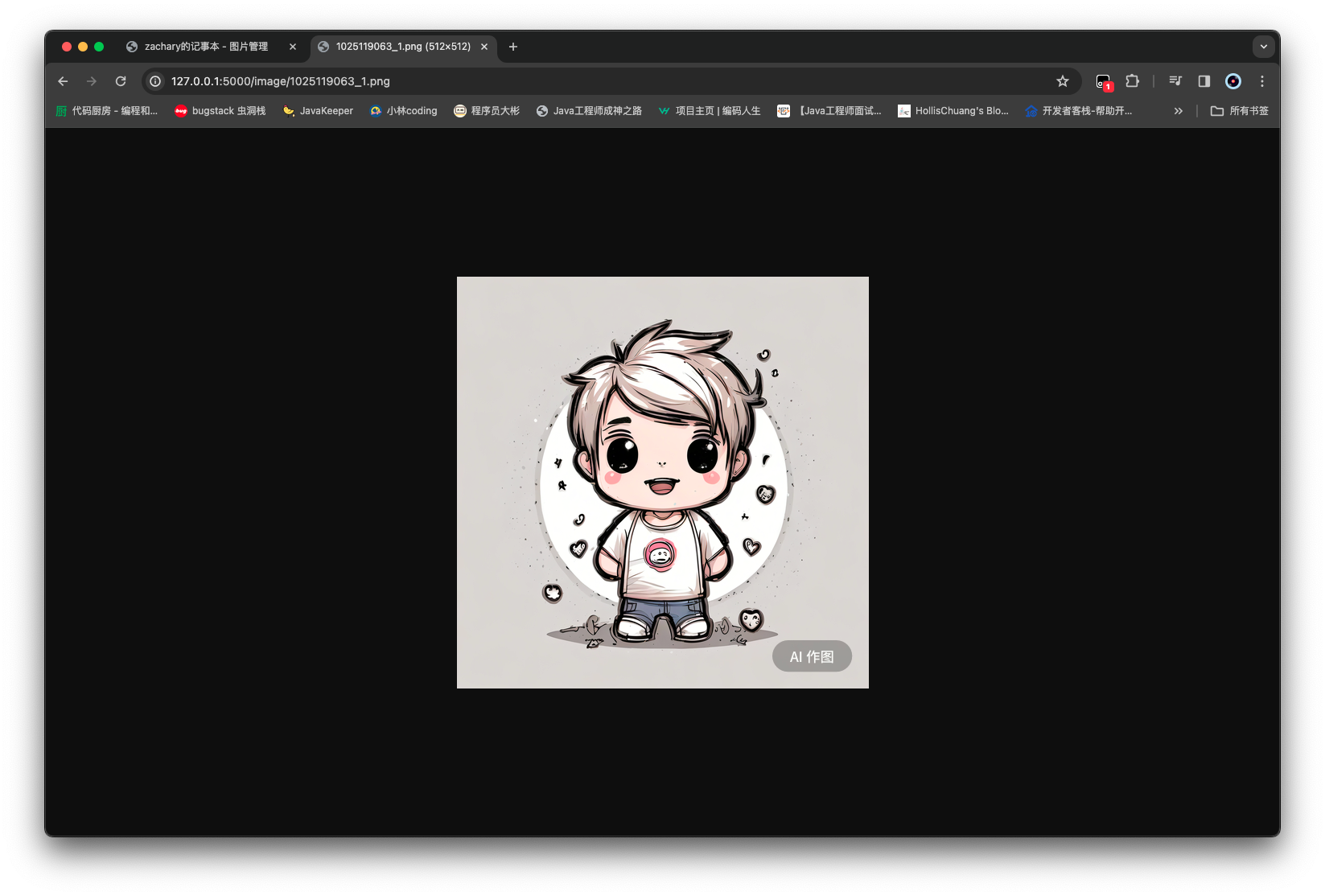
这样可以获取到对应文件名的图片
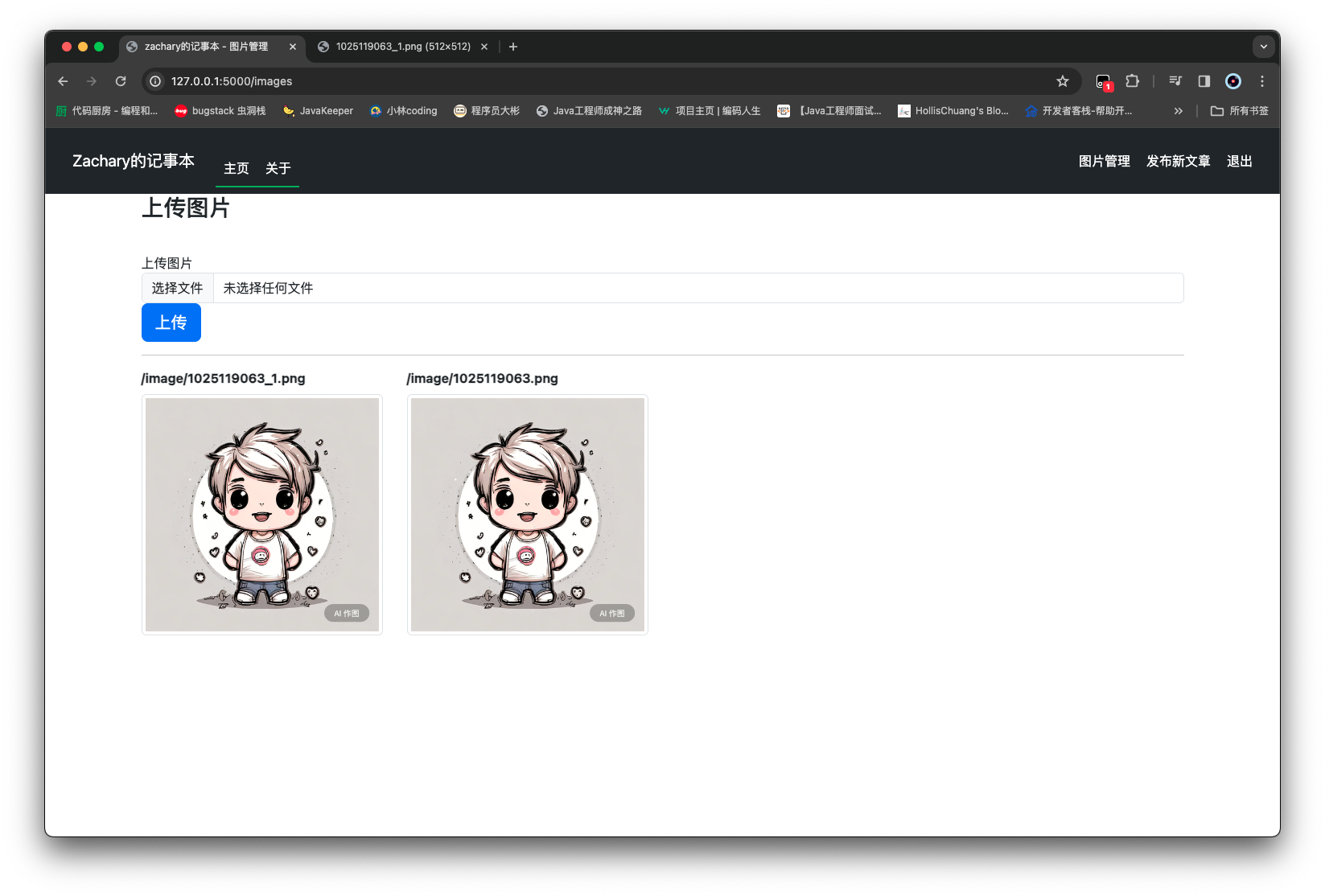
显示所有图片的前端 在images.html处新增一个显示所有图片信息的功能
1 2 3 4 5 6 7 8 9 10 11 12 13 14 15 16 17 18 19 20 21 22 23 24 25 26 27 {% extends 'base.html' %} {% block title %} zachary的记事本 - 图片管理 {% endblock %} {% block content %} <div class ="container-xl" > <form method ="POST" class ="form-signin" enctype ="multipart/form-data" > {{ form.hidden_tag() }} <h1 class ="h3 mb-3 font-weight-normal" > 上传图片</h1 > <br /> {{ form.image.label }} {{ form.image(class="form-control") }} {{ form.submit(class="btn btn-lg btn-primary btn-block") }} </form > <hr /> <div class ="row" > {% if image_filenames %} {% for image_filename in image_filenames %} <div class ="col-md-3" > <b > /image/{{ image_filename }}</b > <img src ="/image/{{ image_filename }}" alt ="" class ="img-thumbnail my-2" style ="width: 300px; height: 300px" /> </div > {% endfor %} {% endif %} </div > </div > {% endblock %}
获取所有图片列表 为了给前端返回所有图片的路径名称,需要一个 service,在/services下创建一个image_service.py
1 2 3 4 5 6 7 8 9 10 11 12 13 14 15 from common.profile import Profileclass ImageService : def get_image_filename_list (self ): image_path = Profile.get_image_path() filename_list = [] if image_path.exists(): for filename in image_path.iterdir(): if filename.is_file(): filename_list.append(filename.name) return filename_list
然后再去修改一下admin_routes.py中images_page的渲染结果
1 2 3 4 5 6 7 8 9 10 11 12 13 14 15 16 17 18 19 20 21 22 23 24 25 26 27 28 29 30 31 32 33 34 35 36 37 38 39 40 41 42 43 44 45 46 47 48 49 50 51 52 53 54 55 56 57 58 59 60 61 62 63 64 65 66 67 68 69 70 71 72 73 74 75 76 77 78 79 80 81 82 from flask import flash, redirect, url_for, render_template, requestfrom flask_login import login_requiredfrom werkzeug.utils import secure_filenamefrom common import utilsfrom common.profile import Profilefrom forms.article_form import ArticleFormfrom forms.image_upload_form import ImageUploadFormfrom models.article import Articlefrom routes import appfrom services.article_service import ArticleServicefrom services.image_service import ImageService@app.route('/create_article' , methods=['GET' , 'POST' ] @login_required def create_article_page (): form = ArticleForm() if form.validate_on_submit(): article = Article() article.title = form.title.data article.content = form.content.data try : ArticleService().add_article(article) flash(f'文章《{article.title} 》创建成功' , category='success' ) return redirect(url_for('home_page' )) except Exception as e: flash(f'文章《{article.title} 》创建失败: {e} ' , category='danger' ) return render_template('create_article.html' , form=form, isEdit=False ) @app.route('/edit_article/<article_id>' , methods=['GET' , 'POST' ] @login_required def edit_article_page (article_id: str ): form = ArticleForm() if request.method == 'GET' : try : article = ArticleService().get_article_by_id(article_id) if not article: flash("文章不存在" , category='danger' ) return redirect(url_for('home_page' )) else : form.title.data = article.title form.content.data = article.content except Exception as e: flash(f'文章获取失败: {e} ' , category='danger' ) return redirect(url_for('home_page' )) if form.validate_on_submit(): article = Article() try : article.id = int (article_id) article.title = form.title.data article.content = form.content.data ArticleService().update_article(article) flash(f'文章《{article.title} 》更新成功' , category='success' ) return redirect(url_for('home_page' )) except Exception as e: flash(f'文章《{article.title} 》更新失败: {e} ' , category='danger' ) return render_template('create_article.html' , form=form, isEdit=True ) @app.route('/images' , methods=['GET' , 'POST' ] @login_required def images_page (): form = ImageUploadForm() if form.validate_on_submit(): image_file = form.image.data image_path = Profile.get_image_path() image_filename = secure_filename(image_file.filename) image_full_path = utils.get_save_filepath(image_path, image_filename) image_file.save(image_full_path) flash(f'图片上传成功, 保存至 {image_full_path} ' , category='success' ) image_filenames = ImageService().get_image_filename_list() return render_template('images.html' , form=form, image_filenames=image_filenames)
在文章中使用图片
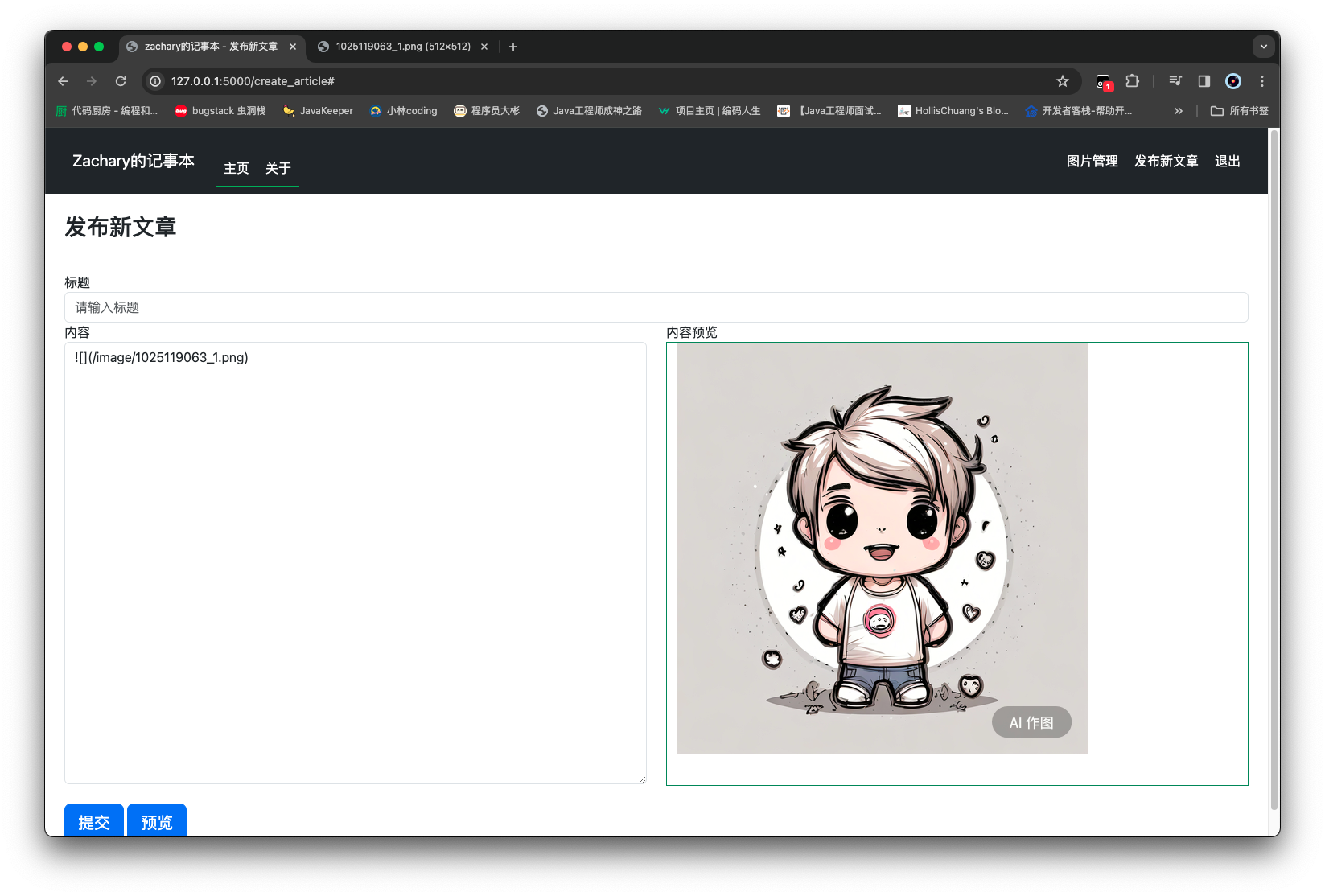
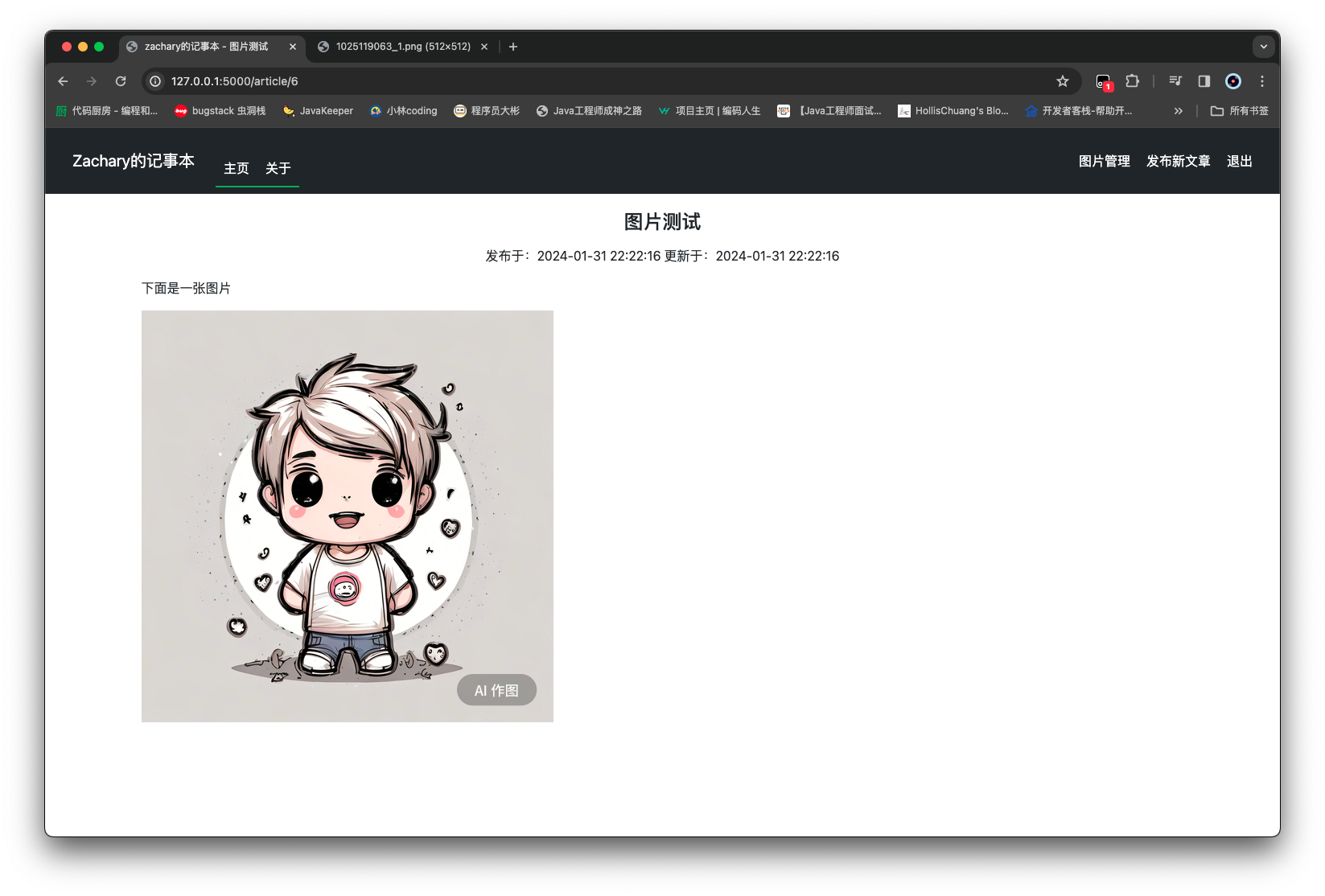
在图片管理的页面可以看到每一张图片上方的文字,在记事本中可以使用 markdown 语法显示该图片
这样上传的记事内容也可以看到图片了
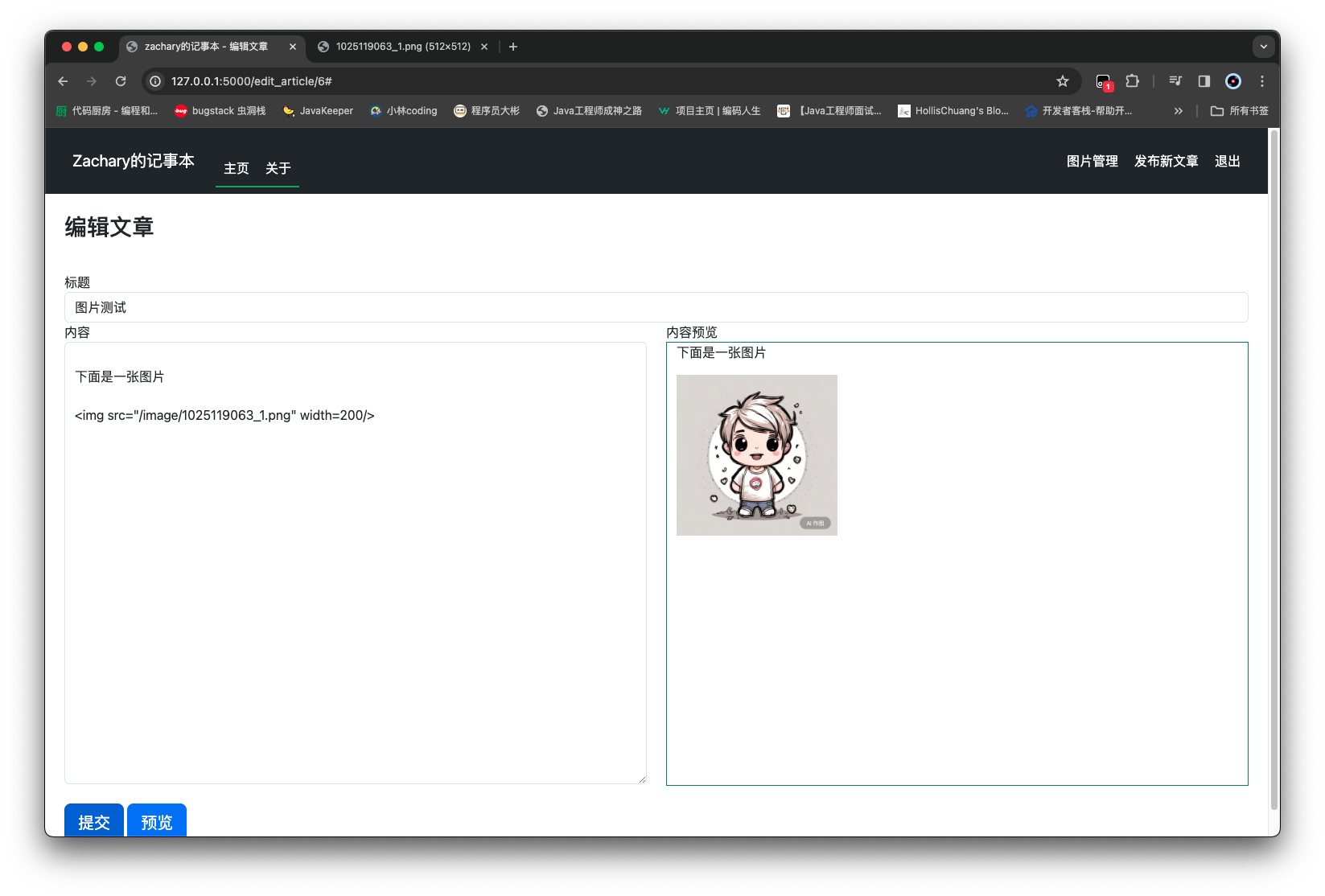
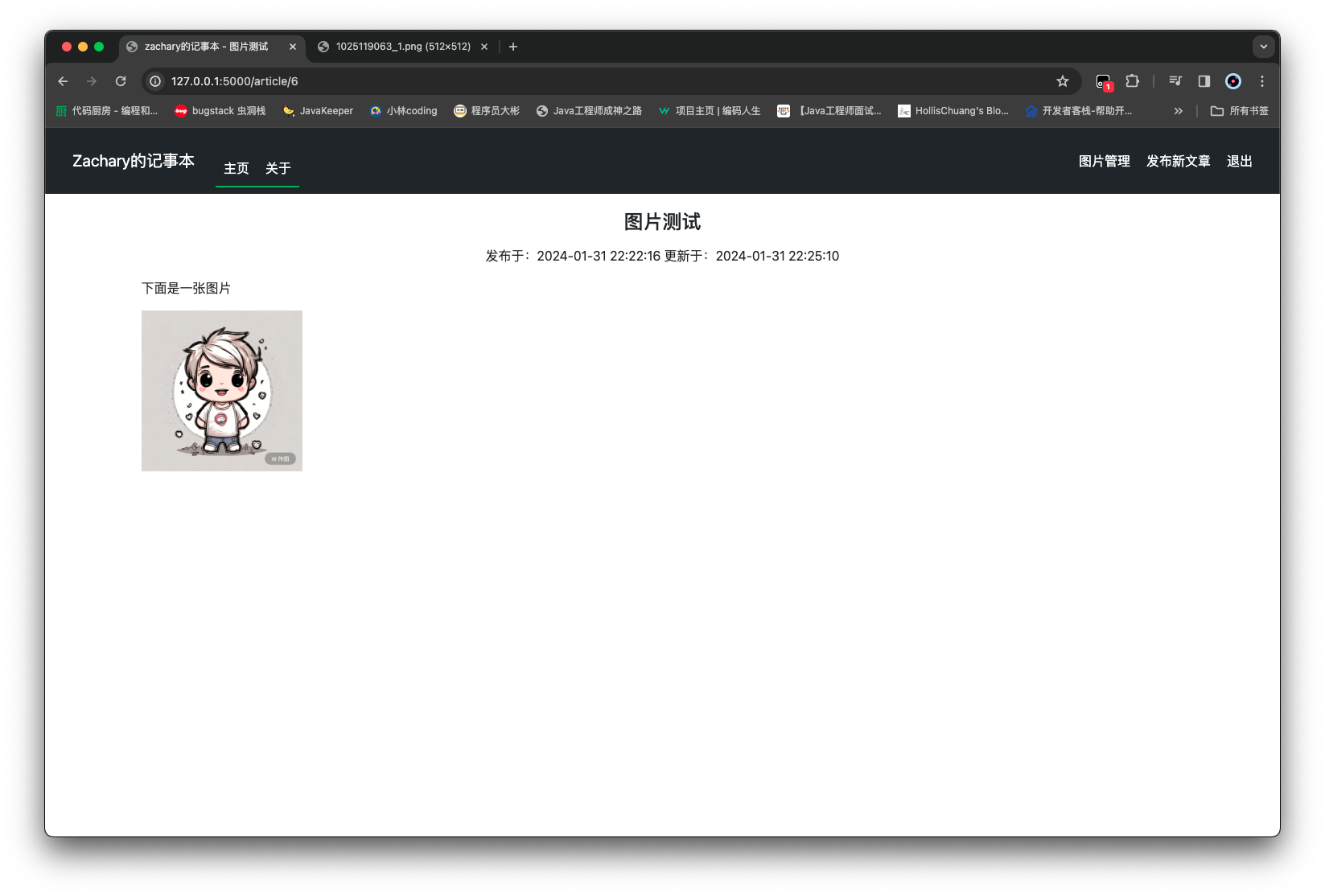
同时也支持 html 语法格式,这样可以很方便地对图片做格式限定
docker 部署 准备工作 1 2 3 4 5 6 7 8 9 10 11 12 13 14 15 16 17 18 19 20 21 22 23 24 import osfrom flask import Flaskfrom flask_login import LoginManagerfrom flask_sqlalchemy import SQLAlchemyMYSQL_HOST = os.getenv('MYSQL_HOST' , 'localhost' ) MYSQL_PORT = os.getenv('MYSQL_PORT' , 3306 ) MYSQL_USER = os.getenv('MYSQL_USER' , 'root' ) MYSQL_PASSWORD = os.getenv('MYSQL_PASSWORD' , '123456' ) MYSQL_DB = os.getenv('MYSQL_DB' , 'mynotebook_db' ) app = Flask(__name__, template_folder='../templates' , static_folder='../static' , static_url_path='/static' ) app.config[ 'SQLALCHEMY_DATABASE_URI' ] = f'mysql+mysqldb://{MYSQL_USER} :{MYSQL_PASSWORD} @{MYSQL_HOST} :{MYSQL_PORT} /{MYSQL_DB} ' app.config['SECRET_KEY' ] = 'zachary123456' db = SQLAlchemy(app) login_manager = LoginManager(app) from routes import user_routesfrom routes import admin_routes
1 2 3 4 5 6 7 8 9 10 11 12 13 14 15 16 17 18 19 20 21 22 23 from sqlalchemy import inspectfrom routes import app, dbimport bcryptdef init_db (): with app.app_context(): inspector = inspect(db.engine) if not inspector.has_table('users' ): from models.user import User from models.article import Article db.create_all() hashed_password = bcrypt.hashpw("123456" .encode(), bcrypt.gensalt()) user = User(account="zachary" , password=hashed_password.decode(), username="zachary" ) db.session.add(user) db.session.commit() if __name__ == '__main__' : init_db() app.run(host='0.0.0.0' , debug=True , port=8080 )
1 2 3 4 5 6 7 8 9 10 11 12 13 14 15 16 17 FROM ubuntuCOPY . /opt/mynotebook/ WORKDIR /opt/mynotebook/ RUN apt update RUN apt-get install -y python3 python3-pip RUN apt-get install -y pkg-config RUN apt-get install -y libmysqlclient-dev RUN pip3 install --upgrade pip RUN pip3 install -r requirements.txt ENV PYTHONPATH=/opt/mynotebook/ENTRYPOINT ["python3" , "app.py" ]
1 2 3 4 5 6 7 8 9 10 11 12 13 14 15 16 17 18 19 20 21 22 23 24 25 26 27 28 29 30 31 32 33 34 version: "3.8" services: mynotebook_server: build: . image: mynotebook container_name: mynotebook_server ports: - "80:8080" links: - mysql_server environment: MYSQL_HOST: mysql_server MYSQL_PORT: 3306 MYSQL_USER: root MYSQL_PASSWORD: 123456 MYSQL_DB: mynotebook_db volumes: - /opt/mynotebook_data:/opt/mynotebook/data depends_on: mysql_server: condition: service_healthy mysql_server: image: mysql container_name: mysql_server volumes: - /opt/mysql:/var/lib/mysql environment: MYSQL_ROOT_PASSWORD: 123456 MYSQL_DATABASE: mynotebook_db healthcheck: test: ["CMD" , "mysqladmin" , "ping" , "-h" , "localhost" ] timeout: 20s retries: 10
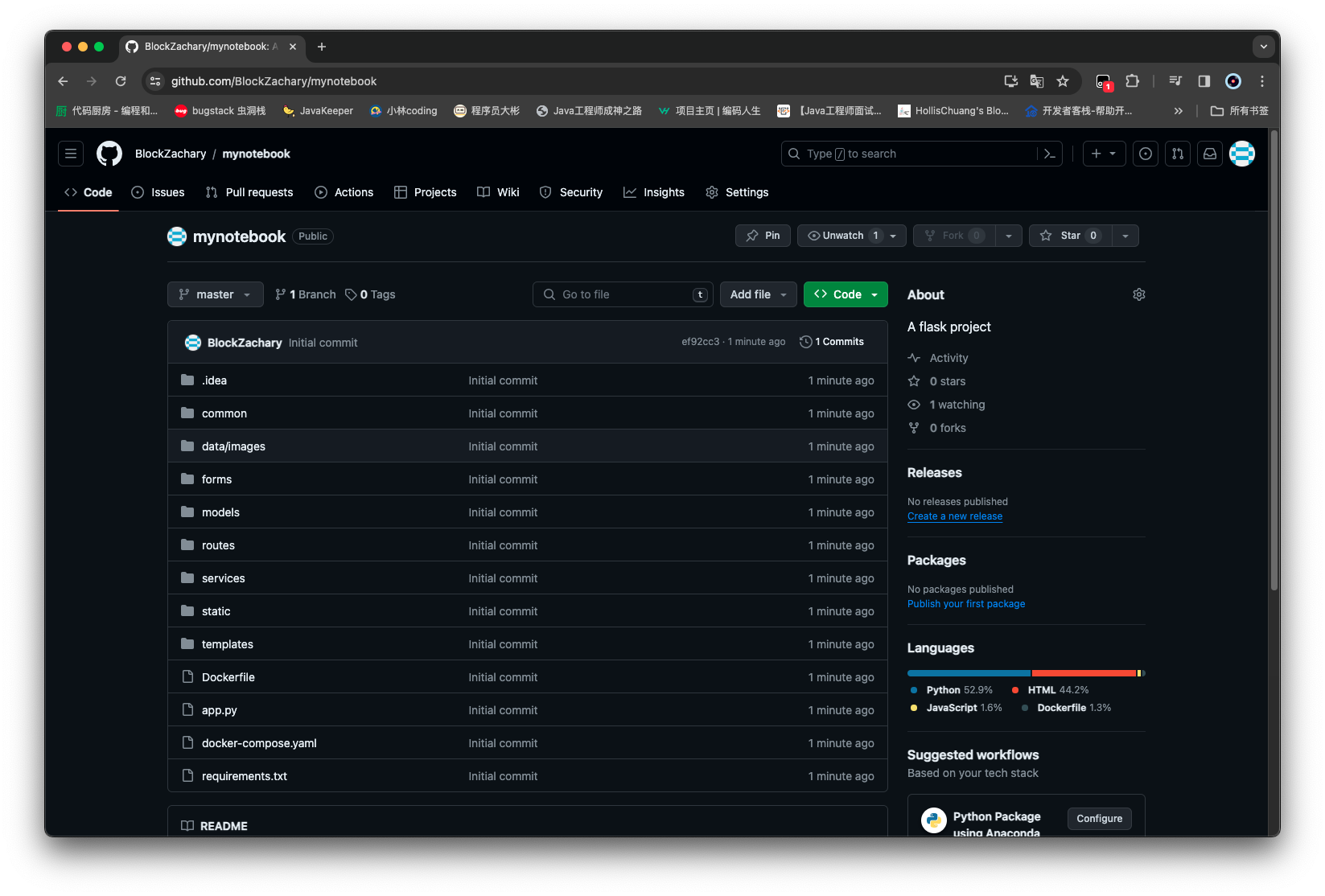
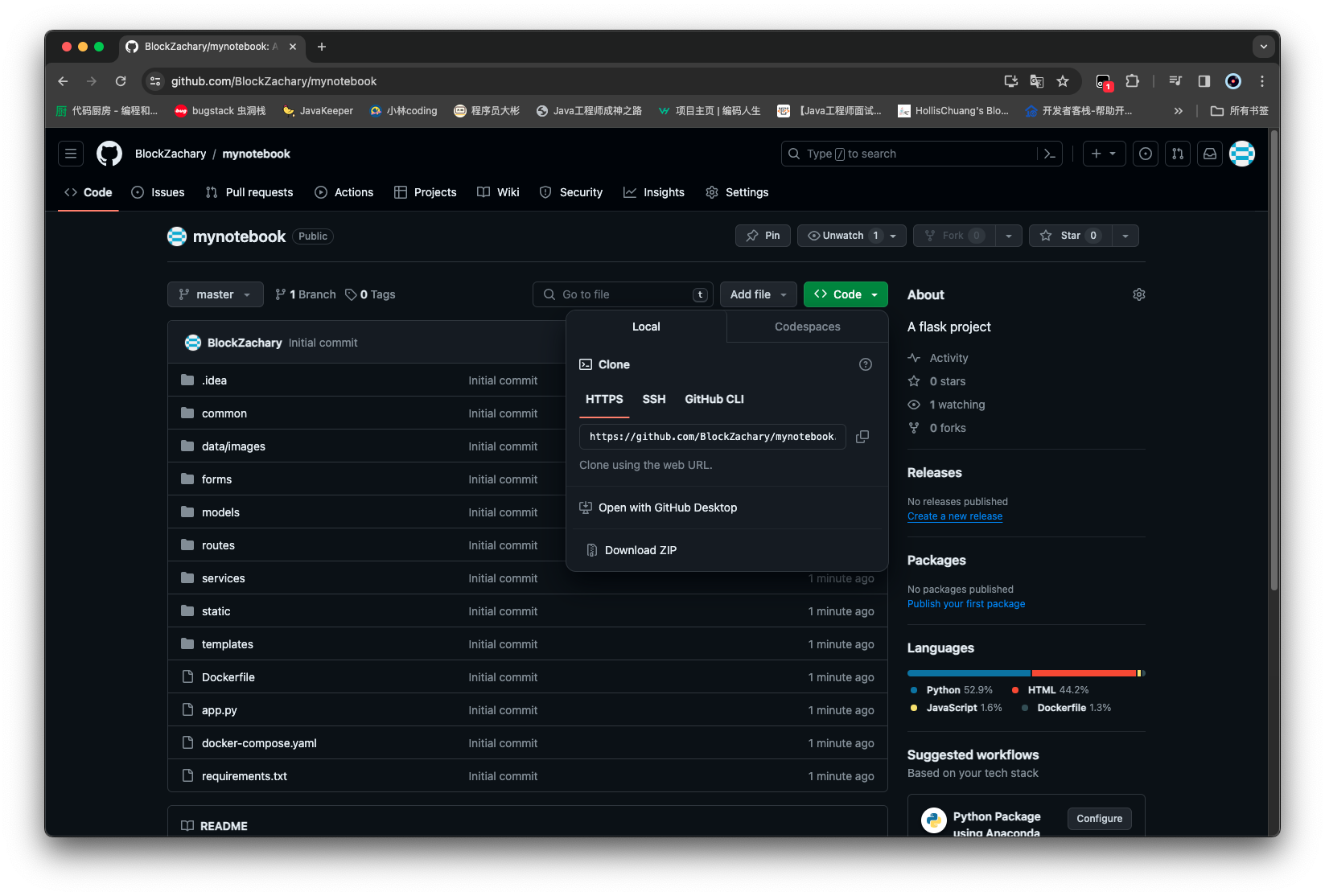
服务器准备代码 完成上面四个部署准备文件后,将代码提交到 GitHub 上面
拿到地址: https://github.com/BlockZachary/mynotebook.git
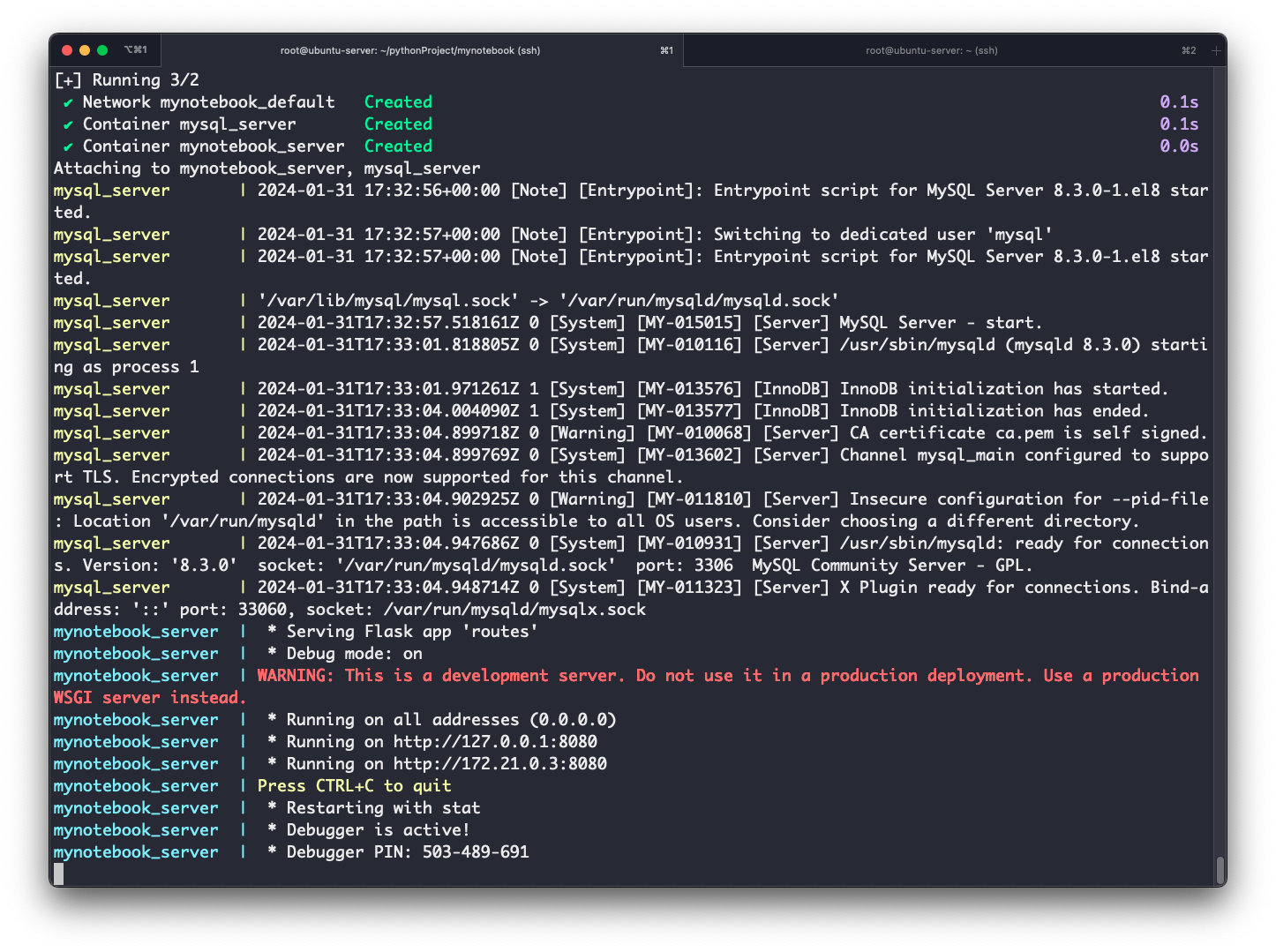
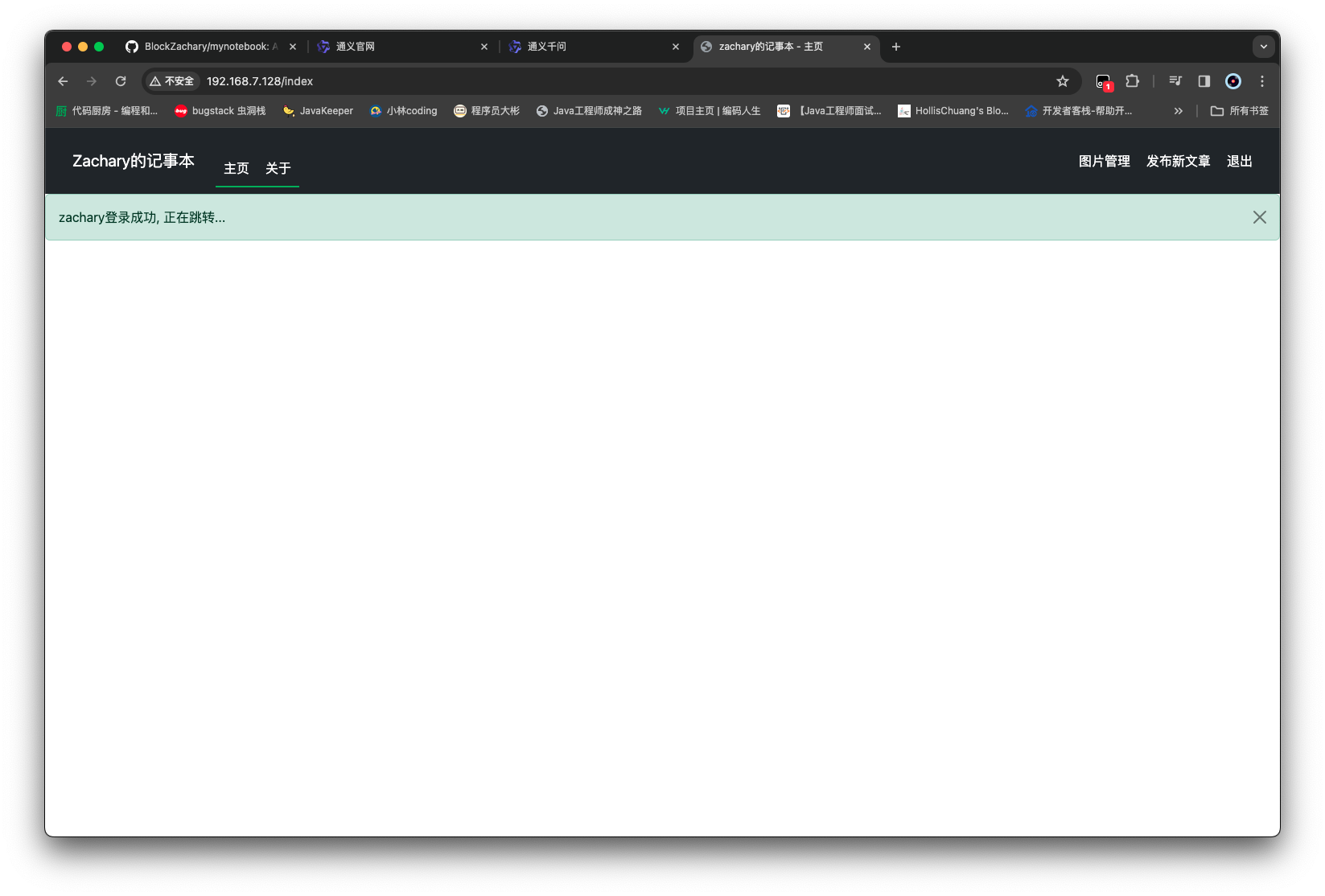
然后去服务器上 克隆一下
1 2 3 4 5 6 7 8 9 10 11 12 13 14 15 16 root@ubuntu-server:~/pythonProject# ls cmdDockerSample cmdEntrypointDockerSample entrypointDockerSample flaskDockerSample root@ubuntu-server:~/pythonProject# git clone https://github.com/BlockZachary/mynotebook.git Cloning into 'mynotebook'... remote: Enumerating objects: 61, done. remote: Counting objects: 100% (61/61), done. remote: Compressing objects: 100% (54/54), done. remote: Total 61 (delta 3), reused 61 (delta 3), pack-reused 0 Unpacking objects: 100% (61/61), 447.81 KiB | 16.00 KiB/s, done. root@ubuntu-server:~/pythonProject# ls cmdDockerSample cmdEntrypointDockerSample entrypointDockerSample flaskDockerSample mynotebook root@ubuntu-server:~/pythonProject# cd mynotebook/ root@ubuntu-server:~/pythonProject/mynotebook# ls app.py data Dockerfile models routes static common docker-compose.yaml forms requirements.txt services templates root@ubuntu-server:~/pythonProject/mynotebook#
然后 build 一下镜像
1 2 3 4 5 6 7 8 9 10 11 12 13 14 15 16 17 18 19 20 root@ubuntu-server:~/pythonProject/mynotebook# docker compose build [+] Building 50.1s (8/13) docker:default => [mynotebook_server internal] load build definition from Dockerfile 0.0s => => transferring dockerfile: 372B 0.0s => [mynotebook_server internal] load metadata for docker.io/library/ubuntu:latest 0.0s => [mynotebook_server internal] load .dockerignore 0.0s => => transferring context: 2B 0.0s => [mynotebook_server internal] load build context 0.1s => => transferring context: 1.76MB 0.1s => CACHED [mynotebook_server 1/9] FROM docker.io/library/ubuntu:latest 0.0s => [mynotebook_server 2/9] COPY . /opt/mynotebook/ 0.1s => [mynotebook_server 3/9] WORKDIR /opt/mynotebook/ 0.0s => [mynotebook_server 4/9] RUN apt update 12.5s => [mynotebook_server 5/9] RUN apt-get install -y python3 python3-pip 37.3s => => # Get:15 http://archive.ubuntu.com/ubuntu jammy-updates/main amd64 perl-modules-5.34 all 5.34.0-3ubuntu1.3 [297 => => # 6 kB] => => # Get:16 http://archive.ubuntu.com/ubuntu jammy/main amd64 libgdbm6 amd64 1.23-1 [33.9 kB] => => # Get:17 http://archive.ubuntu.com/ubuntu jammy/main amd64 libgdbm-compat4 amd64 1.23-1 [6606 B] => => # Get:18 http://archive.ubuntu.com/ubuntu jammy-updates/main amd64 libperl5.34 amd64 5.34.0-3ubuntu1.3 [4820 kB => => # ]
1 2 3 4 5 6 7 8 9 10 11 12 13 14 15 16 17 18 19 20 21 22 23 24 25 26 27 28 29 30 31 32 33 34 35 36 37 38 39 root@ubuntu-server:~/pythonProject/mynotebook# docker compose build [+] Building 424.9s (14/14) FINISHED docker:default => [mynotebook_server internal] load build definition from Dockerfile 0.0s => => transferring dockerfile: 525B 0.0s => [mynotebook_server internal] load metadata for docker.io/library/ubuntu:latest 0.0s => [mynotebook_server internal] load .dockerignore 0.0s => => transferring context: 2B 0.0s => [mynotebook_server internal] load build context 0.0s => => transferring context: 11.39kB 0.0s => CACHED [mynotebook_server 1/9] FROM docker.io/library/ubuntu:latest 0.0s => [mynotebook_server 2/9] COPY . /opt/mynotebook/ 0.1s => [mynotebook_server 3/9] WORKDIR /opt/mynotebook/ 0.0s => [mynotebook_server 4/9] RUN apt update 232.7s => [mynotebook_server 5/9] RUN apt-get install -y python3 python3-pip 128.8s => [mynotebook_server 6/9] RUN apt-get install -y pkg-config 22.6s => [mynotebook_server 7/9] RUN apt-get install -y libmysqlclient-dev 11.1s => [mynotebook_server 8/9] RUN pip3 install --upgrade pip -i http://mirrors.aliyun.com/pypi/simple/ --trusted-h 6.2s => [mynotebook_server 9/9] RUN pip3 install -r requirements.txt -i http://mirrors.aliyun.com/pypi/simple/ --tr 18.8s => [mynotebook_server] exporting to image 4.2s => => exporting layers 4.2s => => writing image sha256:6faeda711c94d58d72fdc430d0304bd8ebe60fef277f2186aa20375fb5bd0133 0.0s => => naming to docker.io/library/mynotebook 0.1s root@ubuntu-server:~/pythonProject/mynotebook# docker images REPOSITORY TAG IMAGE ID CREATED SIZE mynotebook latest 6faeda711c94 39 seconds ago 609MB dbmanager latest 8cea6473ccdd 4 days ago 584MB myos latest eb06c6d74ffa 5 days ago 127MB entrypointdockersample latest d3e54cbe8477 6 days ago 155MB cmddockersample latest 153eeb8273c4 6 days ago 155MB cmdentrypointdockersample latest 01ab92cd6837 6 days ago 155MB myflasksample latest e4e6142e4b41 6 days ago 484MB zacharyblock/myflasksample latest e4e6142e4b41 6 days ago 484MB mysql 8.0 b6188b3dc37c 12 days ago 603MB mysql latest 56b21e040954 12 days ago 632MB ubuntu latest e34e831650c1 2 weeks ago 77.9MB wordpress latest 14425bb2eae9 7 weeks ago 739MB nginx latest a8758716bb6a 3 months ago 187MB hello-world latest d2c94e258dcb 9 months ago 13.3kB nginx 1.24.0 f373f7a623e7 9 months ago 142MB
启动 1 2 3 4 5 6 7 8 9 10 11 12 13 14 15 16 17 18 19 20 21 22 23 24 25 26 27 28 29 root@ubuntu-server:~/pythonProject/mynotebook# docker compose up [+] Running 3/2 ✔ Network mynotebook_default Created 0.1s ✔ Container mysql_server Created 0.1s ✔ Container mynotebook_server Created 0.0s Attaching to mynotebook_server, mysql_server mysql_server | 2024-01-31 17:32:56+00:00 [Note] [Entrypoint]: Entrypoint script for MySQL Server 8.3.0-1.el8 started. mysql_server | 2024-01-31 17:32:57+00:00 [Note] [Entrypoint]: Switching to dedicated user 'mysql' mysql_server | 2024-01-31 17:32:57+00:00 [Note] [Entrypoint]: Entrypoint script for MySQL Server 8.3.0-1.el8 started. mysql_server | '/var/lib/mysql/mysql.sock' -> '/var/run/mysqld/mysqld.sock' mysql_server | 2024-01-31T17:32:57.518161Z 0 [System] [MY-015015] [Server] MySQL Server - start. mysql_server | 2024-01-31T17:33:01.818805Z 0 [System] [MY-010116] [Server] /usr/sbin/mysqld (mysqld 8.3.0) starting as process 1 mysql_server | 2024-01-31T17:33:01.971261Z 1 [System] [MY-013576] [InnoDB] InnoDB initialization has started. mysql_server | 2024-01-31T17:33:04.004090Z 1 [System] [MY-013577] [InnoDB] InnoDB initialization has ended. mysql_server | 2024-01-31T17:33:04.899718Z 0 [Warning] [MY-010068] [Server] CA certificate ca.pem is self signed. mysql_server | 2024-01-31T17:33:04.899769Z 0 [System] [MY-013602] [Server] Channel mysql_main configured to support TLS. Encrypted connections are now supported for this channel. mysql_server | 2024-01-31T17:33:04.902925Z 0 [Warning] [MY-011810] [Server] Insecure configuration for --pid-file: Location '/var/run/mysqld' in the path is accessible to all OS users. Consider choosing a different directory. mysql_server | 2024-01-31T17:33:04.947686Z 0 [System] [MY-010931] [Server] /usr/sbin/mysqld: ready for connections. Version: '8.3.0' socket: '/var/run/mysqld/mysqld.sock' port: 3306 MySQL Community Server - GPL. mysql_server | 2024-01-31T17:33:04.948714Z 0 [System] [MY-011323] [Server] X Plugin ready for connections. Bind-address: '::' port: 33060, socket: /var/run/mysqld/mysqlx.sock mynotebook_server | * Serving Flask app 'routes' mynotebook_server | * Debug mode: on mynotebook_server | WARNING: This is a development server. Do not use it in a production deployment. Use a production WSGI server instead. mynotebook_server | * Running on all addresses (0.0.0.0) mynotebook_server | * Running on http://127.0.0.1:8080 mynotebook_server | * Running on http://172.21.0.3:8080 mynotebook_server | Press CTRL+C to quit mynotebook_server | * Restarting with stat mynotebook_server | * Debugger is active! mynotebook_server | * Debugger PIN: 503-489-69
更新: 2024-02-01 01:39:09https://www.yuque.com/zacharyblock/cx2om6/fuixlxluoen5prgg